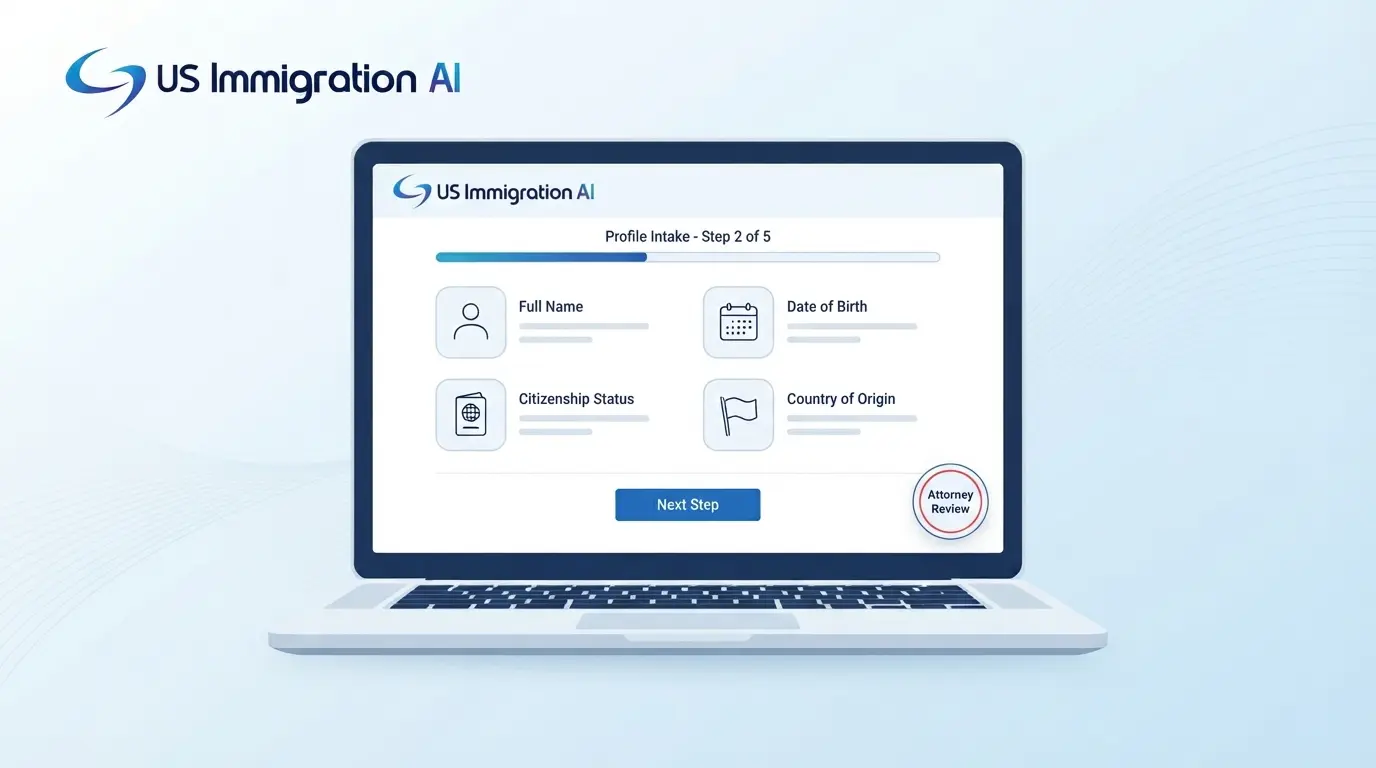

An AI immigration intake questionnaire template is a ready-made set of questions that collects a client's facts before an attorney reviews them. The questions follow the client's case type. Software asks follow-up questions, reads uploaded documents, and flags gaps, and a person on your team checks the result.
This guide starts with the basics of intake, then builds the template section by section: core questions, case-type modules, and red flags. It then adds AI, a staged workflow with attorney review, and the ethics rules for AI that talks to prospective clients.
Key Takeaways
- An intake questionnaire collects the facts an attorney needs to choose the right filing, which goes beyond what any single USCIS form asks.
- Build the template from core sections every client answers, then add modules for family, humanitarian, naturalization, and employment matters.
- Collect structured dates, arrests, and prior orders so risk flags appear before the first consultation.
- AI can ask follow-up questions, read uploads, and write a summary. An attorney decides eligibility and reviews everything before filing.
- Run conflict checks first, tell people they are talking to AI, and check your state bar's opinion before launch.
What Is an Immigration Intake Questionnaire?
An immigration intake questionnaire is the structured set of questions a firm asks a prospective client before it opens a matter. It records who the person is, what they want, and what has happened in their immigration history. Attorneys use the answers to decide whether to take the case and which forms to prepare.
Intake is different from a USCIS form. A USCIS form asks what the agency needs for one benefit request. An intake questionnaire asks for everything the attorney needs to pick the right request, including these early warning signs:
- A prior removal order
- An old arrest, in any country
- A missed deadline or an unanswered agency notice
Legal aid organizations publish useful models. The Immigrant Legal Resource Center (ILRC) includes a sample client intake form in General Screening for Legal Service Providers (September 2025). It covers immigration history, family history, police contact, and fear of return.
The Core Template: Sections Every Matter Needs
With the basics in place, here is the template itself. These sections apply to nearly every immigration matter. Each row lists the questions and the reason for asking, so staff and clients know why a question is there. Edit the rows to fit your practice.
Use a yes, no, or unknown answer for screening questions, and ask for a short narrative when the answer is yes. The ILRC sample form relies mostly on yes and no answers and offers "unknown" on only a few questions. An unknown option lets a client say they are unsure instead of guessing.
A custom intake questionnaire lets your firm write the questions, set their order, and route clients by case type. Three design choices help clients finish the form:
- Split it into short stages and let clients save their answers and return later.
- Make every page work on a phone.
- Write in plain language, with a one-line reason beside each sensitive question.
Case-Type Modules to Add on Top
The core sections cover every client. Modules add the questions each case type needs. They switch on from the case type the client picks or from their answers. A yes to fear of return should open the humanitarian module even if the client chose a family case. Each client then sees only the questions that apply.
Family-Based and Adjustment of Status
Family matters turn on the relationship and on how the client entered the country. See our family-based immigration page for the case types covered. Add these questions:
- Who is the petitioner, and what is their immigration status?
- How and when did the relationship begin, and when did any marriage take place?
- At each entry, was the client inspected and admitted or paroled?
- Are any petitions pending, or were any filed before, with receipt numbers?
- Does a qualifying relative exist for a possible waiver?
- What are the petitioner's household members and income? Our affidavit of support guide explains the form that needs them.
Check for other routes before settling on a family petition. The ILRC form's screening reminders for undocumented clients name these:
- Adjustment under section 245(i)
- Derivative or acquired citizenship
- Parole in place and military naturalization
- Special immigrant juvenile status, TPS, and cancellation of removal
- Registry and the Diversity Visa
Humanitarian Matters
Asylum, VAWA, U visa, T visa, and special immigrant juvenile cases depend on facts a client may find hard to share. See our humanitarian immigration page for the case types. Ask these questions:
- Does the client fear returning to their country, who do they fear, and why?
- What harm did the client or family suffer, and was it tied to race, religion, nationality, political opinion, or membership in a particular group?
- Did the client tell any officer about the fear?
- When did the client last enter the United States? Asylum generally carries a one-year filing deadline under INA § 208(a)(2)(B), with exceptions.
- For abuse and crime cases: what is the abuser's relationship and status, and are there police reports or protection orders?
- For clients under 21: what are each parent's living arrangements, support, and involvement?
Let clients skip a painful question and tell the attorney they would rather discuss it in person.
DACA, TPS, cancellation of removal, and registry matters are built the same way. Each depends on dates, continuous presence, and criminal history, so write each module from the matching form instructions.
Naturalization
Naturalization intake checks residence and conduct over a period of years. See our citizenship and status filings page for the matters covered.
- When did the client become a permanent resident, and on what basis?
- What trips outside the United States did the client take, with dates?
- Has the client filed taxes, and does the client owe child support?
- For men who lived in the United States between ages 18 and 26: did they register with Selective Service?
- Has the client ever been arrested, or claimed to be a citizen?
USCIS issued Policy Memorandum PM-602-0188 on August 15, 2025, on how officers evaluate good moral character. Our post on the good moral character standard explains it. Check the USCIS Policy Manual for the current text, since guidance can be revised or challenged.
Employment-Based Matters
Employment cases need two records: one for the worker and one for the sponsoring employer. See our pages on employment-based immigrant visas and temporary work visas.
- For the worker, ask about identity, travel and status documents, education, work history, and any earlier time in H or L status.
- For the employer, ask for the legal name, tax ID, locations, size, and finances, plus the job offered: title, duties, worksite, and wage.
The I-129 and I-140 collect information about both sides. USCIS revises these forms often. It reportedly issued new I-129 editions in 2025 and 2026, so confirm the edition on the USCIS form page before filing.
H-1B Policy Changes to Capture at Intake
Recent policy changes make H-1B the clearest example of why employment intake needs more than the form's fields. A proclamation effective September 21, 2025 and extended in September 2026 conditions entry of certain new H-1B workers on a $100,000 payment. Courts have set aside agency policies that implement it, litigation continues, and reports say the payment is not currently required.
Intake should record these facts, since they decide how the rules apply:
- Where the worker is now, inside or outside the United States
- The worker's current status and visa
- Whether the petition would request consular or port-of-entry notification
- The wage level the offered wage meets, plus the SOC code and area of employment
Cap registrations are weighted by wage level under a final rule effective February 27, 2026. This area changes quickly, so check USCIS's current H-1B guidance and the proclamation text at filing.
Risk Screens Every Questionnaire Should Include
Once the questions are written, decide which answers should flag a file. Intake is where an attorney first sees facts that limit a case. A structured questionnaire makes those facts easy to find, and the attorney confirms what each one means.
- Entries and exits should be rows in a table, not a text box. Exact dates let the software flag a stay of more than 180 days or a year. The attorney then checks it against the unlawful presence bars in INA § 212(a)(9)(B). Those thresholds are a design suggestion.
- Reentering or trying to reenter without inspection can trigger a permanent bar. It applies if the client had more than a year of unlawful presence or a removal order. See INA § 212(a)(9)(C). Ask about both.
- Arrests need the date, place, statute, outcome, and sentence, plus whether the record was vacated or sealed. Ask about arrests in other countries too, as the ILRC form does.
- A claim to U.S. citizenship can trigger a separate ground in INA § 212(a)(6)(C)(ii).
- DHS rescinded the 2022 public charge regulations in a rule published in the Federal Register on July 20, 2026. It took effect September 18, 2026. Officers now decide case by case and may weigh age, health, family status, finances, and education and skills, so collect facts on each.
Tag every question with the form, part, item, and edition it feeds. USCIS lists the current edition on each form's page at uscis.gov/forms, and it may reject filings on outdated editions. A tag tells you which questions to update when an edition changes.
The I-485 shows why. A new edition dated 09/18/26 is reported to be required for filings on or after that date. Secondary sources report that it asks whether the applicant has ever received a means-tested public benefit. Check the current form before you finalize your questions.
Where AI Fits in Intake and Where It Stops
With the questions and flags defined, AI can do much of the collecting. It adds three things to a static form: follow-up questions, document reading, and a summary for the attorney. In practice that looks like this:
- If a client says yes to an arrest, the tool asks for the date, place, charge, and outcome.
- The software reads files a client uploads and pulls out details such as birth dates and marriage dates. Document data extraction then places them in the matching form fields.
- The tool flags blank required fields and dates that conflict with each other.
- Some tools let clients answer in their own language. Our guide to setting up bilingual intake covers the setup.
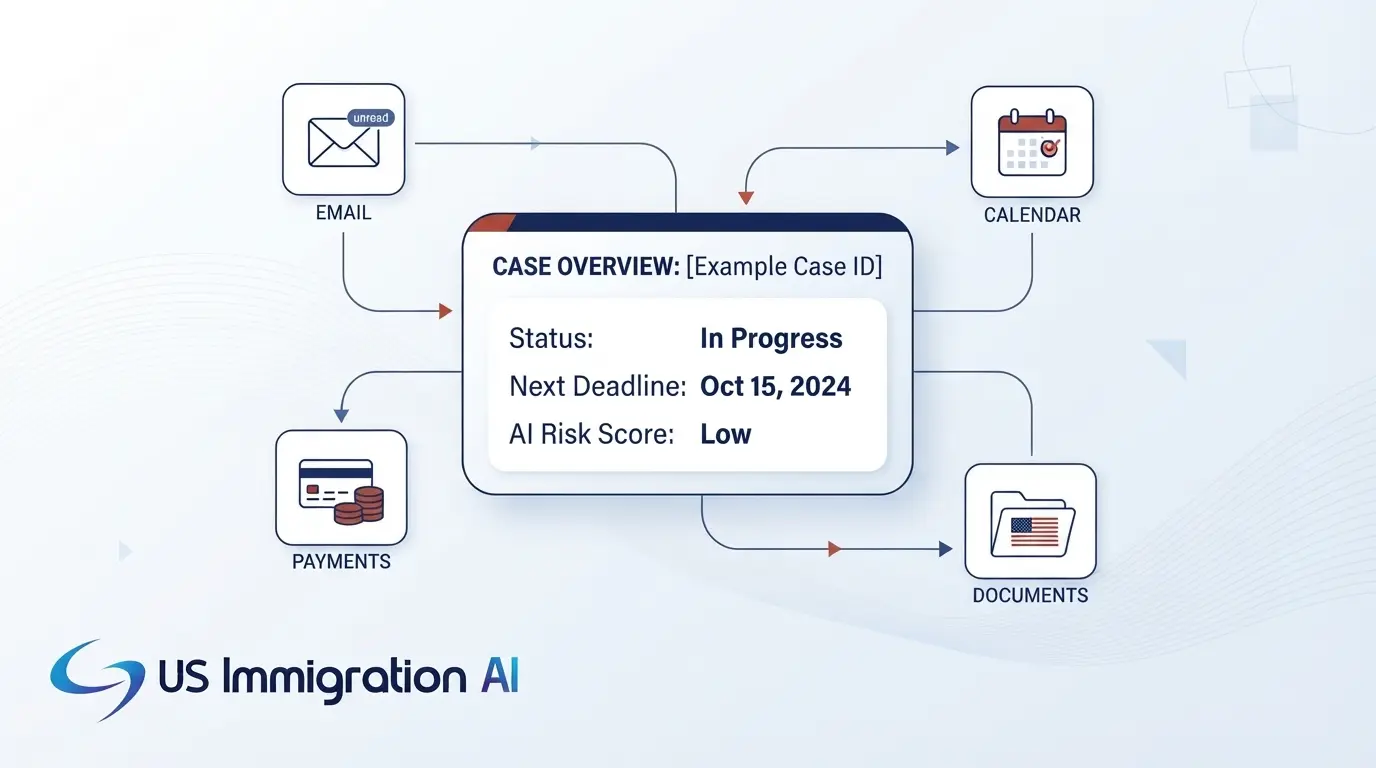
- Each conversation becomes a one-page summary for your attorney.
The tool collects facts and routes them to a lawyer. It does not accept a case, give advice, or decide eligibility. Features such as AI visa eligibility screening flag possible pathways, and the attorney makes the determination.
How a Staged Intake Flow Works
Question order matters as much as the questions, and AI works best inside a fixed sequence. Collecting too much too early creates conflict and privacy problems. One workable sequence has six stages.
- Contact and conflict details. Ask for names, adverse parties, and a short description of the matter. That is enough to run a conflict check.
- Conflict check. A person on your team reviews the result and logs the decision before substantive questions begin. Oregon's Formal Opinion 2026-208 (February 2026) says to enter prospects who share disqualifying information into the conflict system promptly.
- Screening facts. Ask about the client's goal, current status, and urgency, including detention, court dates, and agency notices.
- Engagement. The client signs an engagement letter before the full questionnaire. An AI retainer step can draft the letter from intake data for a lawyer to review.
- Full questionnaire. The client completes the core sections and any case-type modules. The AI asks follow-ups and reads uploads. Passport numbers, Social Security numbers, and A-Numbers belong in a secure client portal.
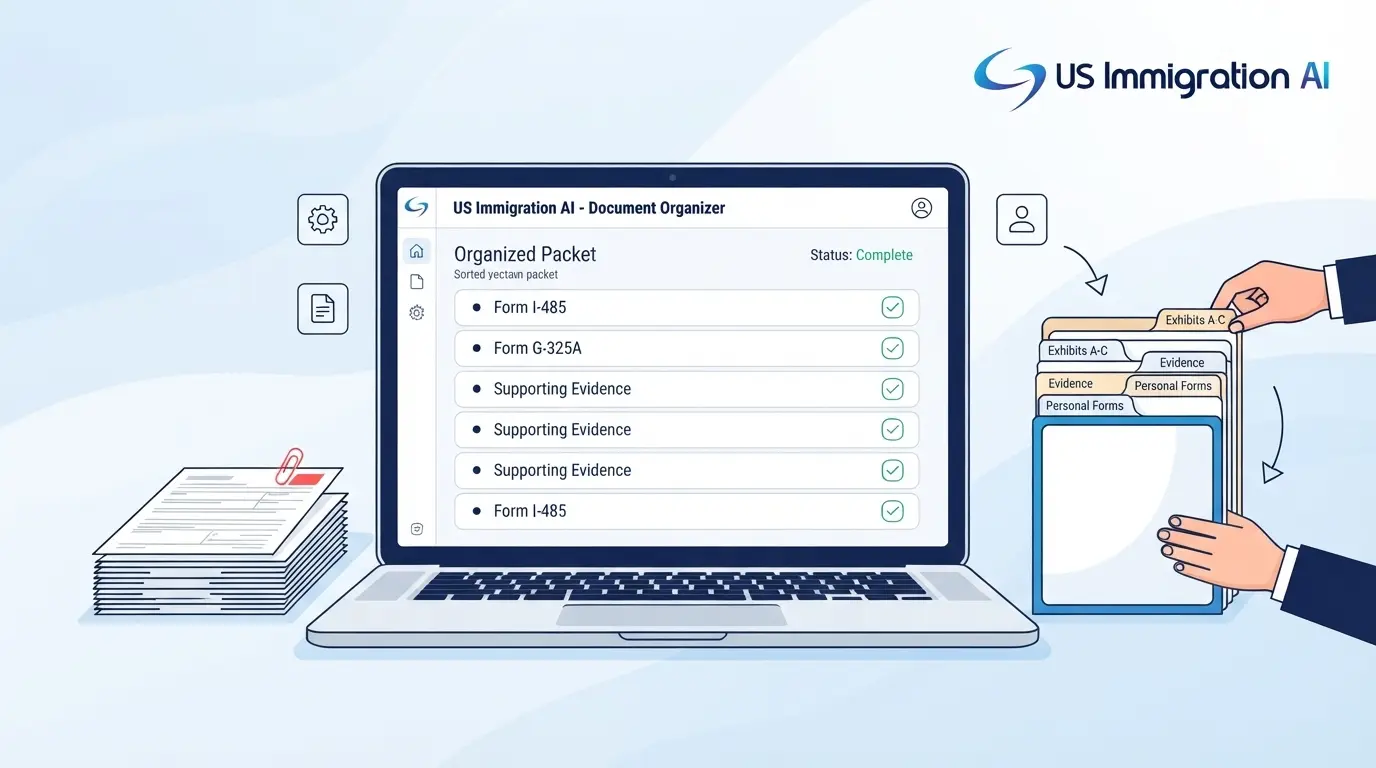
- Attorney review. An attorney reads the summary, the flags, and the extracted values. Auto-fill for USCIS forms can then carry the answers into form drafts, which the attorney checks again before filing.
The six-stage order is a suggested design, not a standard set by any bar. Some firms collect criminal history and identity details before engagement to decide whether to take a case. If yours does, the duties to prospective clients under ABA Model Rule 1.18 still apply to everything collected.
Ethics and Privacy Checklist for AI Intake
A staged flow also keeps you inside the ethics rules. Several bars have addressed AI tools that talk to prospective clients. The points below draw on ABA Formal Opinion 512 (July 2024), Florida Opinion 24-1 (January 2024), and the Oregon opinion above. Your own state's rules may differ, so check them first.
- Tell people on the first screen that they are talking to an AI program. Florida says lawyers must tell prospective clients this, and Oregon warns that an unidentified chatbot could be misleading.
- State that the tool is not a lawyer and that no attorney-client relationship exists yet. Oregon recommends clear disclaimers.
- Keep the tool from giving legal advice. Florida warns against chatbots that do, and Oregon ties legal advice by a chatbot to unauthorized practice concerns.
- Explain what you collect, why, how long you keep it, and whether the vendor uses it to train models. Florida asks lawyers to understand whether a program is self-learning.
- Notify a lawyer of each conversation and allow prompt review. Oregon says a lawyer should decide whether a relationship formed.
- Require lawyer approval before the tool sends anything that acts for the firm, such as an engagement letter.
- Check vendor security, breach reporting, and what the vendor keeps after your service ends. Florida lists these. Oregon ties them to Rule 5.3.
- Seek informed consent where client information goes to a third-party program. Florida says consent is generally needed in that case, and ABA Opinion 512 requires lawyers to protect all client information.
- Offer a way to reach a human, with a fast path for detention and deadlines. This is a practice suggestion, not a rule from the opinions.
Immigration-Specific Guidance
Two sources address AI use in immigration practice directly.
- EOIR Policy Memorandum 25-40, "Use of Generative Artificial Intelligence in EOIR Proceedings" (effective August 8, 2025), does not ban generative AI. It sets no disclosure rule of its own, though individual judges may adopt standing orders. It warns that fabricated citations can lead to discipline and says attorneys may need to consult clients about AI use.
- The Catholic Legal Immigration Network published How to Safely Incorporate AI Into Your Immigration Practice (updated December 2025). It advises against entering client-identifying information into public AI tools. It suggests a written AI disclosure in retainer letters.
Intake is not a filing, but intake facts end up in filings, so the review step carries over. Our posts on attorney oversight of AI and immigration software data security go deeper.
How to Evaluate an AI Intake Tool
AI intake tools generally fall into three groups. Some automate questionnaires built around immigration forms. Some are conversational agents that answer chat, text, and phone inquiries. Some draft documents after intake is done. A firm may need more than one group, and AI Intake from US Immigration AI covers the first two.
The ethics checklist above doubles as a screen for any of them. Apply it to every tool, then ask these further questions:
- Can you build and change branching questionnaires for each case type yourself?
- Can each question be tied to a USCIS form, part, and item?
- Which languages does it support, and who checks translation quality?
- What does it do with a document it cannot read?
- Can you export your data in a usable format?
- Is it priced per user, per matter, or per lead?
Then run a short pilot on live intake with a supervising attorney. Count the corrections your team makes to extracted values and summaries. Those numbers show how a tool performs on your own caseload.
Grow Your Caseload With US Immigration AI
US Immigration AI runs intake across chat, web forms, SMS, and email. It then hands your attorneys a summary ready for review. You write the questions and set the routing rules for each case type. Schedule a demo to see how it fits your firm.
Frequently Asked Questions