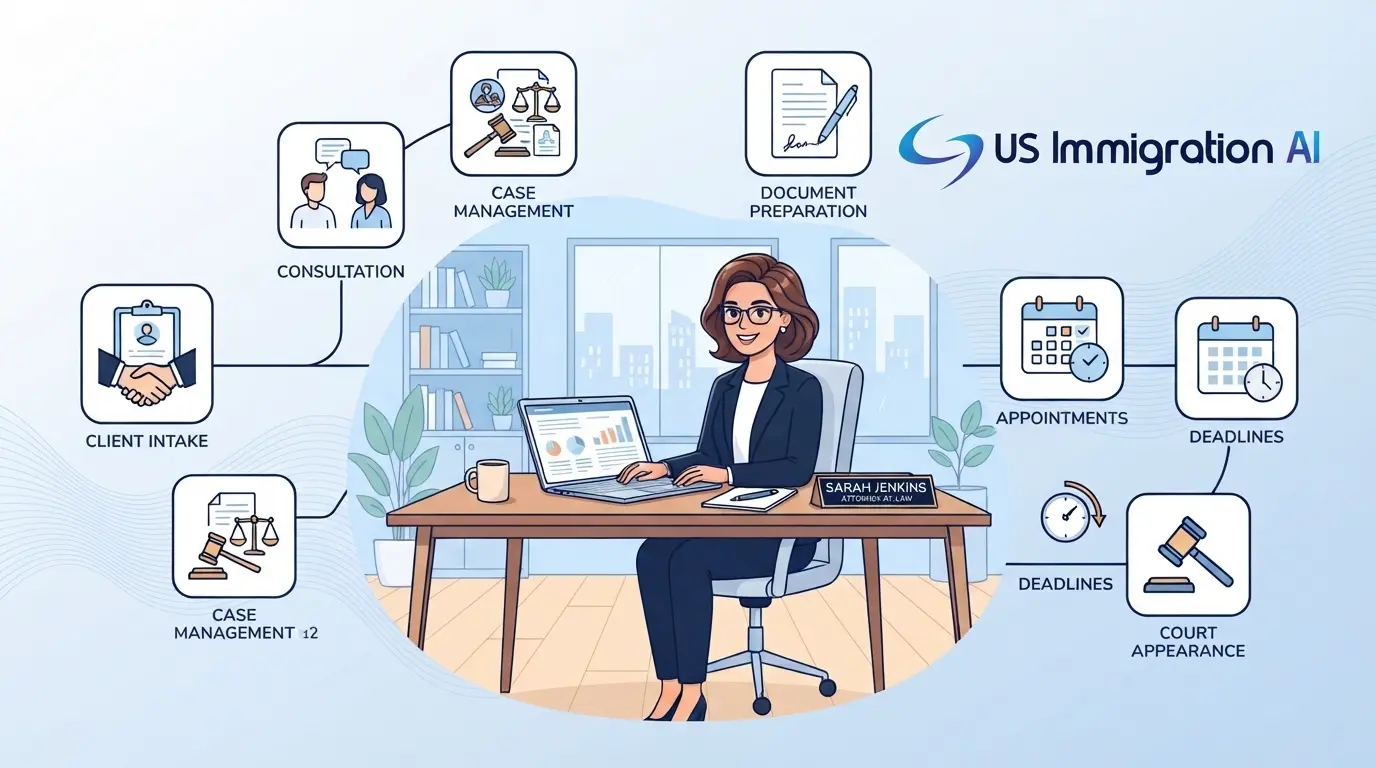

Immigration software data security keeps your clients' private files safe from theft, hacking, and simple mistakes. Immigration files hold some of the most sensitive data a firm ever touches. A single case can include passports, tax returns, Social Security numbers, and fingerprints.
That mix makes these files a prime target. Modern case management software was built to protect exactly this kind of data. This guide shows where old methods leave gaps, and how the right tools close them.
Key Takeaways
- Email and spreadsheets cause most data leaks at immigration firms.
- A secure portal keeps every file in one safe place and shows clients where their case stands.
- Access controls set who can open each file, and audit logs record every action.
- Certifications like SOC 2 Type II prove an outside auditor tested a vendor's security over time.
- You can switch to secure software slowly, one new case at a time, with a lawyer checking every file.
Where Legacy Workflows Leave Client Data Exposed
Most data risk at immigration firms starts with everyday habits. Unencrypted email and loose spreadsheets create more exposure than anything else. Three gaps show up again and again.
Email Attachments
Standard email was never built to carry private files. A birth certificate sent this way can be stolen in transit. The inbox is also a favorite target for scams. An attacker might pose as a client or coworker to trick your staff. And once a document lives in an email thread, you lose track of where it travels.
Spreadsheets on Local Drives
A spreadsheet on a local drive is easy to copy, and staff can move it onto a personal device in seconds. A single file can hold your entire client list, which turns one careless download into a firm-wide risk.
Everyday Human Error
A small typo can send private records to the wrong person. It happens more often than firms admit, and it creates a real compliance problem. Keeping client information private is also an ethical duty. It falls under ABA Model Rule 1.6(c). That rule asks lawyers to take reasonable steps to keep client data from leaking or being accessed without permission.
The risk is well documented. The ABA's 2023 Cybersecurity TechReport found that 29% of surveyed firms had experienced a security breach at some point. For a practice holding passports and financial records, that is a risk worth designing against.
What Secure Immigration Software Protects
Secure immigration software fixes these gaps by keeping client data in one protected system instead of scattered emails and local files. The data sits in an encrypted platform, which means it is scrambled so only authorized people can read it. The sections below walk through each layer of protection: the client portal, internal access controls, phishing defenses, independent certifications, electronic signatures, and AI privacy.
How Secure Client Portals Change the Client Experience
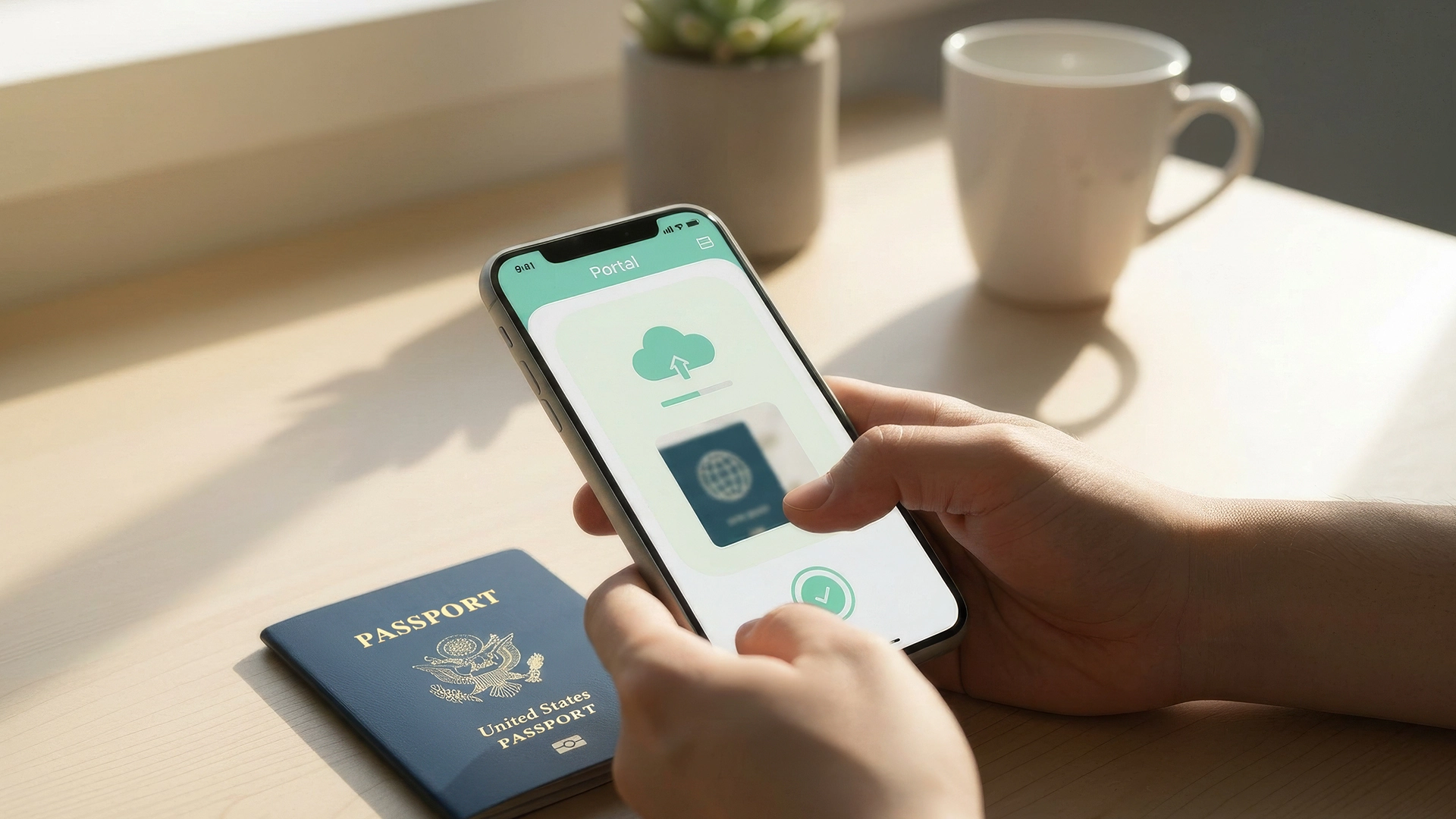
A secure client portal moves file sharing out of email and into one protected place. Clients upload documents directly, and your firm sees everything on a single screen. For the client, the stress of guesswork fades. They can watch their case move forward instead of wondering what happens next.
The portal also turns a long list of demands into simple, check-the-box tasks. Clients know what to send and when. You can read more on the secure immigration client portal and how document collection works.
Controlling Who Can See What Inside Your Firm
Good security also controls access inside your own walls. Two tools do most of this work: role-based access and audit logs. Together, they decide who can open a file and create a record of who did what.
Role-Based Access Control
Role-based access limits each person to the cases their job requires. A paralegal sees only their assigned files. Your high-value corporate accounts stay out of view, and bulk download buttons are hidden for that role.
This matters most during staff turnover. On an old shared drive, a departing employee could copy your entire client list in minutes. With access controls, you switch their account to inactive in one click. Their access then ends across every device at once.
Audit Logs
Audit logs turn arguments into facts. When a client insists they uploaded a file weeks ago, you can check the record in seconds.
The record settles it three ways. If the upload is there with a timestamp, you apologize for the delay and move the file forward. If they logged in but sent nothing, you guide them through it on the spot. And if they uploaded late, you have a clear record that protects your firm from a groundless complaint.
How the Software Blocks Phishing Attacks
Secure software keeps your files out of the inbox, which is where most phishing attacks land. If a staff member clicks a bad link, the attacker reaches an email account and little else. Your case files sit in a separate system that requires its own login.
Two more layers back this up. A multi-factor login means a stolen password alone is useless. Signing in also requires the staff member's phone or a security key. The system also watches for logins from unfamiliar places and can shut down a suspicious session on its own.
What Security Certifications Like SOC 2 Mean
SOC 2 Type II and ISO 27001 are independent proof that a vendor's security works. An outside auditor reviews the vendor's practices and confirms they do what they claim. For a lawyer, that proof supports the duty to keep client information private under ABA Model Rule 1.6.
A simple comparison helps. A SOC 2 Type I report checks whether a policy exists on a single day, like buying a gym membership. A SOC 2 Type II report means an auditor watched the vendor follow that policy for months. That is like proving you actually trained all year.
These standards also help you win corporate work. Big employers often audit their immigration counsel before sending H-1B and other employment-based cases. A certified software partner lets you answer their security questionnaires fast, which helps you land those accounts. You can see how this fits together on the data security and compliance page.
Tamper-Proof Electronic Signatures
Built-in electronic signatures protect documents that paper leaves exposed. Printing and scanning produces flat image files that are easy to alter or intercept. A form signed inside secure software is different: it carries a digital seal and a verifiable record.
If someone alters a birth date after the form is signed, the platform voids the signature and alerts your firm. Each signed form also carries a completion record with timestamps, so you have proof of exactly what the client approved. Because the file never leaves the system, it stays off the open web. This is part of how the AI retainer workflow handles agreements and signatures.

Keeping Client Data Out of Public AI Models
AI can save real time on case prep, and good legal software keeps your data private while it does. The worry is fair: free consumer AI tools can use what you type to help train future public models. Legal platforms are built differently, with privacy designed in from the start. The ABA addressed this directly in its Formal Opinion 512 (2024). The opinion confirms that the duty to protect client information still applies when lawyers use AI.
Here is how that protection works in plain terms. The software connects to AI providers under strict contracts that bar your data from being used to train their models. Your files are read briefly to draft a form, then cleared rather than stored. People call this zero data retention.
Your case files also stay inside your firm's own database. The AI reads only the facts it needs to fill a form, and it does not absorb or keep your documents. That lets the AI legal document drafting tool speed up filings while a lawyer reviews every result.

The Golden Rule: If It Didn't Happen in the System, It Didn't Happen
Even the best software depends on the people who use it, so one simple rule keeps everyone aligned. Treat any work done outside the system as work that did not happen. Client data only ever gets handled inside the platform.
In practice, this comes down to one habit. When a client emails an attachment, staff do not download or open it. They reply with a template that points the client to the secure portal, then delete the email. That keeps your audit trail clean and keeps private files off personal computers.
Making the Move Without a Chaotic Migration
You do not have to move everything at once, and you should not try. A "day one forward" plan works best. Keep your current setup running for active files, and open every new client in the secure system.
Your staff only learns one new case in the first week, so confidence builds gradually. Over the next few months, your older cases close out on their own. The vendor's migration team can then move any remaining data on a schedule that suits you.
Where This Leaves Your Firm
Most data risk at an immigration firm is preventable with the right setup. A secure portal, sensible access controls, real certifications, and a single-system habit remove the weak points that email and spreadsheets create. The payoff is a practice that protects clients and frees your staff to focus on the work that needs a lawyer.
Grow Your Caseload With US Immigration AI
US Immigration AI keeps your whole case process in one secure platform. That covers intake, payments, documents, drafting, and case assembly, with a lawyer reviewing every file. If you want to protect client data and take on more cases with the same team, schedule a walkthrough. We will show you how a secure workflow looks for your firm.
Frequently Asked Questions