
Close the Gap Between Consultation and Signed Engagement
An unsigned retainer is a client you haven't closed yet. The longer it sits in someone's inbox, the more likely they cool off or call another firm.
Instant Agreements
Faster Signatures
No Stalled Onboarding
Attorney Approved
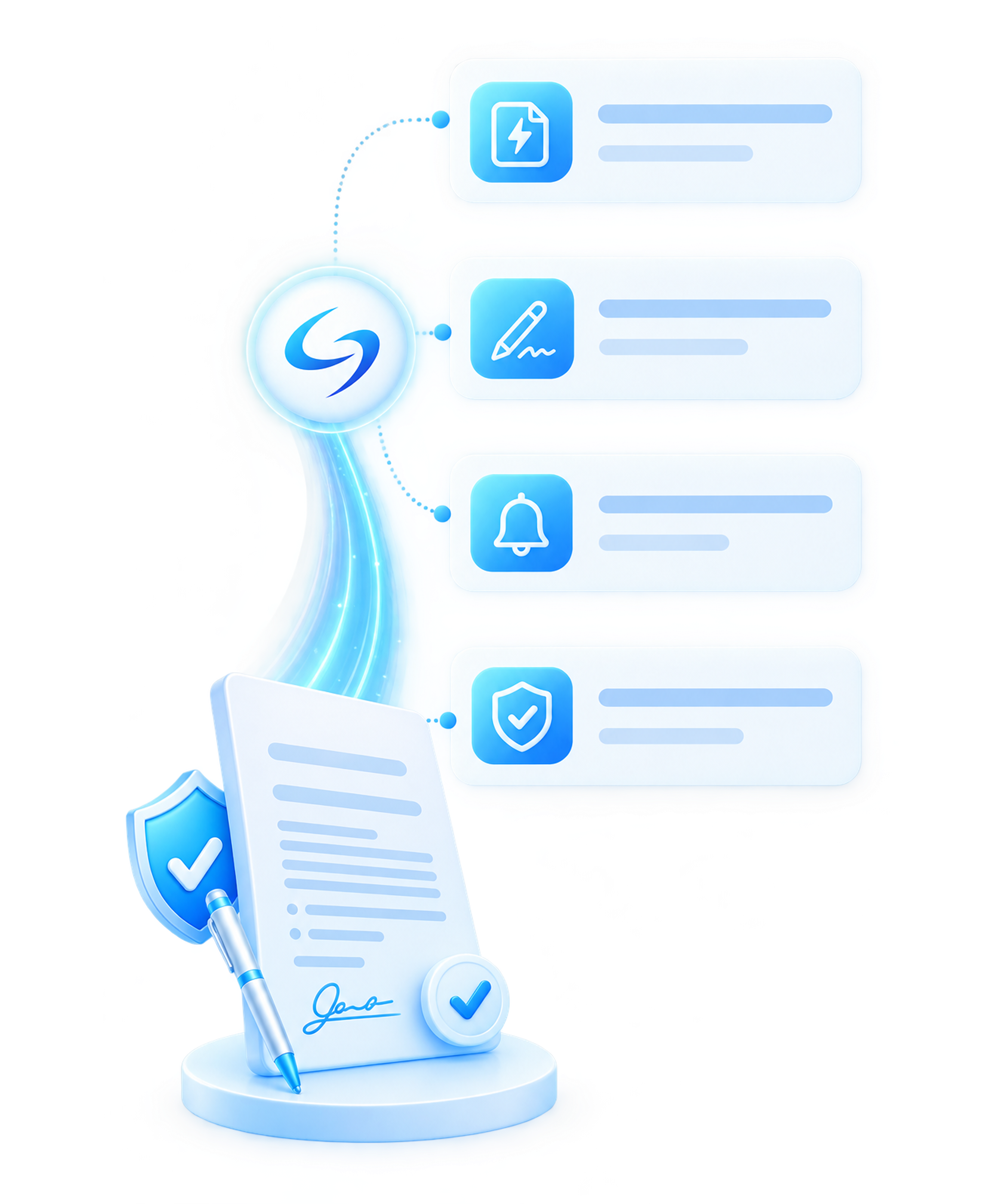
From Consultation to Signed, Step by Step
Set Your Engagement Terms
Templates and fee structures live in the system by case type, so each agreement starts from language you already approved.
Draft the Agreement Automatically
Once a lead qualifies, the system builds their engagement letter from the intake data. No retyping.
Send and Track Signatures
Send it for e-signature and see where it stands: signed, pending, or waiting on the client.
Chase Unsigned Agreements
Email and text reminders go out on their own until the client signs.
Onboard the Moment They Sign
A signed retainer opens the client file and moves them into the active case workflow.
Keep Your Attorneys in Control
Every agreement waits for a lawyer's review and approval before it reaches the client.
Features
What the Platform Handles for You
Drafting and signing are only part of it. The tools below keep every open retainer organized in one place, each tied to a single client record.
Template Library
Your templates and fee fields stay in one place, and new agreements always pull the latest version.
Onboarding Dashboard
Every pending and signed retainer sits in one view, sorted by what needs your attention.
Multi-Matter Tracking
One client can hold several active matters without spinning up duplicate records.
Signature Records
A timestamped log shows who signed each retainer, and when.
Reminder Controls
Change the reminder timing, or pause follow-ups for a particular client.
Status Alerts
Get a flag the moment an agreement stalls, before it slips anyone's mind.
Replace Hours of Manual Engagement Work
Most of the engagement process is repetitive, and it eats the hours your staff could spend on signed clients. The software takes those repeatable tasks off their plate.
Retainer Administrators
engagement letters by hand.
Onboarding Coordinators
and opening case folders.
Follow-Up Clerks
down unsigned agreements.
Simple, Transparent Pricing
Pick the model that matches how your firm grows. You can switch as your case volume changes.
Per-Application Pricing
All-In-One Service
Built for Immigration Law, Not Generic Legal Software
Generic legal tools don't know an O-1 from an I-130. The platform is built around immigration case types and how firms actually retain clients.
Immigration Case Types
USCIS-Style Workflow
High-Volume Ready
More than a CRM or an e-signature app, the platform is a retainer system built for immigration practices.
Built to Support Compliance and Data Security
Secure Data Handling
Controlled Access
Attorney-Reviewed Outputs
Traditional Retainers vs. Automated Retainers
Retype the same engagement letter for every client.
Lose track of who signed and who didn't.
Chase unsigned agreements by phone and email.
Wait days while new clients wait to get started.
Depend on staff hours to move onboarding forward.
Generate agreements from intake data in seconds.
See signature status for every client at a glance.
Send reminders automatically until each one is signed.
Move signed clients into the case workflow right away.
You handle higher volume with the team you have
Who Gets the Most From It
High-Volume Practices
Intake-Heavy Teams
Firms Tired of Churn
Practices Ready to Scale
Connected to Your Whole Immigration Workflow
Intake
Document Collection
Legal Document Drafting
Case Assembly
Payment Collection
Frequently Asked Questions (FAQ)
The questions immigration firms ask most, answered plainly. If yours isn't here, the team can walk you through it.
1. Does the software draft custom retainer agreements?
2. Can we use our own engagement letter templates?
3. Does the software follow up on unsigned agreements?
4. Are electronic signatures collected securely?
5. Can one client have more than one matter?
6. Does an attorney have to approve every agreement?
7. Do signed clients move into the rest of the platform automatically?
8. Is this the same as billing or payment software?
9. Can it handle a high volume of new clients at once?
One System, Every Engagement
Get Every Client Signed Faster
Stop chasing unsigned agreements and onboarding by hand. Draft, send, and track every immigration retainer in one place, with your attorneys in control.