
Draft Immigration Documents in Minutes
Handing the first draft to the software changes the numbers on every case. Each measure below covers a different part of the workload: speed, accuracy, and capacity.
75% Time Saved per Case
Spend less time rebuilding standard documents. Move from intake data to a reviewable draft fast.
90% Accuracy Improvement
Cut typos and data mismatches across the packet. Keep formatting consistent with the official forms.
50% Staff Capacity Increase
Take on more active files without adding headcount. Keep staff off repetitive, heavy data entry.
How AI Legal Drafting Works
It takes a few steps, not a few days. The tool connects your client files to your templates and the official forms, then moves each draft through these stages.
Smart Document
TemplatesStart from attorney-approved templates for petitions, letters, and USCIS forms. Layouts update when the government changes a form.Client Data Integration
Pull names, dates, and case details straight from intake. No one types a client's information twice.Draft Customization
Generate tailored petitions, applications, affidavits, and letters of explanation. Get a full package ready for review in minutes.Flagging for Review
Spot empty fields, missing signatures, and conflicting dates before you print. Highlight the exact lines that need a human.Secure Document
DeliverySave finished drafts inside your firm account. Move them into client folders or your case management system.
Supported Documents
Family-Based Petition
Form I-130, Petition for Alien Relative
Form I-485, Adjustment of Status
Form I-751 (Petition to Remove Conditions on Residence)
Employment-Based Immigration
Form I-140, Immigrant Petition for Alien Worker
H-1B, L-1, O-1, and other nonimmigrant visa petitions
PERM labor certifications and supporting forms
Why Law Firms Choose AI Legal Drafting
Covering that range of documents changes how the firm runs day to day. Repetitive writing comes off your staff's plate, and your team handles a larger caseload without burning out on data entry.
Save Time on Repetitive Drafting
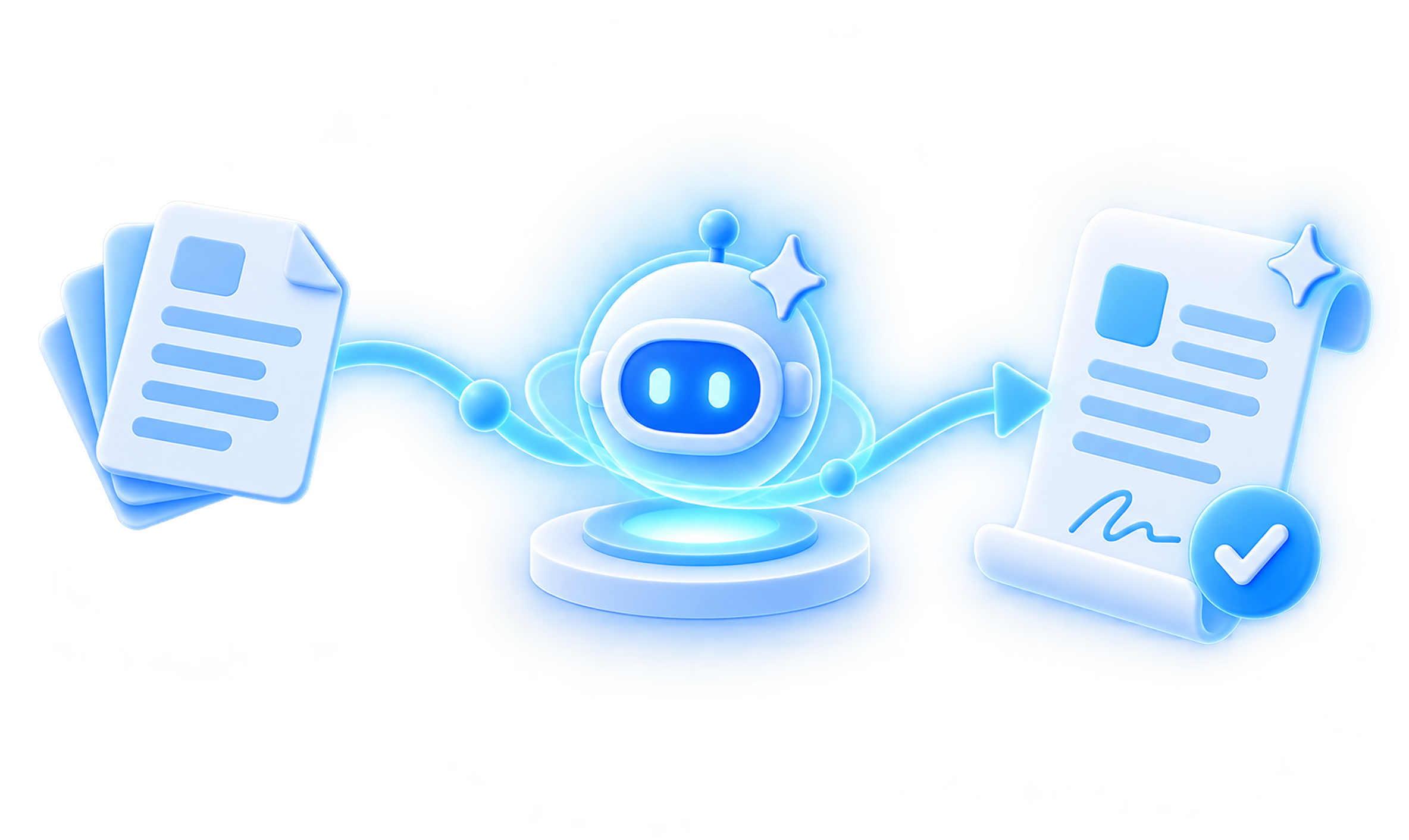
Let automation prepare the first draft of every standard document. Free attorneys to focus on case strategy and client communication.
Populate a Whole Packet at Once
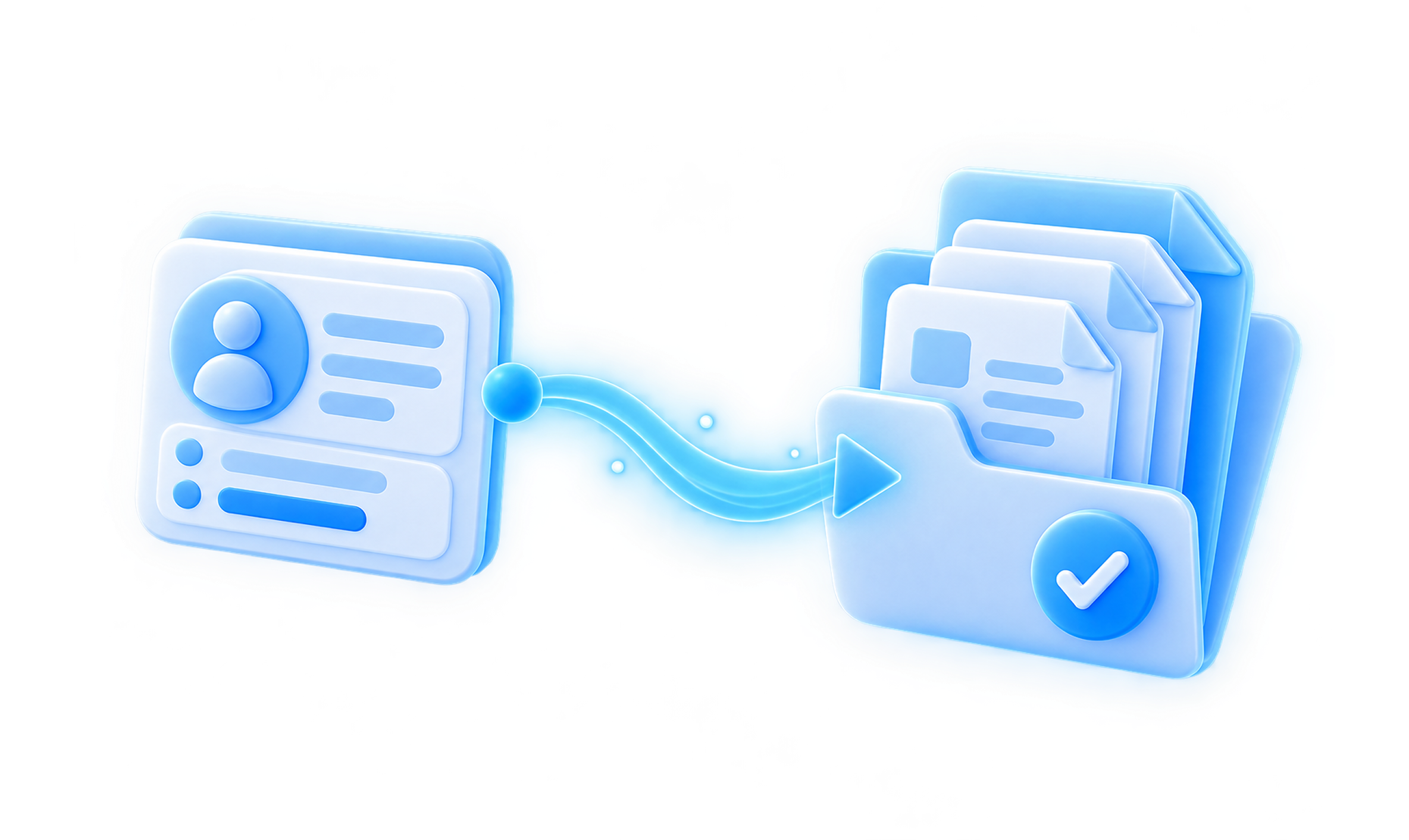
Fill every form in a case from one set of intake answers. The same data flows into each petition, application, and form, so no one enters it twice.
Draft Letters and Affidavits, Not Just Forms
Go past fillable USCIS forms. The tool also drafts cover letters, letters of explanation, and affidavits from the same case file.

Maintain Attorney Oversight
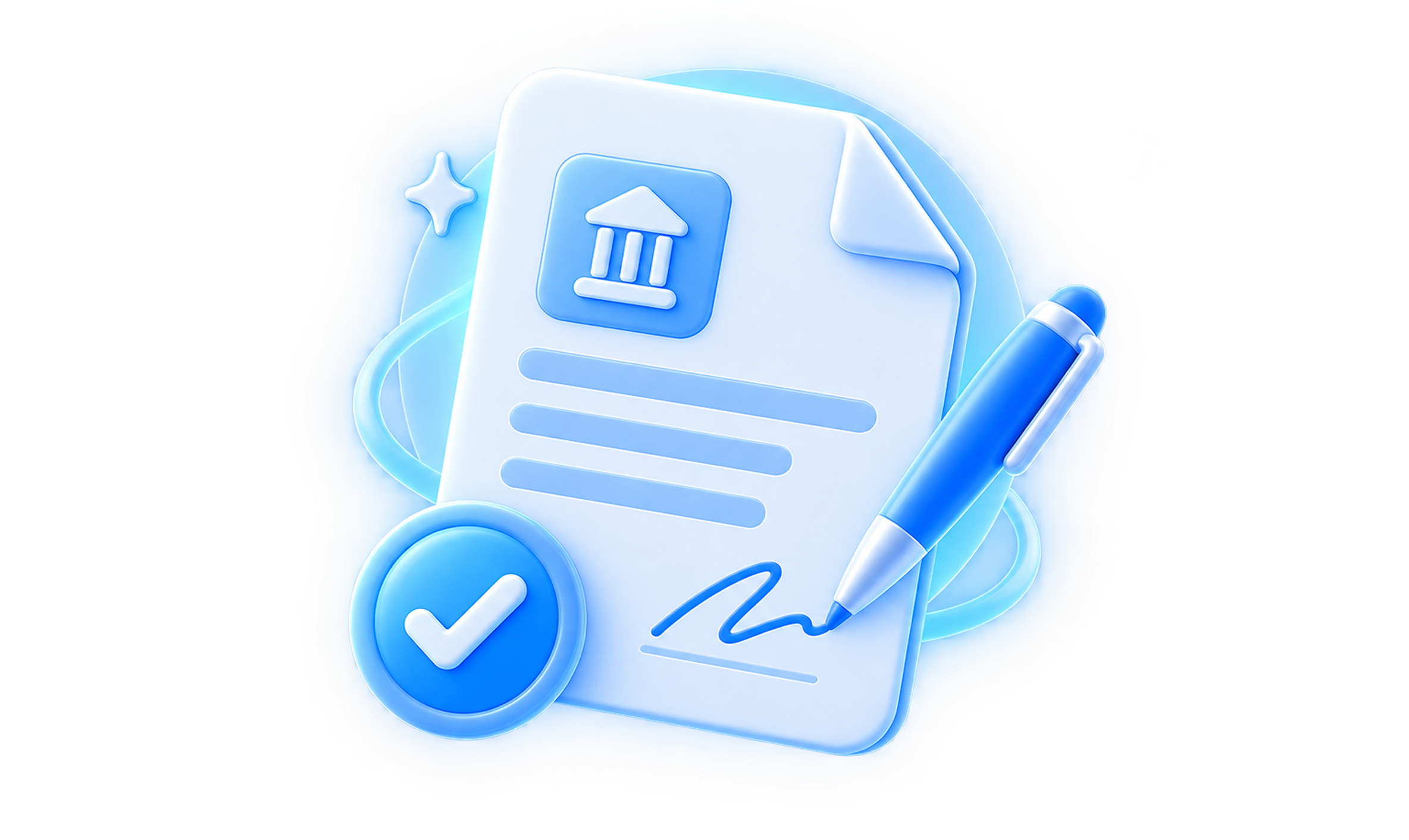
Keep full legal control over every output. A licensed lawyer reviews, edits, and signs off on every page.
Drafting Across Your Practice Areas
Those benefits look different depending on what you file. Here is how the drafting tool fits three of the workflows firms run most.
Family Adjustments
Draft marriage-based petitions, adjustment forms, and sponsorship documents from one set of intake answers. Keep all family documentation tied to the same case file.
Employment Visas
Draft employer petitions, support letters, and labor certifications without re-entering company and beneficiary data. Reuse the same details across the full packet.
Humanitarian Relief
Draft declarations, affidavits, and waiver letters from secure, standardized templates. Keep sensitive applicant details protected while the packet comes together.
Keep Client Data Secure and Confidential
Every one of those drafts holds sensitive client information, so protection is built into the platform rather than added on. It supports the confidentiality and data-security obligations your firm already carries.
Encrypted Storage
Client data is encrypted in transit and at rest, so private details stay protected.
Controlled Access
Set user permissions from a central dashboard. Control exactly who can open each case file.
Audit Trails
Track who viewed or edited a document and when, for a clear record of activity.
Confidential Drafting
Keep every draft inside your firm's account, separate from other firms' data.
Cut the Manual Drafting, Keep the Attorney Control
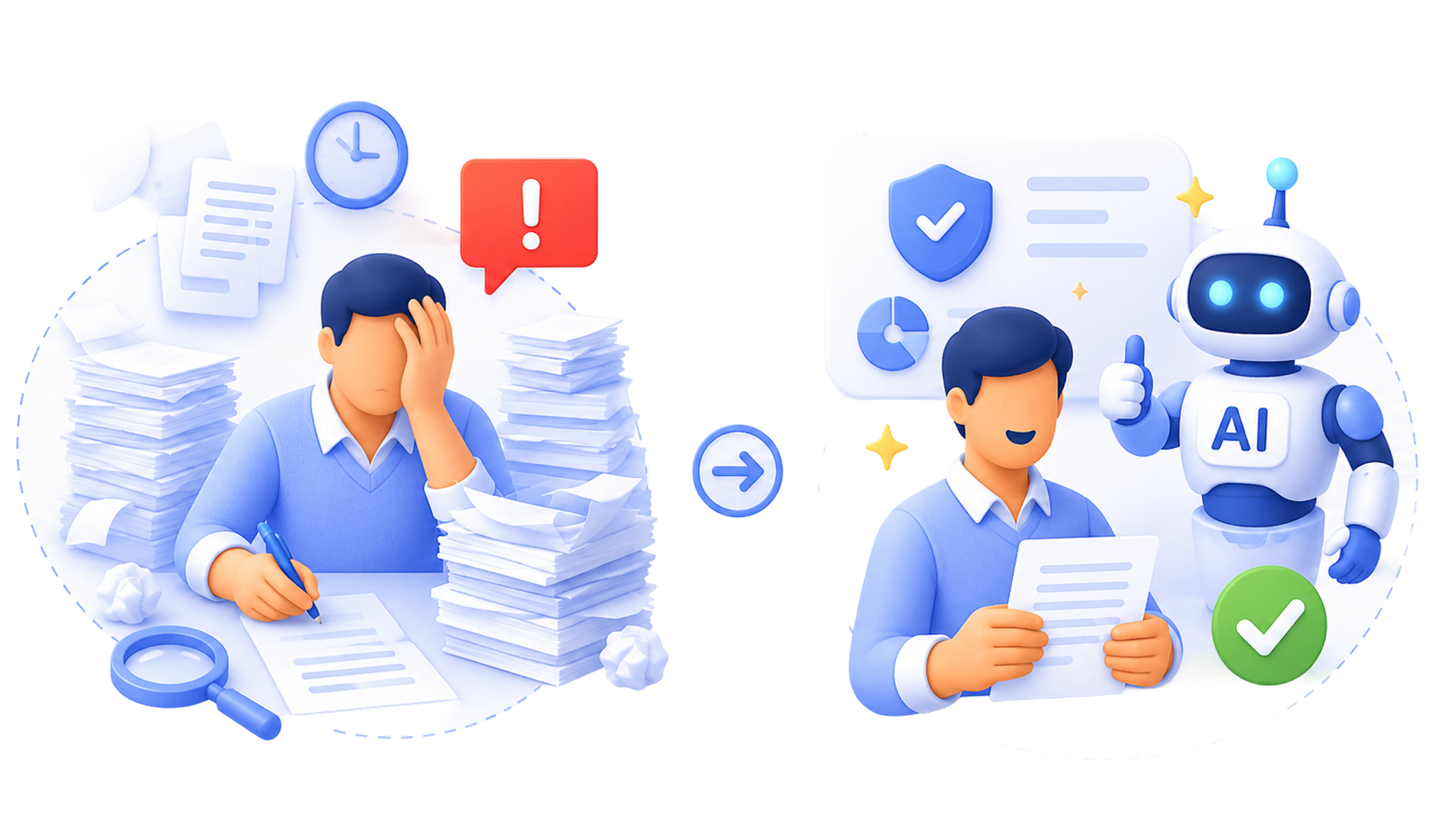
Automation only earns its place if it removes real work. The biggest drain in most firms is rebuilding the same petitions, letters, and forms case after case, so that is where the software starts. Compare the manual way with an automated first draft below.
First Draft in Minutes
Generate petitions, letters, and forms from attorney-approved templates
Data Entered Once
Client details pull from intake and fill the whole packet automatically.
Ready on Day One
Hand attorneys a finished draft to review right away.
Built-In Error Checks
Missing fields and conflicting dates are flagged before anyone prints.
Clean, Complete Filings
Submit consistent packets that protect your firm's reputation.
Hours of Typing
Rebuild the same petitions and letters from scratch for every case.
Endless Retyping
Key client details into each form, affidavit, and letter by hand.
Slow Turnaround
Drafts wait on internal prep and manual file checks.
Easy-to-Miss Mistakes
Empty fields and mismatched dates hide across a long packet.
Rejection Risk
One missing field can trigger a full application rejection.
Lead capture ↑ 24/7 across all channels
Client conversion ↑ with instant retainers
Document collection ↓ delays with automation
Drafting time ↓ significantly with AI
Zero workflow bottlenecks from intake to filing
Missed intake calls and delayed responses
Manual contract drafting and follow-ups
Disorganized document collection
Time-consuming legal drafting
Last-minute case assembly errors
Lower Costs and Move Cases Toward Filing Faster
Faster drafting on a secure platform also changes the math on each file. You cut the cost of preparing it and get the client's documents ready sooner.
Waiver Drafting Efficiency
Cut hours of writing on complex documents. Prepare difficult packages like Form I-601 waivers faster.
Higher Filing Accuracy
Avoid costly government rejections and resubmissions. Clear typos and missing fields before submission.
Faster Document Preparation
Move standard documents from intake to draft in minutes. Get cases to attorney review sooner.
Scalable Operations
Build a more profitable practice over time. Take on more clients without expanding headcount.
Connect Across Immigration AI Tools
Those savings grow when drafting is not the only step you automate. Each phase of a case connects in one platform, so client data carries through from first contact to filing.
AI Intake
Gather client information and qualify leads automatically. Map out clear visa pathways under direct lawyer oversight.AI Retainer
Produce engagement letters and fee contracts instantly. Onboard new clients quickly without any manual drafting.AI Document Collection
Collect and organize required files from applicants. Use a secure client portal to keep data safe.AI Case Assembly
Package whole case files neatly for official submission. Keep your documents perfectly organized from initial contact to final filing.
Frequently Asked Questions (FAQ)
Clear answers to the questions firms ask about AI legal drafting. Each one covers what the tool drafts, what stays under attorney control, and how client data is handled.
1. What documents can the AI draft?
2. Does the document drafting tool work inside the platform?
3. Do we have to retype client names across different USCIS forms?
4. Are the form templates updated when government rules change?
5. Does the AI write legal arguments or give legal advice?
6. Can the software catch mistakes before we print?
7. Is a human attorney still required to review the output?
8. Can we use our own firm templates?
Get Started with AI Legal Drafting
Change how your firm handles drafting. Automate the first draft, keep full attorney control, and grow the practice without adding staff.