
To organize a USCIS filing packet with AI, let the software handle the sorting and checking, and keep your team on judgment calls and signatures. A packet has many places for small errors, like a form whose third page carries a different edition date than the rest. USCIS asks filers to complete every page of a form on the same edition. Software can catch a mismatch in seconds, while a tired reviewer on a Friday afternoon may miss it.
This guide begins with what a packet holds and the rules that decide whether USCIS accepts it. From there it walks through a workflow, from the first checklist to the final review, and marks where a person has to take over.
Key Takeaways
- A USCIS packet holds the signed forms, the correct fee, a notice of appearance if one applies, and supporting evidence. USCIS recommends an assembly order.
- AI works best on sorting files, reading printed fields from identity documents, and comparing names and dates across the whole packet.
- Run the work in sequence: checklist, sorting, fact sheet, comparison, forms, evidence mapping, translations, drafting, page stamping, then a second review.
- Signatures, translation certifications, legal citations, and the decision to file stay with people. Paper forms need a handwritten signature.
- Build page numbers and the exhibit index last, after the evidence set is locked, so every citation points to the right page.
What a USCIS Filing Packet Contains
A USCIS filing packet is everything you send with one request, meaning the form, the fee, and the evidence. USCIS recommends an assembly order in its Tips for Filing Forms by Mail, reprinted by AILA on August 21, 2024. The original sits on uscis.gov under filing guidance, so check the current version before you rely on it. From the top of the packet down, the order is:
- Payment: a check, a money order, or Form G-1450 (Authorization for Credit Card Transactions)
- Form G-1145 (E-Notification of Application/Petition Acceptance), if applicable
- Form G-28 (Notice of Entry of Appearance as Attorney or Accredited Representative), if applicable
- The form being filed
- Form supplements, if applicable
- Supporting documentation
Form G-1145 works only for filings sent to USCIS's three Lockbox facilities, in Lewisville, Chicago, and Phoenix, so it carries the "if applicable" label. The regulations do not require exhibit tabs, an index, or page stamps. A cover letter and index still help an officer find proof quickly, so this guide treats them as part of a well-built packet.
The Rules That Decide Whether USCIS Accepts the Packet
Before AI touches anything, it helps to know which rules can sink a packet. Under 8 CFR 103.2, a request without a valid signature or the correct fee is rejected. A rejected request keeps no filing date and cannot be appealed, so these two items deserve the closest attention. Eligibility must also exist on the day you file, which means evidence that arrives later cannot fill a gap that was there at filing.
Foreign-language documents need a full English translation. The translator must certify that it is complete and accurate and that they are competent to translate into English. The regulation sets no license requirement for translators.
The USCIS filing tips add packaging rules, and any automated workflow has to respect them:
- Complete every page of a form on the same edition.
- Send legible copies, and do not send originals unless the form instructions or regulations call for them.
- Send a separate payment for each application, petition, or request, as USCIS recommends.
- Skip binders, folders, and photo albums that USCIS cannot easily take apart.
- Number your supporting pages if you wish.
Fasteners depend on where you file. At a lockbox, USCIS appreciates two-hole punching at the top and asks for sticky tabs on the bottom of the page, not the side. At a service center, USCIS recommends skipping fasteners, hole punches, staples, clips, and sticky notes.
Signatures Need Particular Care
Signatures are the rule most likely to trip an automated workflow. DHS published an interim final rule, Signatures on Immigration Benefit Requests, on May 11, 2026, effective 60 days later. The rule defines a valid signature as a handwritten mark made by the requestor. That means a scan, photocopy, or fax of the original wet-ink signature works, and a pasted or affixed signature image does not.
Electronic signatures count only in limited online contexts, and the rule notes that attorney-filed PDF uploads currently have no electronic signature option. In practice, your client signs in ink and you scan the page. A later e-filing rule adds that USCIS does not permit signatures affixed to a paper form with signature software outside an online account. At intake, USCIS rejects any request it finds unsigned.
A Step-by-Step Workflow for AI-Assisted Packet Assembly
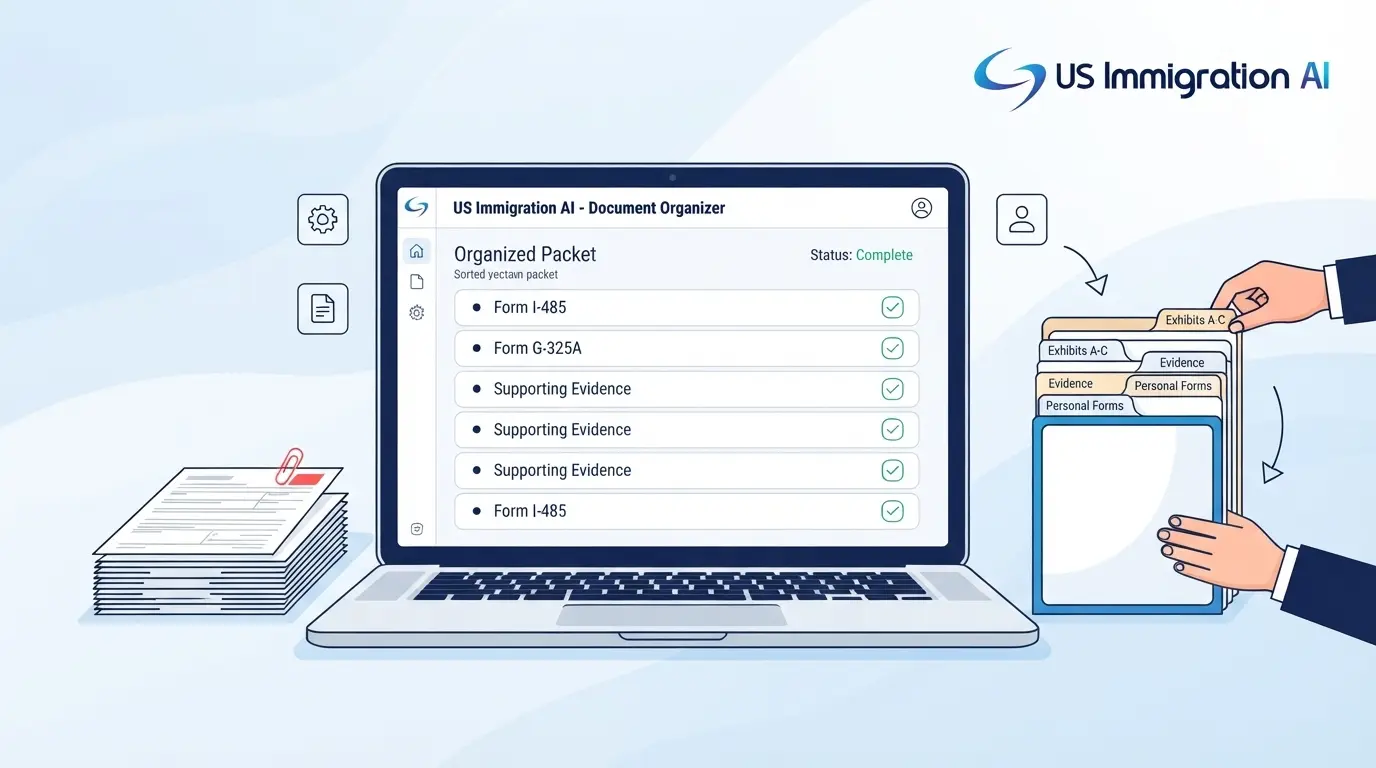
With those rules in mind, here is where AI helps. It takes on the clerical work between a pile of client files and a finished packet, such as sorting, reading printed fields, and comparing details. Your team keeps the steps that involve judgment, certification, or a signature. Each stage below ends with a person checking the result before the next one begins.
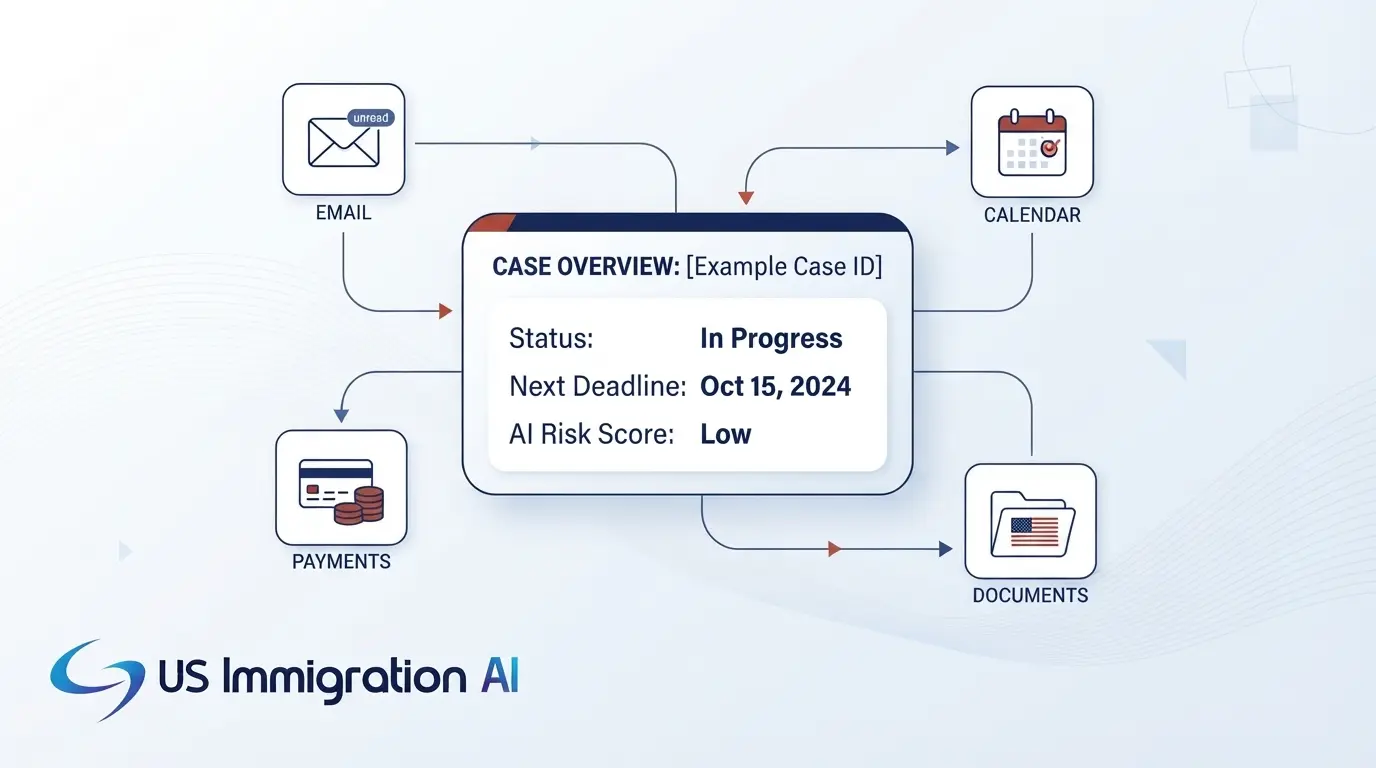
Tools built for immigration firms follow this pattern. For example, AI Case Assembly in US Immigration AI organizes files, pre-fills forms from collected data, and flags gaps before an attorney reviews the case.
Start With a Checklist for the Case Type
Start by asking the AI to turn the attorney's chosen case type into a document list that marks each item required, conditional, or optional. The attorney then confirms the forms and editions against USCIS before the list goes to the client. A client portal such as the Immigration Client Portal can carry that list, send reminders, and show what has arrived.
Sort and Name Every File
Next, have the AI return the document type, the person, the dates, the page count, and a readability note for each upload. Tell it to answer "unclear" instead of guessing, and have a paralegal review every unclear file along with a random sample of the rest. It also helps to use one naming pattern across the firm, such as client name, document type, and date. Add zero-padded exhibit numbers so files sort correctly on any computer.
Read Identity Documents Into One Fact Sheet
With the files sorted, pull the facts from passports, green cards, work permits, and arrival records into a single sheet. This suits AI well, because the fields are printed and the layouts are standard. A prompt like this works: "Read only the text visible in this document. For each field, return the value, the page, and your confidence. If a field is absent, leave it blank. Keep original spelling and do not reformat dates."
Adjust the wording to fit your own tool. A person then checks the name, birth date, A-Number, passport number, and expiration date against the image, because one wrong digit repeats across every form.
Compare Names, Dates, and Addresses Across Documents
The fact sheet makes the next check possible. Ask the AI to list every mismatch in name order, accents, dates, address history, employment dates, and passport validity, and to leave each one unresolved. USCIS's tips ask filers to write name, date of birth, and A-Number exactly the same way on each form. This list shows where the packet falls short of that.
The attorney decides which differences need a corrected document or a short written explanation. This check suits AI because it covers every file at once, which no reviewer can do from memory.
Fill the Forms From the Fact Sheet
Once the facts agree, populate the factual fields of each form from the sheet and leave the judgment questions blank. Questions on admissibility, criminal history, and immigration history go to the attorney and the client together. A second person then compares each form to the fact sheet and confirms the edition date.
AI Legal Document Drafting works this way, with client data entered once and carried through the forms for attorney review.
Map Evidence to the Legal Test
For petitions built on criteria, ask the AI to state in one sentence what each exhibit shows and which criterion it may support. Have it flag any criterion with weak or no support, and leave the question of whether the standard is met to the attorney.
Handle Translations With a Person Signing
Have the AI identify every page that is not in English. A human translator then produces the full translation and signs the certification described above. An AI draft can serve as a reference, but it cannot replace the signed certificate.
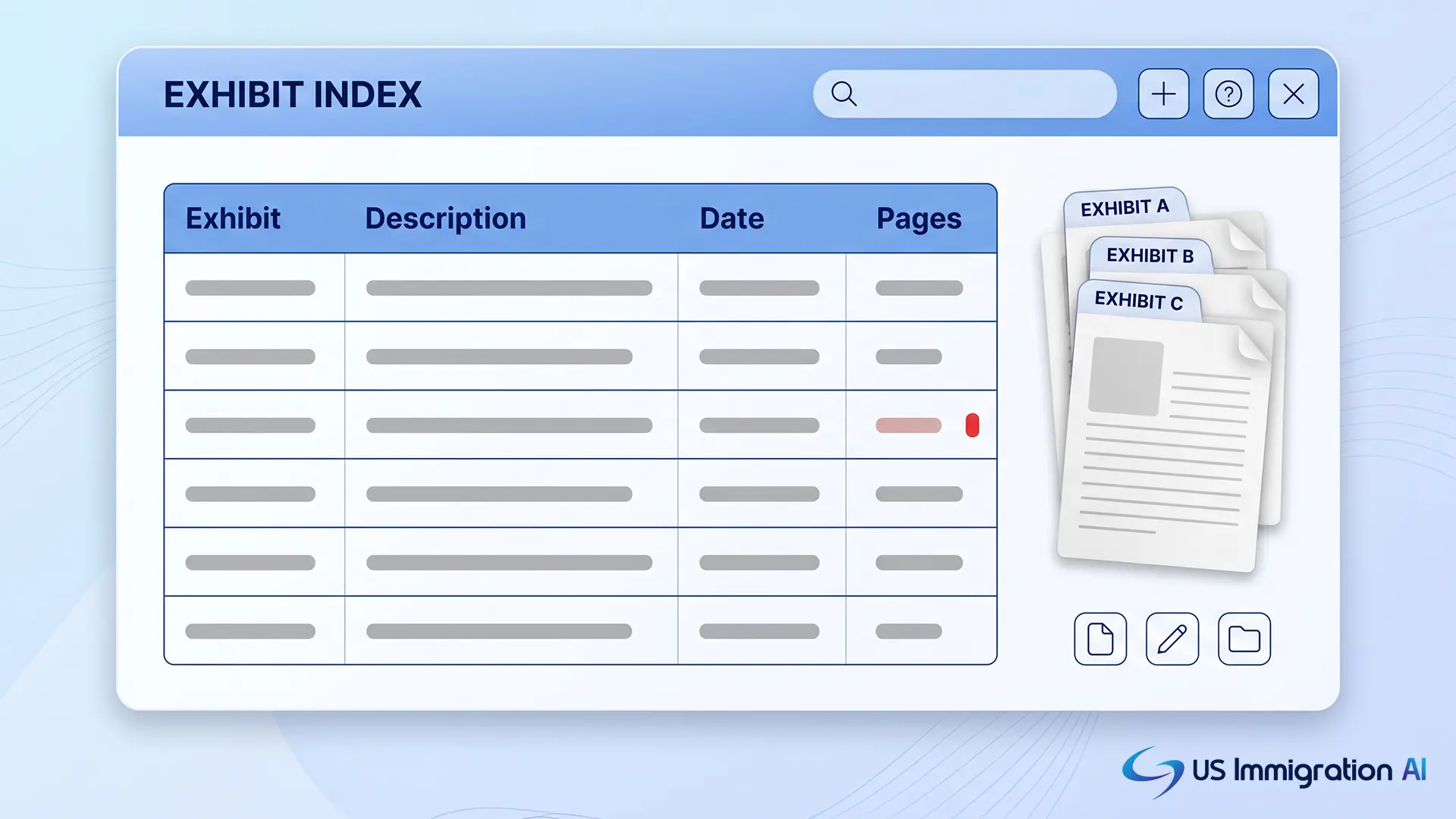
Draft the Cover Letter and Exhibit Index
Draft from the verified fact sheet only. A tight instruction reads: "Using only the facts in the attached sheet, draft a cover letter that lists enclosures in index order. Do not cite law. Mark unsupported statements [MISSING]."
The attorney then reviews every statement and checks every legal citation against the primary source. The Executive Office for Immigration Review made the same point in August 2025 in Policy Memorandum 25-40, "Use of Generative Artificial Intelligence in EOIR Proceedings." The memo covers immigration court filings and does not ban AI, but it says submitting hallucinated or erroneous AI-generated content likely violates professional conduct obligations. A cover letter or RFE brief that cites law deserves the same check.
Stamp Pages and Compile the Final PDF Last
Page numbers and the index come last, once the evidence set will not change. A citation such as "Ex. C-2 at 14" only holds if page numbers stay put after final assembly, so nothing should be added after stamping. Add a bookmark at the first page of each exhibit and split large files on exhibit boundaries. A person then spot-checks the index against the compiled file before anything is printed or uploaded.
Run a Second-Reviewer Check Before Filing
The last stage belongs to a second reviewer who did not build the packet, and that person walks it against the rules above:
- One edition throughout each form
- The right fee for each form, with a separate payment for each
- Ink signatures from the right people, including the client and the attorney on the G-28
- A certified translation for every foreign-language page
- The right copies, with originals kept at the firm
- Forms G-1145 and G-1450 where they apply
The reviewer also rechecks the filing address on the form's USCIS page on the day the packet ships. The attorney then decides whether to file.
Paper or Online Filing Changes the Packet
Everything so far assumes a paper filing, but USCIS now has the authority to require online filing for some forms. The e-filing interim final rule was published in the Federal Register on August 11, 2026. It lets USCIS require e-filing for any benefit request offered online for at least 180 days, though the rule itself imposes no requirement. USCIS must give 60 days' notice before it mandates e-filing for a form, and attorneys and accredited representatives are included. Comments were due October 13, 2026, so watch USCIS announcements for what follows.
For an online filing, you upload supporting documents instead of mailing copies, so clean file names, readable scans, and exhibit-boundary splits matter even more. Check the file size and format limits inside the online account before you split large exhibits.
How Packets Differ by Case Type
The workflow is the same for every case. The packet's shape follows the legal test behind each one, and four shapes cover most work.
Criteria-Based Petitions
For an EB-1A petition, the USCIS Policy Manual describes a two-step review. The officer first looks for either a one-time major achievement or at least three of ten criteria. The officer then decides, in a final merits determination, whether the person is among the small percentage at the very top of the field.
Tab exhibits in criteria order and cite each exhibit under every criterion it supports. Published material must include its title, date, author, and any necessary translation, so have the AI flag any article missing one of those.
National Interest Waivers
For a national interest waiver, the Policy Manual lists three prongs from Matter of Dhanasar, 26 I&N Dec. 884 (AAO 2016). The first prong asks whether the endeavor has substantial merit and national importance. The second asks whether the person is well positioned to advance it, and the third weighs whether waiving the job offer benefits the United States. Organize the exhibits by prong, and have the AI check that each prong has its own supporting evidence.
Relationship and Status Cases
Marriage-based and adjustment packets turn on identity, relationship, and eligibility documents, and the goal is to show a genuine shared life. Group proof by type, such as finances, housing, and communications, and order each group by date. AI helps most with completeness checks and date comparisons here.
Asylum Applications
An asylum packet pairs a declaration with supporting evidence. Its copy count and photo checklist differ from other filings, so build them from the Form I-589 instructions. These files also call for extra care. Under 8 CFR 208.6, information in an asylum application cannot be disclosed without the applicant's written consent, with limited exceptions for government use.
Organizing an RFE Response Packet
A response to a request for evidence (RFE) follows its own order, built around the notice. USCIS asks you to place the RFE notice on top of the packet. A cover letter then answers each item in the order the notice raises it, with the receipt number and notice date near the top. Number any new exhibits in sequence and list them in a short index.
Send everything at once. Under 8 CFR 103.2(b)(11), requested materials must be submitted together. Sending only part of the evidence counts as a request for a decision on the record.
This structure also suits machine checking, so ask the AI to confirm three things before the packet goes out:
- Every issue in the notice maps to an exhibit page range.
- Every exhibit is cited in the cover letter.
- Each foreign-language page has a certified translation.
Protect Client Data Before You Upload Anything
Every step above involves uploading sensitive files, so confidentiality has to be settled first. ABA Formal Opinion 512, issued July 29, 2024, applies the Model Rules to generative AI. As summarized by Minnesota's Lawyers Professional Responsibility Board, using many such tools with client information will generally require the client's informed consent. Generic boilerplate in an engagement agreement is not enough to get it.
Before a tool touches client files, ask the vendor four questions:
- Does it train on your uploads?
- How long does it keep files, and can you delete them?
- Is data encrypted, and who can see it?
- Does it keep an access log?
Redacting Social Security numbers before prompting lowers the risk further. For an example of what to ask any vendor to document, read how US Immigration AI handles data security and compliance.
Measure Packet Quality Over Time
Once the workflow runs, track your own numbers to learn whether it works. Record the defects found at the second-reviewer check, the rejections, and the RFEs by case type, along with hours per packet. A supervising attorney should review the numbers monthly.
If one case type keeps failing the same check, update its checklist template. Because fees and form editions change often, date-stamp each template with the filing dates it covers.
Build Cleaner Packets With US Immigration AI
US Immigration AI helps immigration firms handle intake, document collection, form drafting, and case assembly in one place. An attorney reviews every file before it is filed. If you want to see how a packet comes together on your own caseload, schedule a demo.