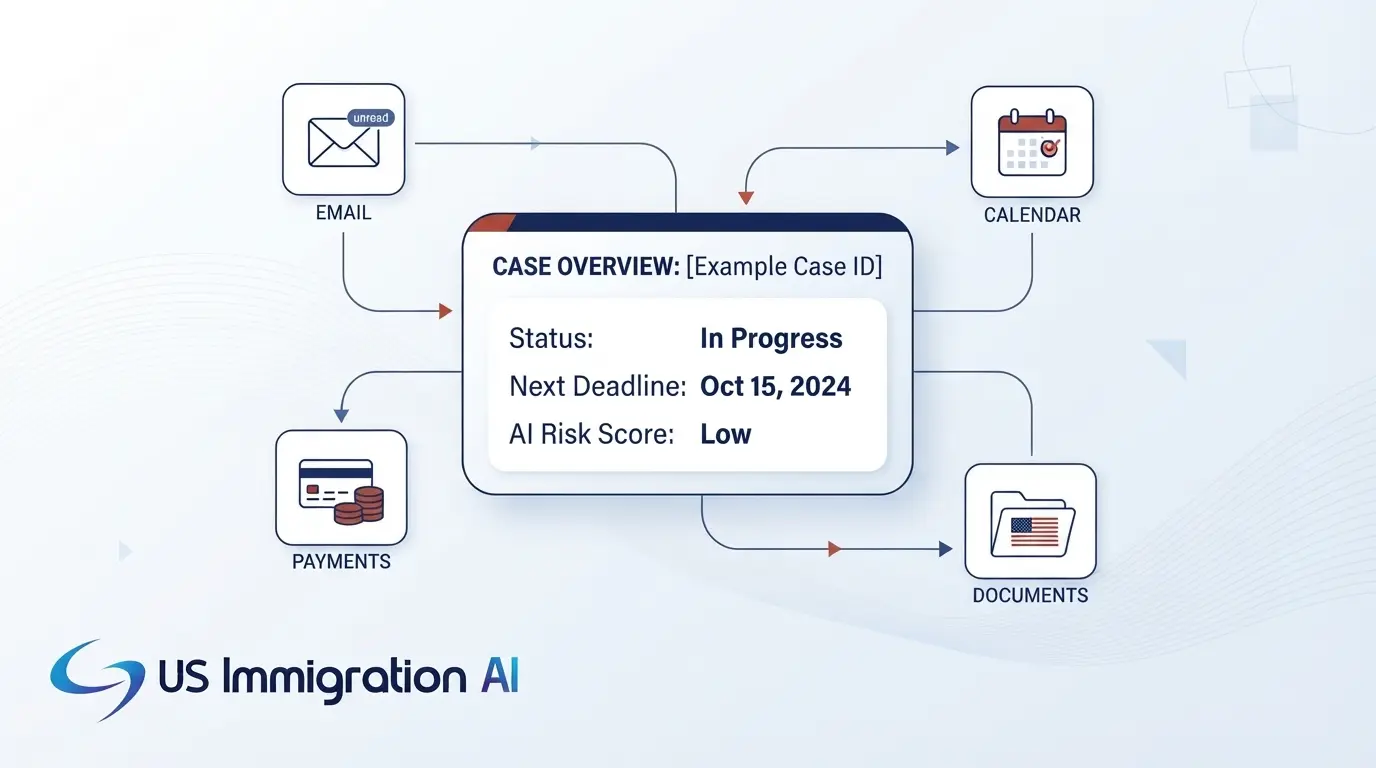

The immigration software integrations worth paying for are the ones that move client data between your tools without duplicates, gaps, or manual re-entry. A vendor's integrations page lists names. This guide covers what each connection should do, which 2026 rules limit some of them, and a test to run in every demo.
The list is a little longer for AI-based software. Besides email, payments, and case records, you need to know how the tool handles client documents and which AI models receive them. The guide draws on a review of public vendor integration pages in October 2026, USCIS and Federal Register sources, and ABA and EOIR guidance.
Key Takeaways
- Judge every integration on four checks: direction, fields, failure, and control.
- Five connections are standard: practice management sync, Gmail and Outlook email and calendar, QuickBooks Online, a law-firm payment processor, and USCIS case-status tracking.
- USCIS offers no public filing connection, so ask how a vendor's e-filing works and who repairs it when it breaks.
- Under the 2026 signature rule, a handwritten signature is generally required outside guided myUSCIS filing, so e-signature fits retainers, not USCIS forms.
- For AI tools, get the model provider, data retention, and no-training terms in writing, and test document reading on your own worst files.
Four Checks to Run on Every Integration
Each connection sends client information to another company's system, so every integration is a confidentiality decision as well as a convenience. ABA Model Rule 1.6(c) requires reasonable efforts to prevent inadvertent or unauthorized disclosure of, or access to, client information. ABA Model Rule 5.3 governs the supervision of nonlawyer assistance, so read it when you choose which outside services handle client data.
Four questions turn that duty into a working test. Ask them about each integration in this guide, and keep a short note of the answers for each connection.
- Direction: does information move one way or both ways, and which system wins when the two records disagree?
- Fields: which fields move? A connection that carries names and case titles can still leave documents, notes, deadlines, and billing behind.
- Failure: what happens when the connection drops or a record is rejected, and does staff get an alert or find out when a filing stalls?
- Control: who can switch the connection off, and what happens to data already copied?
The sections below apply these checks to each type of connection. A test sheet near the end turns them into a demo script.
Which Integrations to Expect and Where to Start
Vendors differ widely in which connections they list, so start with a map of what is common and what is rare.
What Is Standard and What Is Rare in 2026
- Standard: sync with a practice management system, Gmail and Outlook email and calendar, QuickBooks Online, a law-firm payment processor, and USCIS case-status tracking.
- Less common: cloud drive pulls, translation vendor links, AI assistant add-ons, e-signature steps, and links to a client's HR system.
- Rare or undocumented: document management systems, instant change notices to other tools, and writing AI-drafted files back to your own folders.
This map reflects the public integration pages of the immigration software vendors reviewed in October 2026. A missing logo does not prove a missing feature, and several vendors publish no list at all, so ask for a live demo.
Where to Start by Practice Type
The table shows a suggested order. These are recommendations based on how each type of practice works, not survey data.
The sections below follow a case: the system of record first, then first contact, signature, payment, documents, drafting, and filing.
Case Records and Practice Management Sync
Two-way sync of contacts and cases with your practice management system is the connection firms ask for most. Billing, client contact details, and conflict checks often live in that system, while the immigration work happens somewhere else. Scope varies, and some syncs leave documents, tasks, and deadlines out.
Ask the vendor for the exact field list in writing, plus answers to these questions:
- Do matters marked private or restricted sync, or only public ones?
- Can you connect more than one account, such as separate offices?
- Which system wins when the same field differs in each place?
- If the software reads many matters at once, what request limits does your practice management system set?
The usual failure is a duplicate record. If staff edit a client in both systems, the sync may create a second copy instead of updating the first. Run the duplicate test in the table at the end before you sign.
Email and Calendar Connections
The same record system feeds your daily tools, starting with email and calendar. These connections should file messages to the right client and put deadlines where attorneys already look. Gmail and Outlook add-ins are the standard on the email side, and Google Calendar and Outlook Calendar are the usual targets for dates.
Check which dates reach the calendar. RFE response deadlines, hearing dates, and work authorization expirations are the dates your team most needs in front of it. Then ask whether a date edited on the calendar writes back to the case, since a one-way push leaves two versions of the same deadline.
Intake, Scheduling, and Phone Connections
A case starts with a lead. Intake connections should carry that lead's details from your website, scheduling tool, or phone line into a case file without retyping. In the vendor pages reviewed, intake and scheduling tools more often reached the case file through a connector tool than a built-in link.
Ask which route your vendor uses, then check three things:
- Website forms: do answers land in structured fields, or in one text box that staff must sort?
- Scheduling: does a booked consultation create the contact, and does a cancellation update it?
- Phone and text: are calls and messages logged to the right client, with consent recorded for texts?
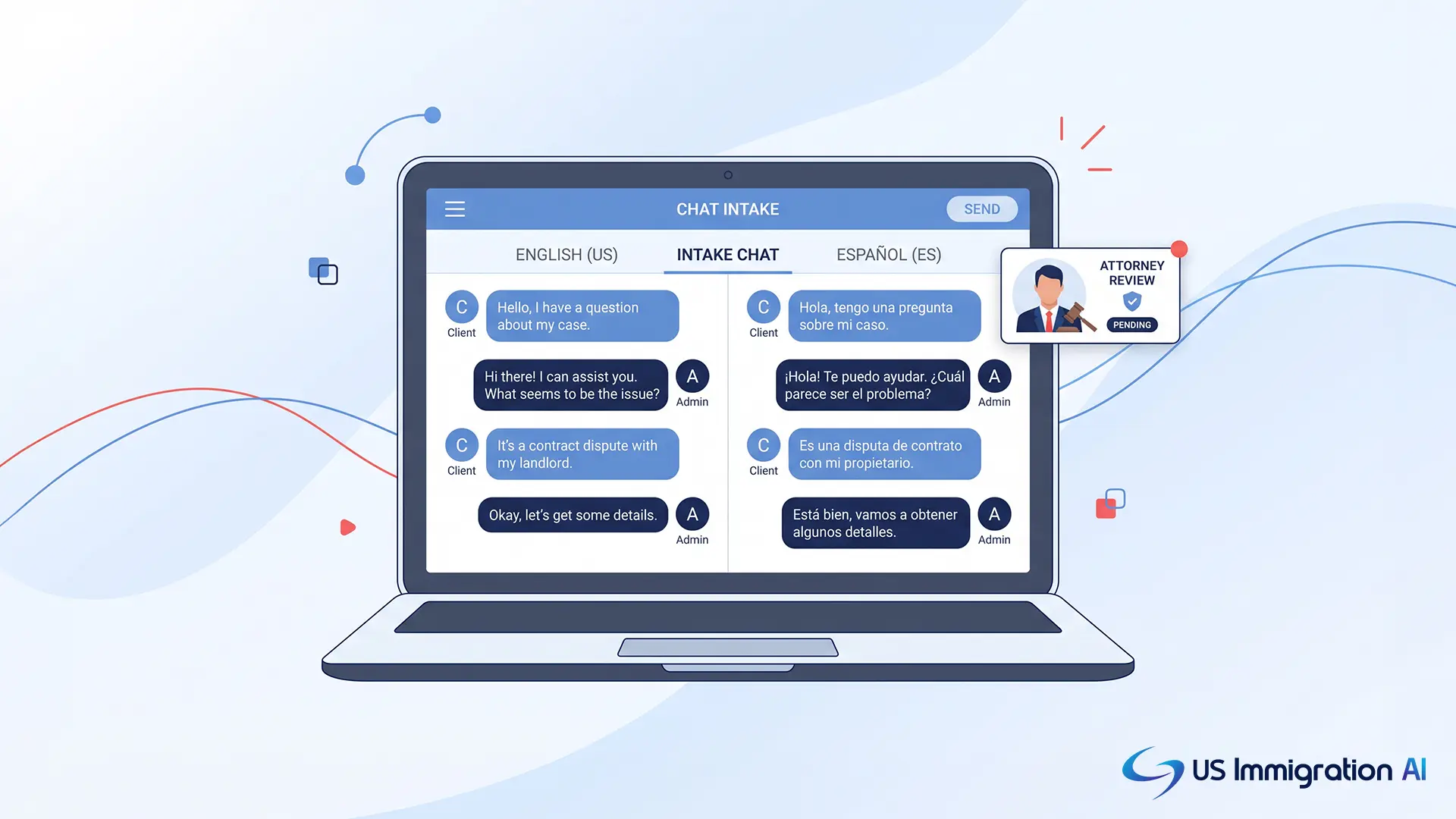
AI intake that captures calls, chat, email, and text in one place removes some of these handoffs. The lead's answers start in the same system as the case.
Retainers and the 2026 Signature Rule
Once a lead becomes a client, the retainer is the first document to sign, and an AI retainer tool can collect that signature in minutes. A 2026 DHS rule limits electronic signatures on USCIS forms, and it does not reach your own fee agreement. The interim final rule Signatures on Immigration Benefit Requests (91 FR 25479) took effect July 10, 2026, and sets these terms:
- A valid signature is generally a handwritten mark made by the person signing.
- Electronic signatures are valid inside guided myUSCIS filing. The rule states that no electronic signature option is currently available for attorney-filed uploads.
- Scans, photocopies, and faxes of an originally handwritten signature are accepted.
- Signatures created by signature software, and stamped signatures, are invalid.
- A signature by an attorney, preparer, or interpreter in place of the requestor is invalid.
- USCIS may reject or deny a request with an invalid signature. A rejection returns the request and the fee, and a denial lets USCIS keep the fee.
Ask how the software handles USCIS forms. A sound answer is a print, sign, and scan path that records who signed and which edition they signed. This review could not confirm how the rule applies to Form G-28, so check USCIS Policy Alert PA-2026-03 (July 10, 2026) and your own counsel.
Payments and Accounting
After the retainer is signed, payments come next, and they carry the strictest rules in the firm.
Trust Funds and Processing Fees
ABA Model Rule 1.15 requires lawyers to keep client funds separate from their own property. A payment connection built for law firms should never take its fees or chargebacks from the client trust account.
The ABA's 2025 Law Practice Today article on online trust accounting discusses keeping processing fees out of trust and reconciling client ledgers each month. Ask how the connection records each payment against the right client ledger. Ask too how it records a USCIS filing fee that a client pays through your firm.
Payment Plans
Immigration matters are often billed as flat fees paid in installments. Ask whether scheduled payments post to the right client ledger and what the software does when a charge fails. Ask whether a payment plan ties to the signed retainer, so staff do not match the two by hand.
Accounting Sync
QuickBooks Online is the accounting connection that appears most often on vendor lists. Ask whether invoices and payments move one way or both.
Document Storage and the Client Portal
Next the firm collects the client's documents. Document connections should pull client files into the case and write finished drafts back to your own folders. Many firms keep files in a cloud drive such as Google Drive, OneDrive, or Dropbox.
Ask which of those the software reads from and writes to. Do not assume a connection to a document management system exists, and ask the vendor to show it working by name. Ask too whether finished packets land in the folder structure and file names your staff already use.
The client portal is the other half of the picture. A built-in document collection portal removes one connection from your list, because client uploads arrive in the case file directly and missing items trigger reminders.
Client Messaging and Translation
Collecting documents also means messaging clients and translating foreign-language papers. Text and chat connections need a record of client consent. Ask how the software logs each client's agreement to receive texts and how it handles a STOP reply.
Translation connections need to produce a certified result. Under 8 CFR 103.2(b)(3), a foreign-language document needs a full English translation. The translator must certify that it is complete and accurate and that the translator is competent to translate from the foreign language into English.
Machine translation alone does not supply that certification. Look for a workflow that attaches the translator's certificate to the document.
AI Tools, Document Reading, and Client Data
With documents in hand, AI tools read them and draft the forms. The connection that matters most is the one between your client files and the AI models behind it. Get these answers in writing:
- Which model provider does the vendor use?
- Does client data train any model?
- How long does the provider keep your data?
- Which outside companies handle it?
What Professional Guidance Says
ABA Formal Opinion 512 (2024) says lawyers need informed client consent before entering client information into a self-learning generative AI tool. It adds that boilerplate engagement-letter language is not enough.
EOIR Policy Memorandum PM 25-40 (August 8, 2025) does not ban generative AI or require disclosure. It expects practitioners to verify AI-generated citations. Read it before you file AI-assisted work in court.
How to Test Document Reading
Test document reading on your own files. Upload a poor passport photo, a tilted approval notice, and a foreign-language certificate.
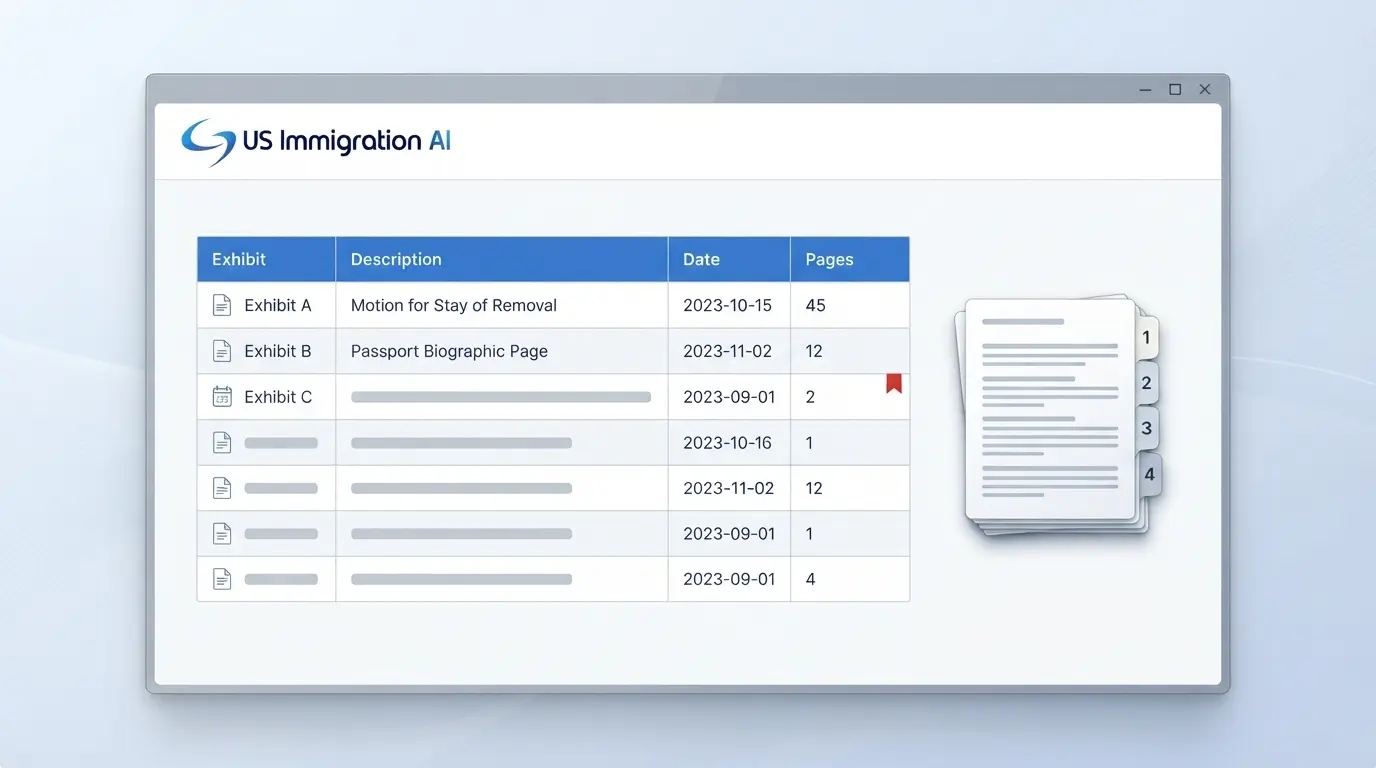
Good software shows the source image beside each extracted value. It requires staff to confirm each one before the data reaches a form, which is how AI document drafting with attorney review works.
Published accuracy figures for document-reading services mostly cover identity documents, so your own files are the best evidence.
Connections for AI Assistants and Agents
Some firms now connect a general AI assistant to their case system through a standard connector. Ask whether the vendor supports one and who controls it. A connector built by a third party sits outside the vendor's security controls, so ask who can see the data it reads.
USCIS and Other Government Systems
Finished packets then go to the government, and these connections are where vendor claims and reality differ most. Four changes in 2026 shape what to ask.
USCIS says there is no grace period for the new I-539 and I-765 editions. Its fee notice says requests without the proper fee on or after October 16 will be rejected. Software that prepares filings has to keep up with both.
What USCIS Offers Through a Public Connection
The USCIS developer portal lists two public APIs, Case Status and FOIA Request/Status, and no API for filing forms. An API is a published connection that other software can use.
Production access requires a developer account, a sandbox, and a request to USCIS that includes a demo appointment. Ask whether the vendor tracks receipts through that API or reads public status pages, and where its processing-time estimates come from.
Receipt-number tracking is the government feed to expect. The software should check status automatically and alert staff.
How Vendor E-Filing Works
When a vendor advertises e-filing, ask how it works. One approach is a sync that signs in to your myUSCIS account with your login, while you still review, upload, and sign inside myUSCIS.
This review found no USCIS statement on that practice. Ask what happens when USCIS changes its sign-in steps, and who repairs the connection.
The mandatory e-filing rule makes the answer matter more. It lets USCIS require online filing for a form that has been available online at least 180 days, with at least 60 days' notice. As of October 14, 2026, no form had been designated in the sources reviewed.
Court, Labor, and Public Feeds
For court filings, ask which steps in EOIR's Courts & Appeals System (ECAS) the software automates and which stay manual. EOIR says use of ECAS is mandatory as of February 11, 2022.
Labor certification filings in the Department of Labor's FLAG system raise the same question. The FLAG release notes reviewed in October 2026 do not mention an API. The Federal Register has one public feed that needs no key, its API, which a vendor can use to alert staff to new rules.
Connections for Firms With Corporate Clients
Employer-sponsored work adds one more connection, to the client's HR system or applicant tracking system. These connections open a case when an event happens, such as an accepted offer or a confirmed start date. Ask which events open a case and which fields move, since one case can draw on dozens of data points.
Who Builds and Maintains the Link
A link to an employer's system usually comes from one of three routes. It may be a marketplace connector, a vendor-built connector, or a custom build by the client's IT team. Ask which route applies and who fixes it when it breaks, and name an owner on both sides of a custom build.
What Can Go Wrong
- Rejected or empty records: ask what happens, since a silent failure often surfaces only when a petition stalls.
- Missing family details: employer systems often do not store spouse and child details, so the case team still has to collect them.
- Changes after filing: a new job title, worksite, or pay may call for an amended filing, so the connection should alert staff.
Security, Open Access, and Leaving
Every connection above shares the same security and exit questions. Look for single sign-on, multi-factor login, role-based access, and an action log that records who opened each file. US Immigration AI describes its approach on its data security and compliance page.
Ask about the API too. Is access public or by request, and what limits apply to how often other software can call it? Ask whether the software can notify other tools the moment a case changes.
Finally, get export rights in the contract. You should be able to take your cases, documents, and notes with you in a usable format. The vendor should say whether it deletes your data afterward.
A Four-Week Rollout Plan for a New Integration
Once you choose a connection, let it earn its place before it touches live cases. This four-week plan is a suggested pattern, not a fixed rule.
- Week 1: build sample data and run the demo tests in a test environment, with no real client data.
- Week 2: pilot one case type with one attorney, who reviews every synced record.
- Week 3: run the old and new processes side by side and check the sync log each day.
- Week 4: go live for the firm, name an owner, and schedule a monthly log review.
Agree on a pass mark before the pilot starts, such as no duplicate records and no missed deadline pushes. The owner should have the authority to switch the connection off if it fails. For an HR link, pilot one visa category first.
Demo Test Sheet for Every Integration
This sheet turns the guide into a demo script. Run these tests with your own sample data. A vendor that has built the connection well will not mind.
Grow Your Caseload With US Immigration AI
US Immigration AI automates intake, retainers, document collection, form drafting, and case assembly for immigration firms. It works with your client portals, case management systems, and document storage platforms, and a licensed attorney reviews every file. Schedule a demo and bring this test sheet with you.
Frequently Asked Questions