
Immigration case management software is a digital platform built for visa and green card work. The forms, deadlines, and agency rules are already inside the system. It handles intake, documents, forms, deadlines, and billing in one place.
Here is what the software does in short:
- Enters client data once, then fills USCIS forms and DOL petitions for you.
- Tracks every legal deadline so filing windows never slip.
- Stores passports and records in a secure client portal.
- Files directly to the right government agencies.
- Keeps client funds and firm funds separate to protect your trust account.
The biggest gains show up in three places. Typos go down. Missed deadlines drop to near zero. Intake runs day and night. This guide covers how the technology works, what to look for when you buy, the real pros and cons, and what it costs.
What Immigration Case Management Software Means
Immigration case management software is a platform built around immigration work from the ground up. It knows the forms, the deadlines, and the agencies you file with every day.
General legal software covers many practice areas at a basic level. This software puts immigration logic at the center. It runs filing workflows across USCIS, the Department of Labor, and the Department of State.
The software works as one shared hub for your whole team. Attorneys, paralegals, corporate HR staff, and nonprofits open the same case file. They move each case from the first lead to the final filing.
How Immigration Case Management Software Works
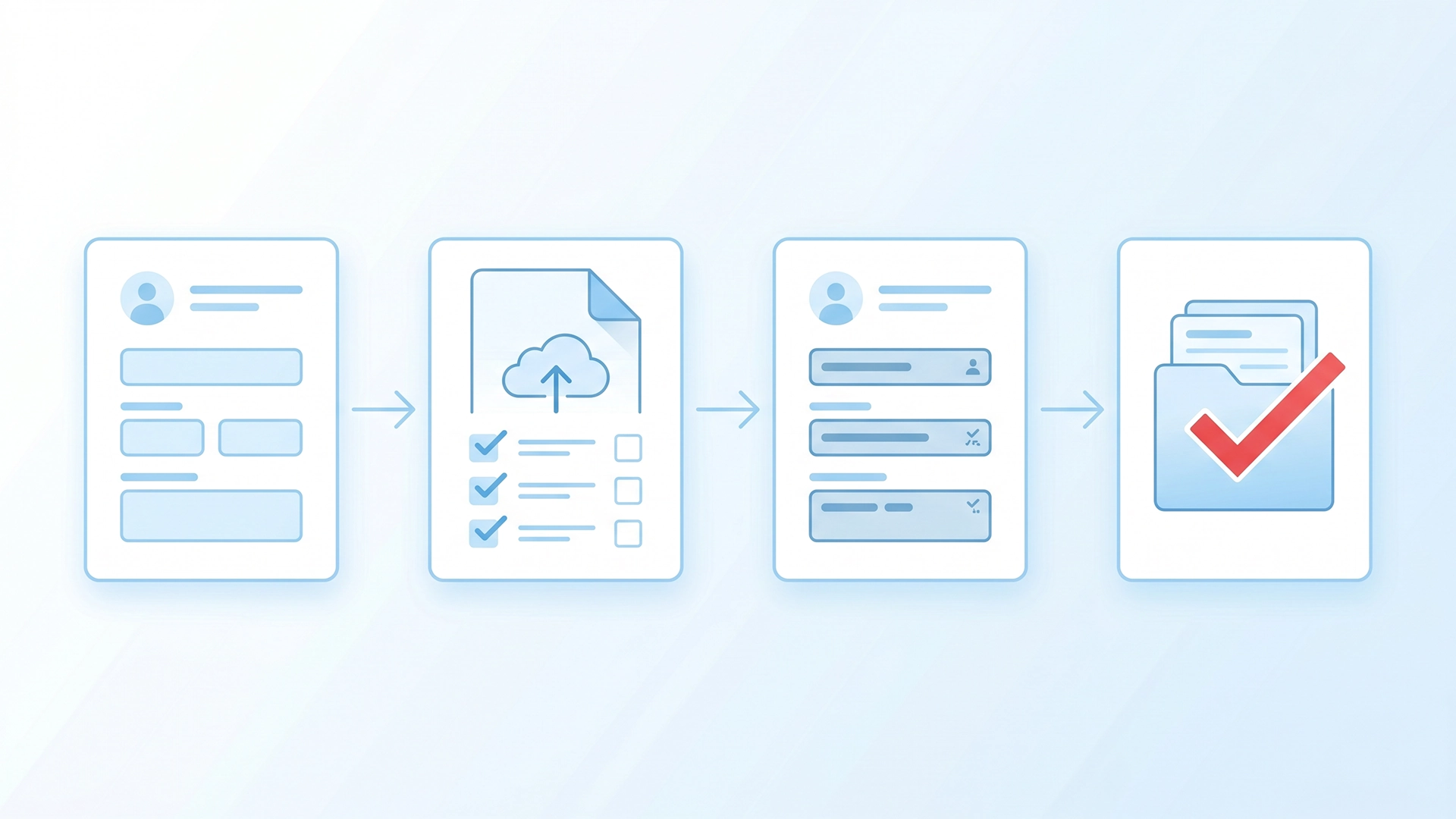
The software collects client data once and reuses it across every form, deadline, and document. Here is how the full process works, part by part.
Fills Out Forms Automatically
The software fills your government forms for you. You enter client details one time, and it populates USCIS forms and DOL petitions in minutes.
The same name and date then appear the same way on every form. That cuts typos and lowers the risk of agency rejections. Good vendors keep a full form library and update it fast when an agency releases a new version.
It covers the forms you file most, such as the I-130, I-485, I-765, N-400, and I-129. You stop retyping the same client data into each one.
Reads and Stores Your Documents
The software gives you one secure home for every sensitive file. It holds passports, birth certificates, and sponsor evidence in a protected online vault.
Many tools add Optical Character Recognition, or OCR. OCR reads an uploaded file and pulls out names and ID numbers on its own. It drops those details straight into the case file, so no one retypes them.
Tracks Every Deadline
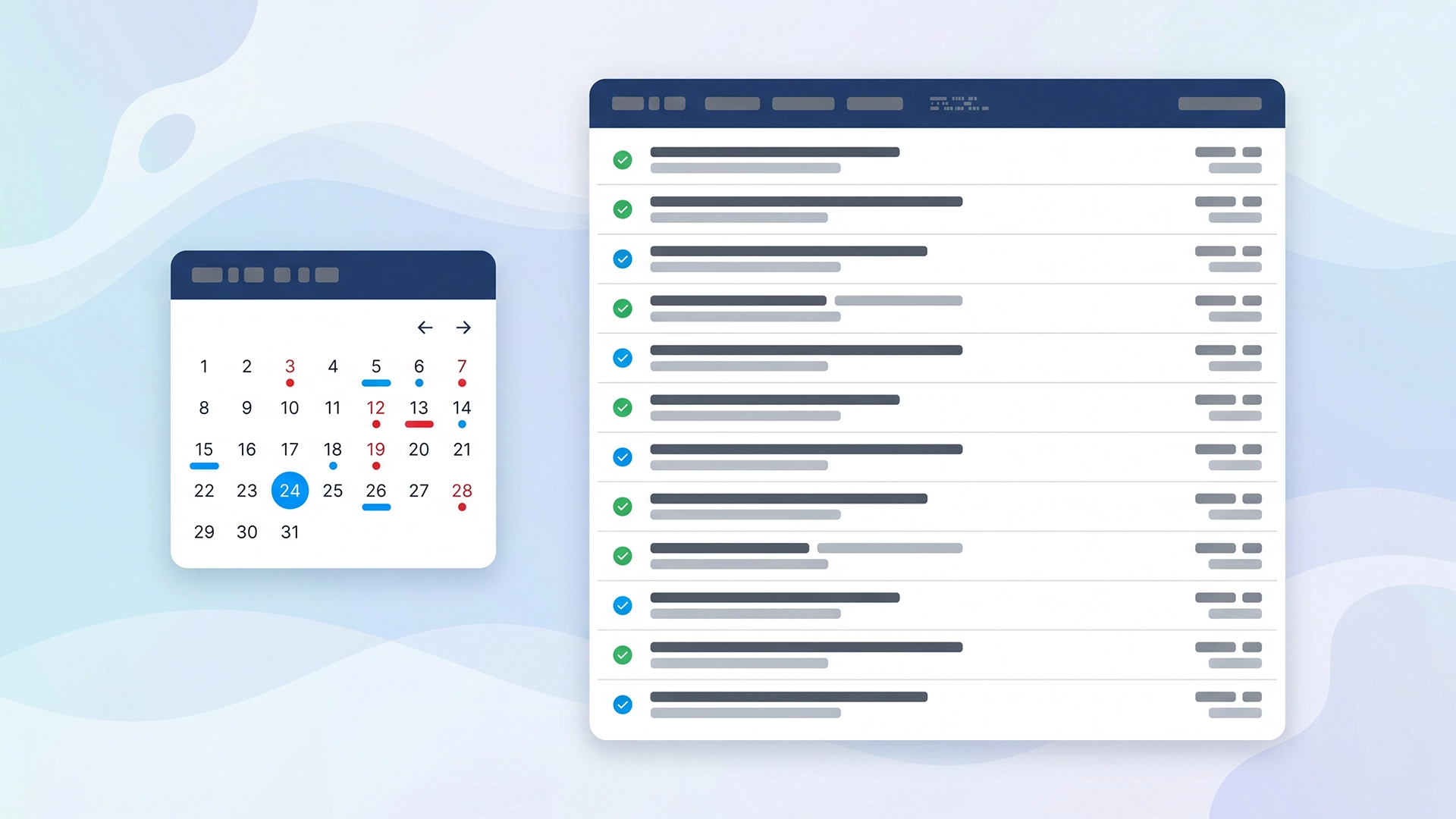
The software calculates each deadline so your team never has to guess. It works from the case type and the dates on your USCIS receipt and notice.
It then sends the right alert to the right person. A paralegal gets the task. The attorney gets the reminder. Filing windows stop slipping through the cracks.
Gives Clients a Secure Portal
The software gives clients a secure client portal to do their part. Clients log in, answer intake questions in their own language, and upload files from a phone or laptop.
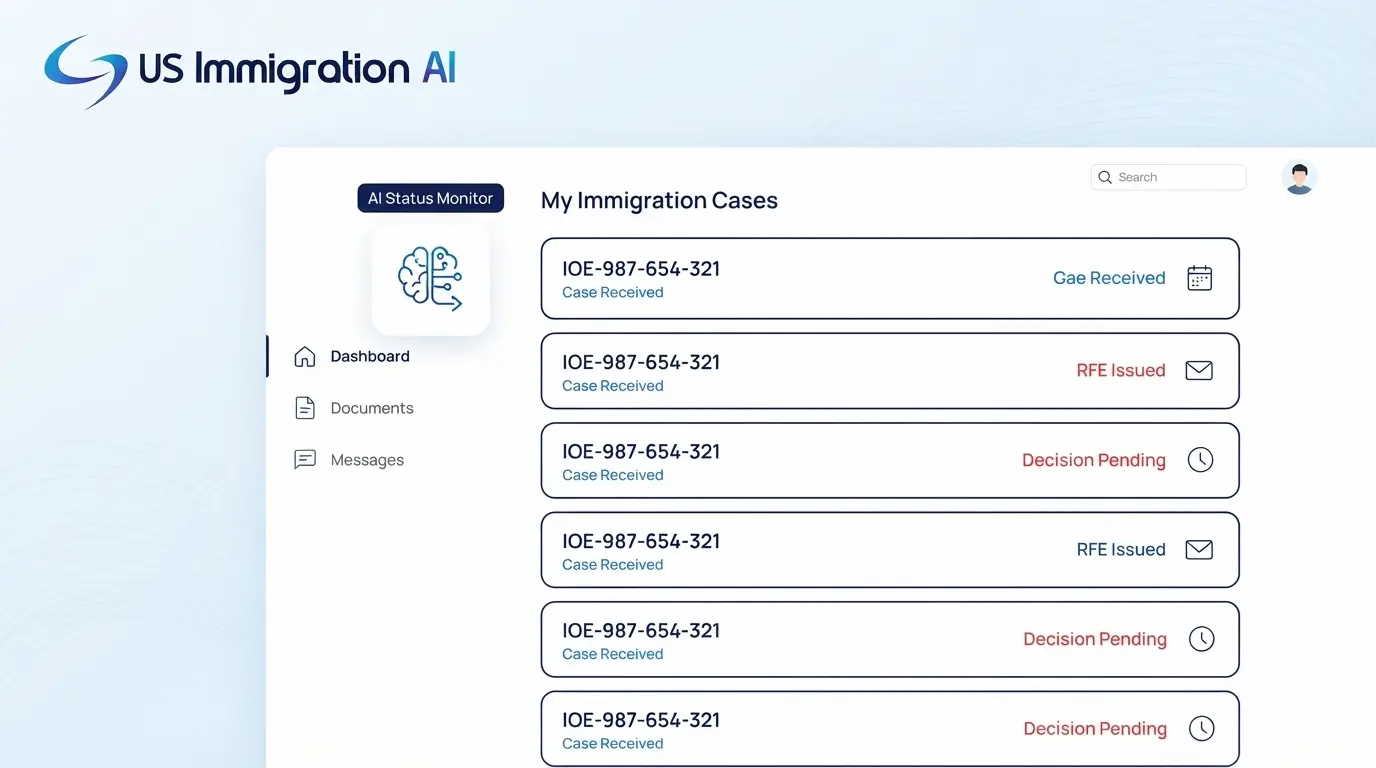
They check case progress and message your team in a safe space. Your front desk stops fielding the same status calls all day.
How It Keeps Client Data Safe
Immigration files hold passports, financial records, and other private details, so security matters more here than in most legal work. Strong software protects that data at every step.
Look for encryption that protects files while they move and while they sit in storage. Look for access controls, so each team member sees only what their role needs. A secure portal also keeps sensitive documents out of email, where they are easy to lose or leak.
The system keeps a permanent history log too. It records every change with a timestamp and the user who made it. If a government site visit happens, you can pull that audit report in seconds and show exactly who did what.
US Immigration AI explains its safeguards in full on its data security and compliance page.
The Compliance Features Many Tools Skip
The strongest immigration software builds compliance into the case file itself. It includes modules for I-9 tracking, Labor Condition Applications (LCAs), and Public Access Files (PAFs).
These features matter most for firms with corporate and employment-based clients. They keep the records a government audit asks for in one organized place. You spend minutes pulling a file instead of hours.
How It Handles Filing and Money
The last steps send your work to the government and keep the firm's books clean. Many platforms file directly to USCIS, the Department of Labor, and the Department of State.
The software matches your data across all three agencies to cut formatting errors. You also get receipt confirmation, so you know each case landed.
Money runs through the same system. Retainer funds go straight into the trust account. Card processing fees come out of the operating account instead, which keeps client money and firm money separate.
The tools also alert clients when their balance runs low. They accept payments from clients abroad and pay USCIS fees with secure virtual cards. Built-in trust accounting and IOLTA support keep the records audit-ready.
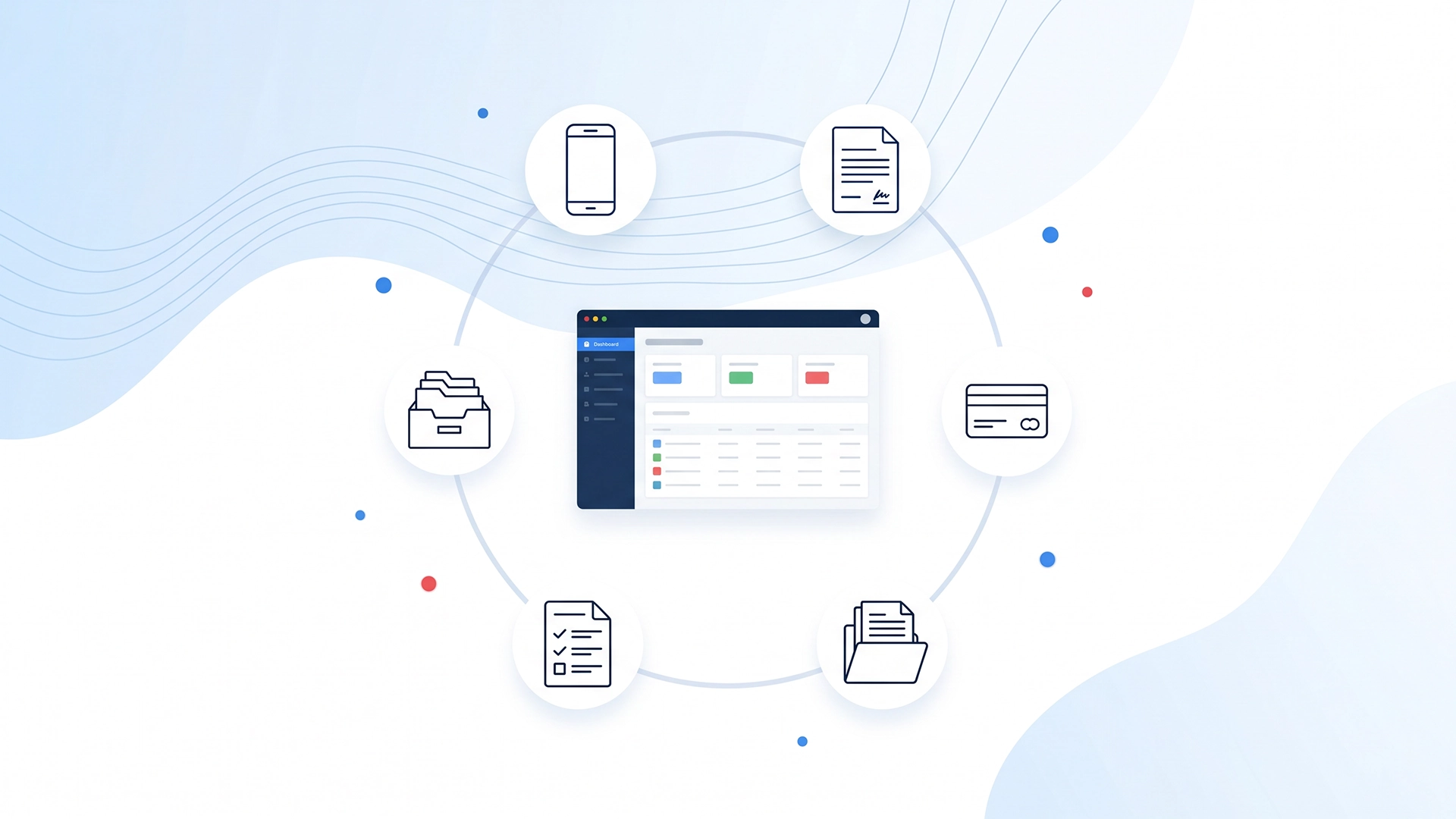
US Immigration AI, a case automation platform built for immigration law firms, connects all of these steps into one loop. It runs the full case from the first lead to the final filing, with no handoffs between separate tools.
Integrations and Your Current Tools
Good software fits the way your firm already works instead of forcing a new routine. Some platforms connect to outside tools like HR systems, e-signature apps, or accounting software.
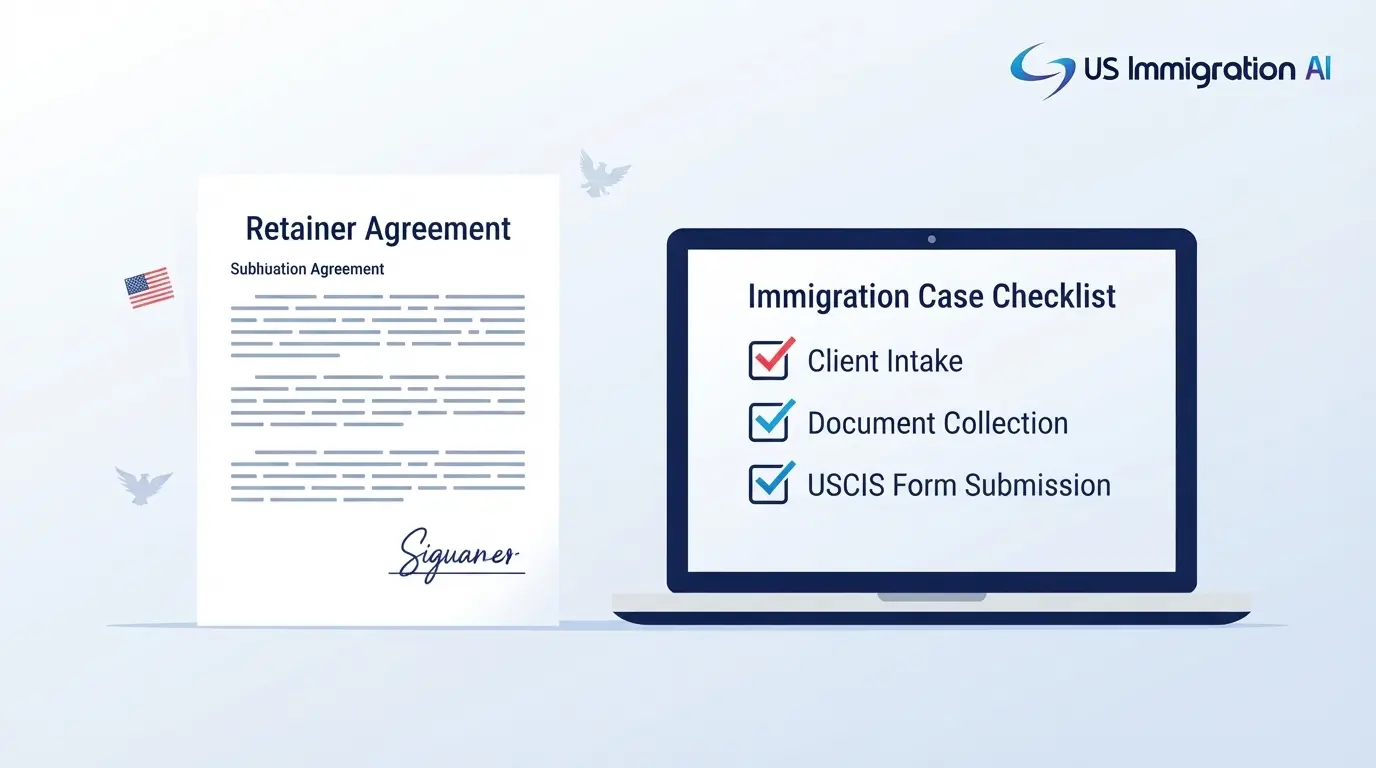
US Immigration AI takes a different path. It combines intake, billing, retainer signing, document collection, drafting, and case assembly in one system. That replaces several separate tools, so you have fewer logins and less data to move by hand.
Before you buy any platform, check that it fits your stack. Confirm it can import your current client data and work with the tools your team relies on.
Reporting and Case Visibility
The software shows you where every case stands without a status meeting. You see which cases are waiting on a client, which are ready to file, and which are stuck.
That view helps you spot bottlenecks early and balance work across your team. A clear picture of your caseload also makes it easier to plan staffing as you take on more clients.
Who Uses Immigration Case Management Software
Immigration case management software fits any team that files a steady volume of cases. The main users include:
- Immigration defense attorneys and managing partners
- Corporate immigration lawyers and in-house HR teams
- Paralegals who prepare and assemble filings
- Nonprofits and legal aid groups handling humanitarian cases
It supports the full range of case types end to end, including:
- Nonimmigrant and temporary visas
- Employment-based green cards
- Business and investment immigration
- Family-based petitions
- Humanitarian relief
- Naturalization and citizenship filings
- Removal defense and court matters
- Waivers and special applications
What to Look For When You Choose Software
The right platform should match how your firm files cases, not just look good in a demo. Use this checklist when you compare options.
- Built for US immigration. It should know USCIS forms, DOL petitions, and federal deadlines out of the box, not treat them as add-ons.
- Trust accounting and IOLTA support. It must keep client funds and firm funds separate by design to protect your trust account.
- Strong security. Look for encryption, role-based access, and a full audit trail.
- A maintained form library. Forms change often, so the vendor should update them quickly.
- A client portal. Multilingual intake and document upload cut the back-and-forth with clients.
- Deadline tracking. It should calculate dates from your USCIS notices and alert the right person.
- Transparent pricing. You should know the full cost before you sign, with no hidden fees.
- Training and support. Check what onboarding and ongoing help the vendor includes.
Why Firms Are Moving to It Now
The numbers behind the shift are hard to ignore. The Clio Legal Trends Report 2024 found that 81% of the tasks done by legal secretaries and administrative assistants could be automated with AI. Immigration work is paperwork-heavy, so those gains land fast.
The case volume is real too. USCIS received 13.51 million cases in Fiscal Year 2024, according to its report to Congress. Firms that prep filings by hand struggle to keep pace. The right software lets a small team handle more cases without adding staff.
Pros and Cons
Like any tool, immigration case management software has clear strengths and a few trade-offs. Here is an honest look.
Pros:
- Cuts manual data entry and the typos that cause rejections
- Keeps every deadline tracked in one place
- Gives clients a portal, which lowers status calls
- Builds an audit trail for compliance and site visits
- Routes payments without mixing client and firm funds
Cons:
- It is a tool, not a lawyer, so an attorney must review every file
- Staff need a short training period to learn the workflows
- Monthly or per-case fees add a line to your budget
- Older firms may need to move data off paper and spreadsheets first
Manual Prep vs. Software
Here is how a manual workflow compares to immigration case management software.

Fewer Errors, Zero Missed Deadlines, More Cases
That trade is what immigration case management software delivers. It fills the forms from one intake, tracks every filing window, and keeps client funds clean. A small team can then take on far more cases.
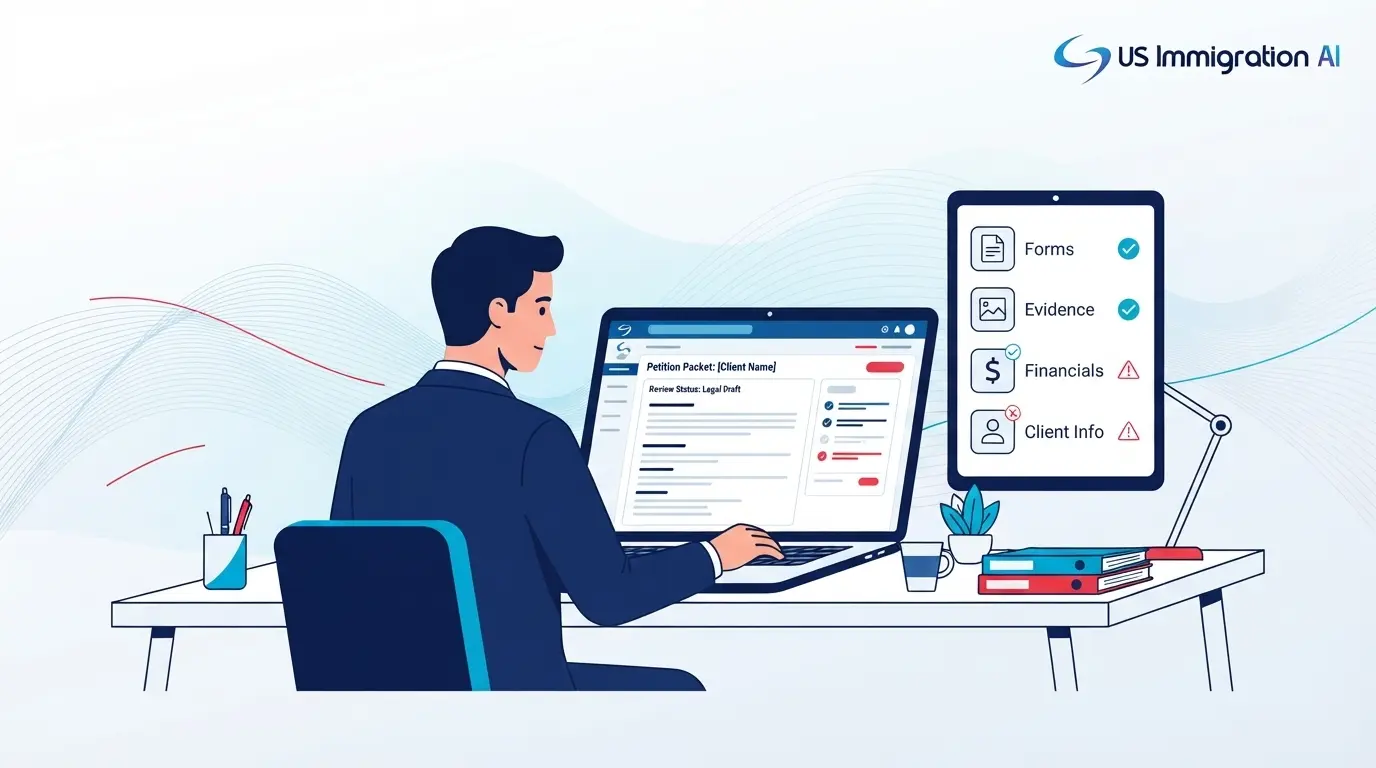
The software does the prep, not the lawyering. An attorney still reviews and approves every file before it is filed. That is what makes the switch worth it for a growing firm.
FAQ