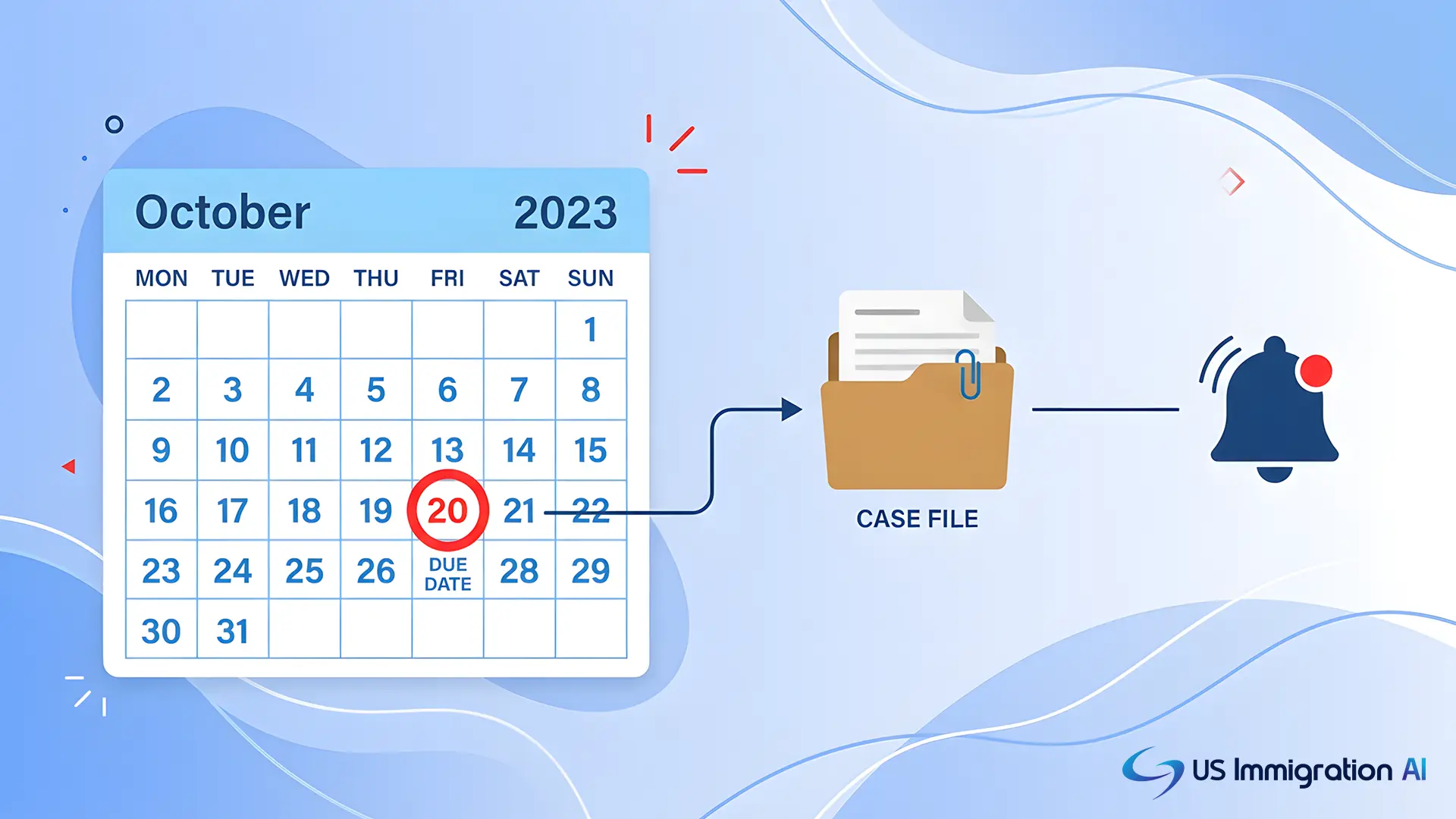

Docketing software prevents missed deadlines by calculating due dates automatically, linking related dates so they update together, and alerting more than one person before a date arrives. A missed filing date in immigration practice rarely gives you a second chance. A Request for Evidence that goes unanswered, or a Board appeal filed a day late, can end a case that had a real shot at approval.
This guide breaks down how deadline-tracking software works, why immigration deadlines behave differently from litigation deadlines, and what to check before your firm buys a system.
Key Takeaways
- Immigration deadlines run on agency-specific rules (USCIS response windows, EOIR's strict 30-day appeal clock), so calendaring built only for state court litigation can miscalculate them.
- Deadline-calculation engines apply jurisdiction rules automatically, which removes manual counting errors like mixing up calendar days and business days.
- Linked, or "parent-child," scheduling keeps every date tied to a hearing or filing in sync when that anchor date moves.
- No single feature is a substitute for a second person checking the calendar. The strongest systems pair automation with a human review step.
- Automation reduces the busywork around deadlines, but it does not replace attorney judgment about what a deadline means for the case.
Why Immigration Deadlines Don't Behave Like Litigation Deadlines
Most docketing software on the market was built for civil litigation: discovery cutoffs, motion deadlines, statutes of limitations. Those deadlines follow state and federal court rules, and plenty of tools calculate them well.
Immigration deadlines run on a different set of agencies, and the rules don't always match. A USCIS Request for Evidence can carry a response window as short as 30 days or as long as 87 days, depending on the form type. Per the USCIS Policy Manual, that 87-day maximum comes from an 84-day regulatory cap plus 3 extra days USCIS builds in for mail delivery.
The clock usually starts on the notice date, not the date the firm receives it in the mail. When a due date lands on a weekend or federal holiday, USCIS treats a mailed response as timely through the next business day.
That grace period doesn't apply the same way to responses filed electronically, since those are logged as received the moment they're uploaded. Get that calculation wrong and a firm can file a day short.
A Board of Immigration Appeals deadline is even less forgiving. Under 8 C.F.R. § 1003.38(b), a Notice of Appeal must be received by the Board within 30 calendar days of the immigration judge's decision. The EOIR Policy Manual is explicit that the Board does not follow the mailbox rule and has no authority to extend that deadline.
A firm that calendars this like a state court appeal, counting from the mailing date instead of the receipt date, can miss the real deadline.
This is the gap generic docketing tools leave open. A system built for immigration practice has to know that USCIS and EOIR deadlines are calculated differently from each other. It has to get that right before the date ever reaches your calendar.
How Deadline-Calculation Engines Actually Work
Getting that gap right starts with how the software calculates a due date in the first place. At the center of any strong docketing system is a rules engine.
Instead of a paralegal counting days on a wall calendar, the software holds a database of counting rules for each filing type. It applies the right rule the moment a trigger date is entered.
In plain terms, the software knows the difference between calendar days and business days. It knows which holidays push a deadline forward, and whether a rule counts from the date of mailing or the date of receipt. Enter the trigger date and filing type, and the system produces the actual due date without anyone doing the arithmetic by hand.
This matters most in immigration work because the counting rules genuinely differ by notice type, as the RFE and BIA appeal examples above show. A rules engine that updates when an agency changes its guidance keeps a firm from working off an outdated rule.
Keeping Linked Deadlines in Sync When One Date Changes
A correct due date is only useful until something in the case changes. A single hearing date rarely stands alone.
A trial date, a merits hearing, or an individual calendar hearing usually carries several smaller deadlines with it. A supporting-evidence filing, a witness list, and a pre-hearing brief can all sit on the same clock.
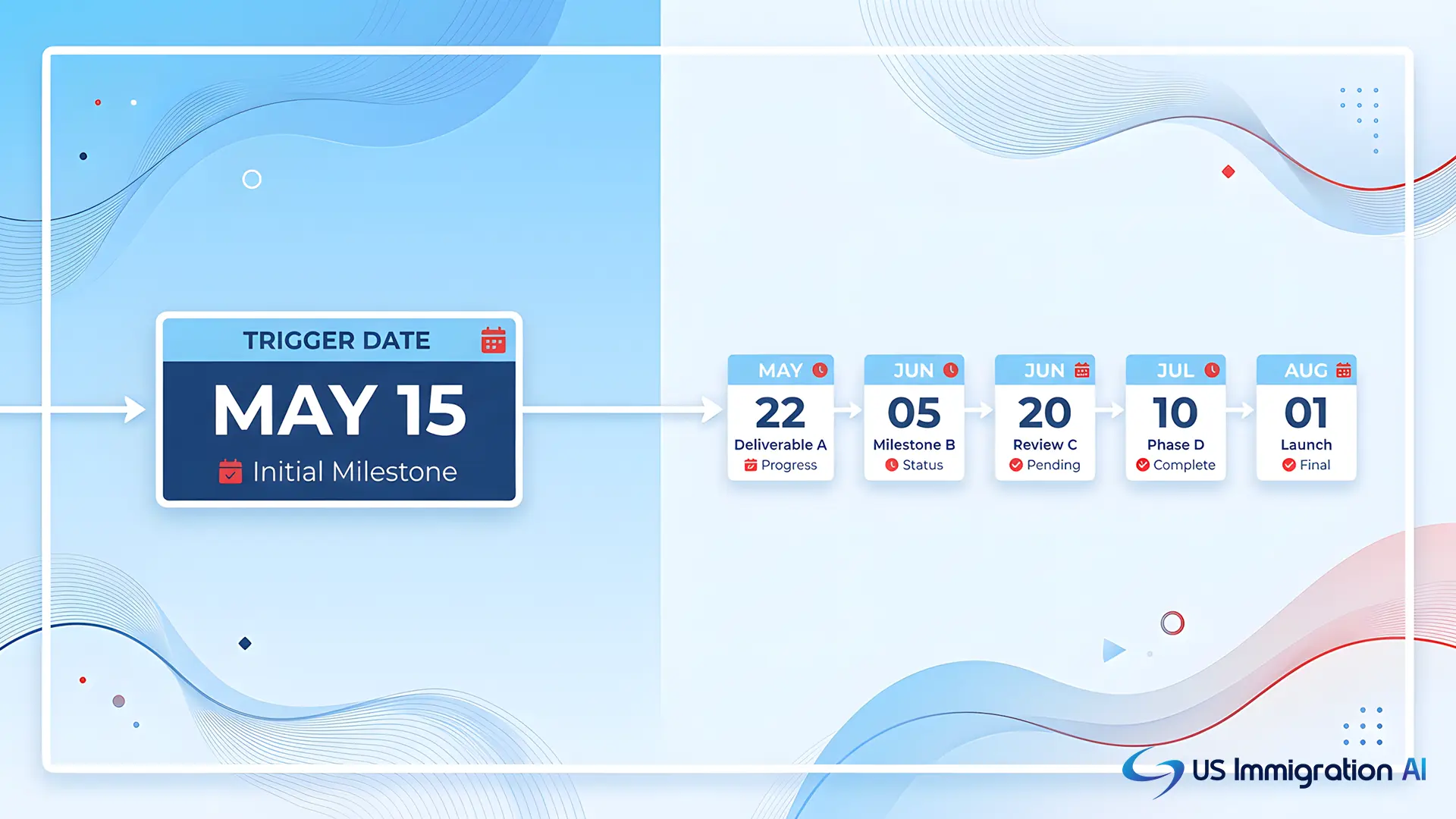
Docketing platforms handle this with linked, or "parent-child," scheduling. The hearing date is the parent, and every deadline that depends on it is a child.
When the court or the client reschedules the parent date, the software recalculates every linked child deadline at the same time.
Without this link, a rescheduled hearing means someone has to remember every deadline that was tied to the old date and manually move each one. That is exactly the kind of multi-step, easy-to-forget task that produces a missed filing months after the original hearing was postponed.
Getting Deadlines Onto the Calendar Your Team Already Checks
A correctly calculated, correctly linked deadline still has to reach someone. A deadline that only lives inside case management software is a deadline someone has to remember to look for.
Most docketing platforms solve this by pushing each deadline to the calendar staff already check every day, typically Outlook or Google Calendar. Each entry arrives with its own dated reminder attached. Some platforms sync in both directions, so a date moved directly in Outlook writes back to the central docketing record instead of only going one way.
The immigration court system has its own version of this problem. EOIR's electronic filing system, ECAS, is how attorneys file many documents with the immigration court.
Under the EOIR Policy Manual, an ECAS outage is treated as a recognized exception that can affect a filing deadline where electronic filing is mandatory. A firm that tracks ECAS status alongside its own calendar has one less place a deadline can quietly slip.
Building Redundancy Into the Process
Getting the date right, linking it, and pushing it to a calendar still leaves one gap: a human still has to notice it in time. The strongest systems build in redundancy on purpose, so no single missed glance or unanswered alert can sink a case.
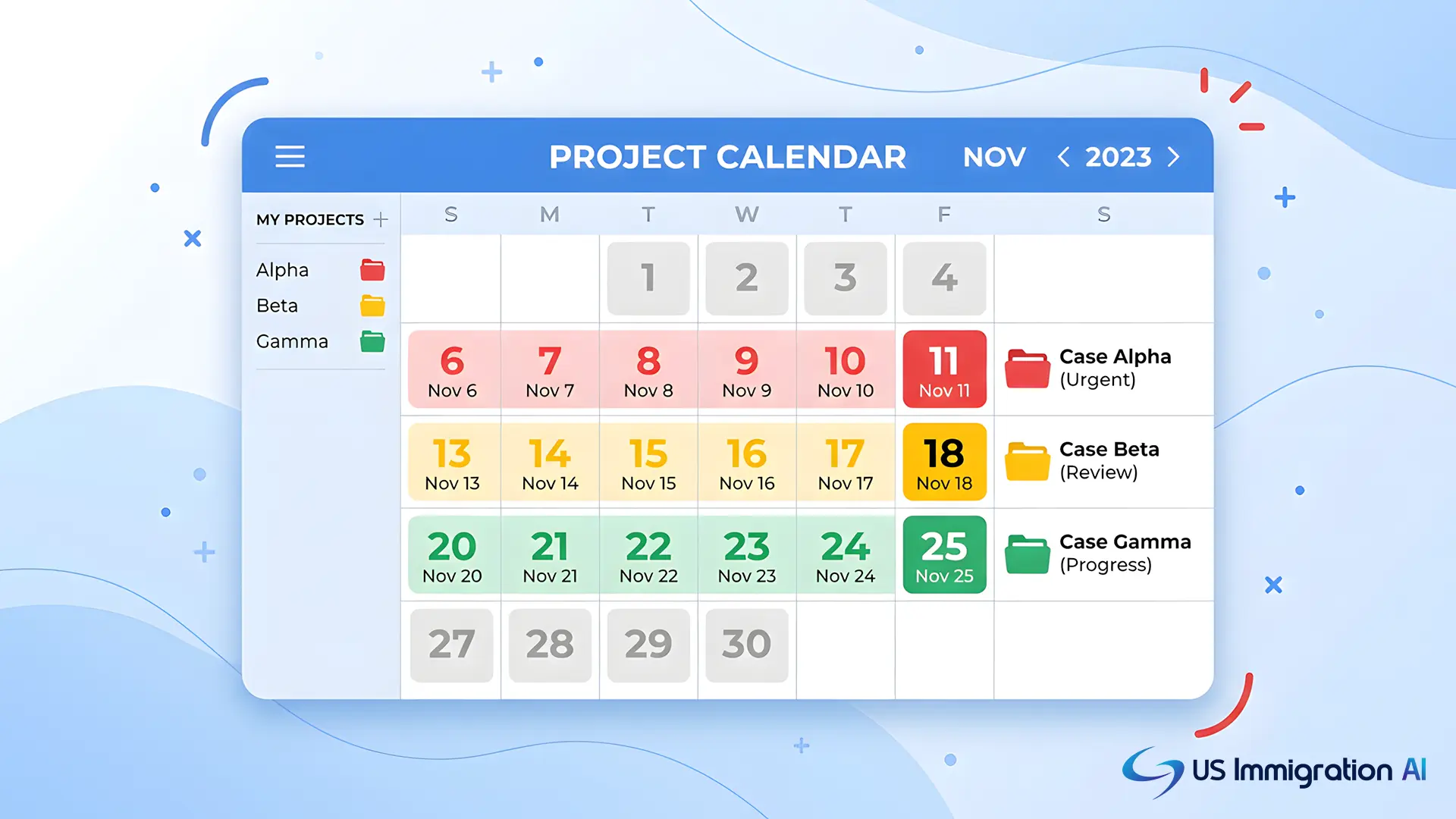
Visibility. When a paralegal is watching dozens of active matters, a plain list of dates is hard to scan quickly. Many docketing systems solve this with color: a due date within a few days shows red, a date a few weeks out shows yellow, and anything further away shows green. A paralegal scanning a mixed caseload of RFE deadlines and BIA appeal windows can see in seconds which one or two matters need attention today.
Escalation. If a paralegal doesn't acknowledge a deadline reminder, the system pushes the alert to the supervising attorney. It escalates again to a practice group leader if that alert also goes unanswered.
An RFE deadline flagged red on Monday and never opened doesn't sit quietly until Friday. It moves up the chain.
A second calendar. Some firms keep a fully separate backup calendar alongside their primary docketing software. That way, one person acting alone cannot delete a deadline from the official record. Pair that with a two-person check on any change to a statutory or jurisdictional deadline, like a BIA appeal window.

This redundancy connects directly to a lawyer's ethical duty. ABA Model Rule 1.3 requires reasonable diligence and promptness in representing a client.
The rule's official comment singles out procrastination and inadequate calendaring as recurring problems. A firm that builds a second check into its deadline process is building toward that duty.
Manual Tracking vs. Docketing Software
Put every mechanism above side by side with the manual process it replaces, and the gap is easy to see.
What an Immigration Firm Should Check Before Buying
Everything above is what to listen for once you understand the mechanics. A general litigation docketing tool and an immigration-ready one can look similar in a demo. Before signing a contract, confirm the system can do the following for your practice specifically.
- Model USCIS notice types correctly. Ask the vendor to show how the system calculates an RFE deadline versus a Notice of Intent to Deny deadline. Confirm how it handles a due date that falls on a weekend or federal holiday.
- Model EOIR's 30-day appeal deadline as a receipt deadline, not a mailing deadline. If the demo counts from the mailing date instead of the date the Board must receive the appeal, that's the wrong rule for this filing.
- Show a real escalation path. Ask what happens, step by step, when a reminder goes unacknowledged for 24 or 48 hours.
- Confirm two-way calendar sync, so a change made directly in Outlook or Google Calendar is reflected back in the docketing system automatically.
- Ask about update cadence. Immigration procedure changes fairly often. Ask how quickly the vendor updates its rules engine after an agency policy change.
Getting these answers before you buy is far cheaper than finding the gaps after a deadline slips.
Where This Fits Into the Rest of Your Case Workflow
Docketing software protects the filing date. What goes into the filing on that date is a separate problem, and it's the one US Immigration AI is built to solve.
The platform's AI Case Assembly checks every case for gaps and inconsistencies before it reaches your attorney. AI Legal Document Drafting flags empty fields, missing signatures, and conflicting dates before a packet goes out the door.
Neither replaces your firm's calendar. Both make sure the packet is actually ready on the day your docketing system says it's due.
Book a Consultation to see how case assembly and drafting fit alongside the docketing system your firm already runs.