

Examples of Humanitarian Immigration Cases
Asylum (Affirmative & Defensive)
Withholding of Removal
Convention Against Torture (CAT)
U Visa
T Visa
VAWA Self-Petitions
Special Immigrant Juvenile Status (SIJS)
Temporary Protected Status (TPS)
Deferred Action–Related Filings
How US Immigration AI Supports Humanitarian Immigration

Automated Intake & Pre-Qualification
Collect detailed client information for asylum, U visas, T visas, VAWA petitions, SIJS, TPS, and deferred action cases. AI pre-qualifies eligibility and generates fee estimates instantly.

Humanitarian Document Collection & Organization
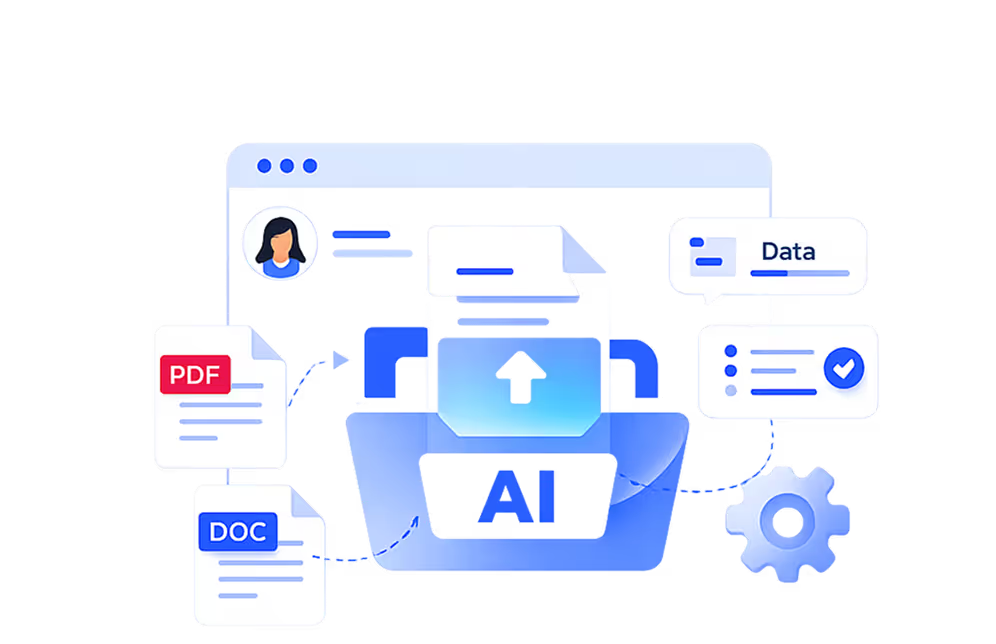
Centralized portal securely gathers all supporting documents, including affidavits, medical records, police reports, and immigration forms. AI flags missing or incomplete items.

Attorney Approved Drafting
AI drafts petitions, forms, and supporting affidavits using templates reviewed and approved by attorneys, tailored to each humanitarian case type.

Error & Inconsistency Flags
Automatically identifies discrepancies in client data, missing signatures, or incomplete supporting documentation for attorney review.

Comprehensive Case Organization
Prepares all petitions, exhibits, and attachments into submission-ready packages, organized for efficient attorney review and USCIS filing.
Full Attorney Oversight
All AI-generated outputs are reviewed, edited, and approved by attorneys before submission, ensuring compliance and maintaining legal control.
All outputs are reviewed and approved by attorneys before filing.
Manual vs. AI-Enhanced Process
- Client intake & eligibilityAI collects detailed client info, pre-qualifies for asylum, U/T visas, VAWA, SIJS, TPS, or deferred action, and provides instant fee estimates
- Document collectionCentralized portal organizes all required documents; AI flags missing, inconsistent, or incomplete items
- Drafting formsAI generates draft petitions, affidavits, and forms using attorney-approved templates, ready for review and editing
- Case organizationAutomated case assembly with all petitions, exhibits, and attachments organized for efficient attorney review
- ReviewAttorney reviews AI-prepared summary highlighting inconsistencies, errors, or missing information, saving time while ensuring accuracy
- Client intake & eligibilityStaff conducts interviews, collects forms, and manually evaluates eligibility
- Document collectionEmails, spreadsheets, and paper files; staff tracks missing items
- Drafting formsAttorneys manually draft petitions, affidavits, and supporting forms
- Case organizationPhysical or shared folders, manual checklists
- ReviewManual double-checks by staff and attorney
Why Immigration Firms Choose US Immigration AI
All-in-One Platform: Consolidates client intake, document collection, petition drafting, and case management into a single AI-powered system.
Reduces Staff Workload & Costs: Automates repetitive tasks for asylum, U/T visas, VAWA, SIJS, TPS, and deferred action cases, freeing staff for higher-value work.
Maintains Attorney Oversight: Attorneys retain full control over all legal decisions while AI handles routine processes.
Enhances Client Experience: Faster intake, eligibility pre-qualification, and document processing improve responsiveness for vulnerable clients.
Scales Firm Capacity: Handle more humanitarian immigration cases without adding staff, allowing your firm to grow efficiently.