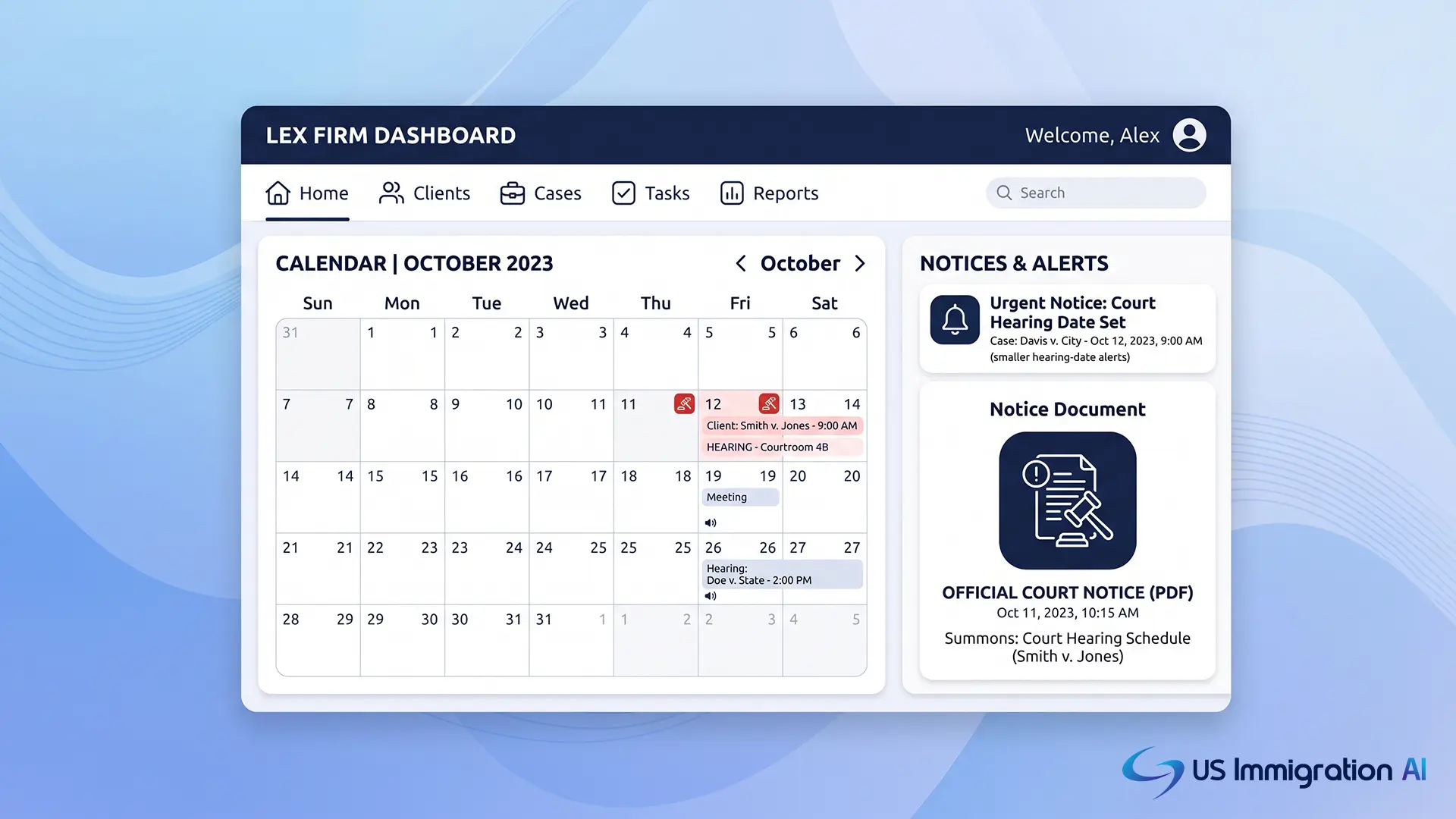

Enterprise notice management systems for courts automate the two things that used to eat entire afternoons: reminding people about hearings and routing filings that come back from the court. For an immigration practice, that work carries extra weight.
A missed hearing notice does not just mean a rescheduled date. It can mean a client is ordered removed without ever appearing in front of a judge.
These systems have gotten a lot right over the past few years. They have also created new problems that did not exist when notices arrived by mail.
This guide breaks down both sides, with a specific eye on what changes for immigration attorneys handling removal defense and other court-related matters.
Key Takeaways
- Automated, multi-channel hearing reminders measurably reduce failure-to-appear rates, and immigration court has one of the highest stakes for a missed hearing of any court system.
- Electronic court filing (ECF) systems that route notices into one place cut manual docket-checking and avoid paying separately for documents your firm already pulled once.
- Phishing scams that impersonate court notices, including fake "Notice of Electronic Filing" emails, are a documented and growing problem the federal judiciary has warned about directly.
- Automation built outside your case management system creates workflow silos and version-control headaches instead of solving them.
- Generative AI tools now touch immigration court filings directly, and EOIR has issued specific guidance on the professional-conduct risk of unreviewed AI drafting.
What Notice Management Actually Covers in an Immigration Practice
Notice management is the set of tasks around keeping track of what a court has told a party, and making sure the right person sees it in time to act. For a civil litigation firm, that mostly means hearing dates and filing deadlines.
For an immigration practice, it also means tracking Notices to Appear, changes of venue, and every hearing an immigration judge sets in a removal case.
The administrative load is real. A single active caseload can span multiple hearings a month across different clients, each with its own notice history.
A missed one carries an outsized penalty, which is why automated notice management has grown so fast, and why getting it right matters more in immigration court than almost anywhere else.
Where Automated Notice Systems Get It Right
Reminders and routing are where these systems built their reputation, and for good reason. The evidence behind them holds up, starting with the simplest fix: getting a hearing reminder in front of a client through more than one channel.
Cutting Missed Hearings With Better Reminders
Multi-channel reminder systems send a hearing notice by text, email, and voice rather than relying on a single mailed letter. They are one of the better-evidenced interventions in court administration.
A Department of Justice-funded study on court reminders found failure-to-appear rates drop from 12.6 percent with no reminder to as low as 8.3 percent when a reminder includes clear information about the consequences of missing court. Multnomah County, Oregon saw a similar result: the Vera Institute reports that automated phone reminders there cut failure-to-appear rates by 37 percent and saved the county far more than the reminder program cost.

The stakes are sharper in immigration court. A 2024 U.S. Government Accountability Office report found immigration judges ordered non-detained respondents removed in absentia in 34 percent of cases between fiscal years 2016 and 2023.
A missed hearing there does not mean a new date. It usually means a removal order entered without the client present to explain why they were not there. Reminder automation is not a convenience for these cases. It is a safeguard against an outcome that is often difficult to undo.
Reminders solve the client side of notice management. The other half is what happens when the court itself sends something back, which is where electronic filing systems come in.
Routing Filings Into One System Instead of Several Inboxes
When a court electronically files an order or notice, it generates a Notice of Electronic Filing, or NEF, that goes out by email under Federal Rule of Civil Procedure 5. Left unmanaged, those emails scatter across staff inboxes.
Different people at the same firm end up checking the same docket. Systems that automatically pull, tag, and file each NEF into one place remove that duplication and give every attorney on a case the same view.
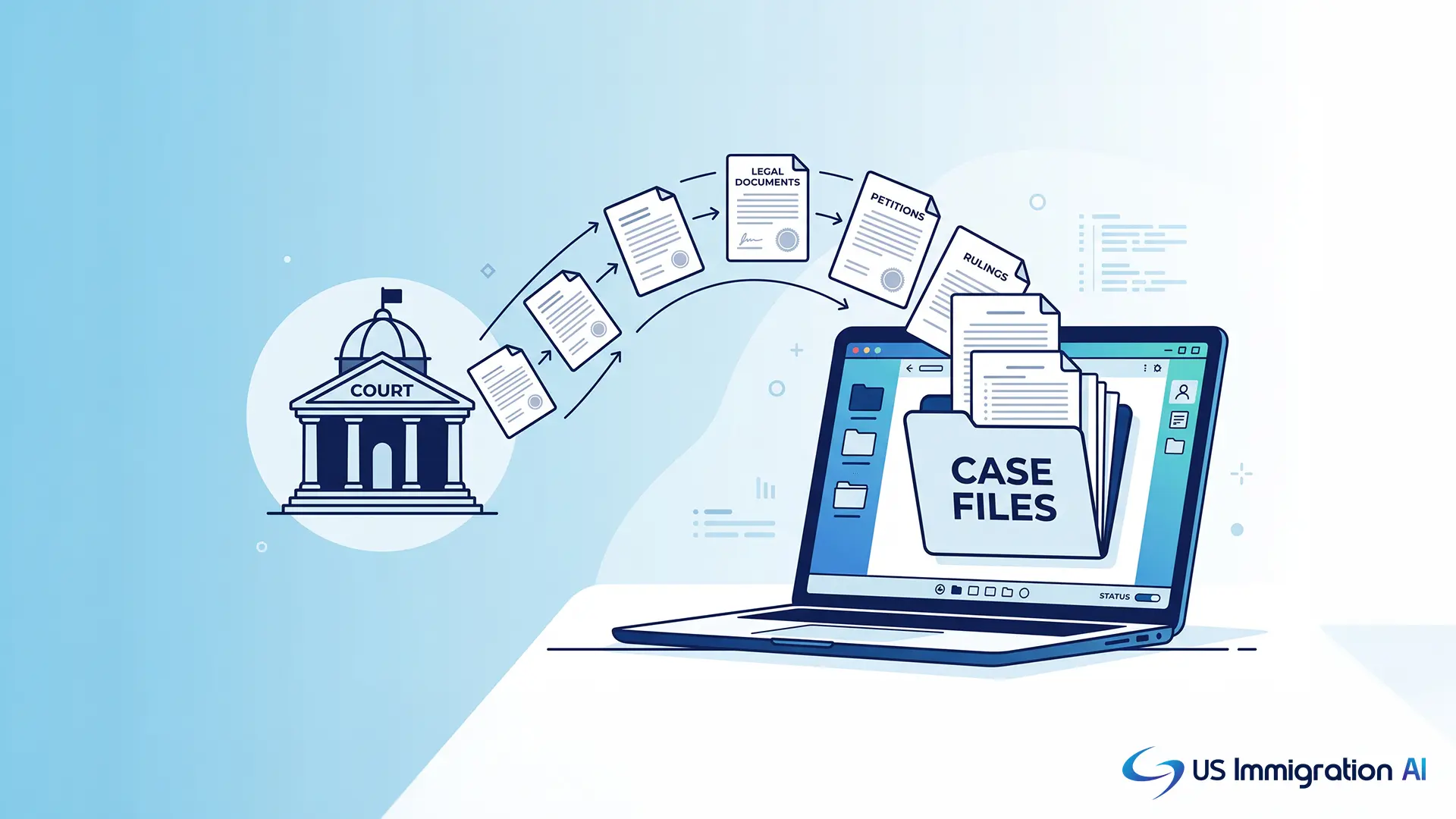
There is a cost angle too. PACER, the federal judiciary's public access system, charges $0.10 per page for most documents, capped at $3.00 each. Parties and attorneys of record get one free electronic copy through the NEF, but anyone else at the firm who pulls the same file separately pays for it again.
Centralizing notice intake means the firm pulls each document once instead of several times.
Reminders and routing cover the digital side of notice management. Some notices still depend on paper moving through the mail, and that is where the third piece fits in.
Digitizing Proof of Service
Some notices and initial filings still require physical mail with a documented delivery record. Automated mail integrations that print, send, and track certified mail electronically remove a genuinely tedious manual step.
Staff no longer fill out mail forms by hand or keep green return-receipt cards organized for years. When the tracking data flows straight back into the case file, a firm can produce proof of service immediately if a court asks for it, instead of digging through a filing cabinet.
Where Automated Notice Systems Still Fall Short
Reminders, routing, and digital mail solve real problems. They also open new ones that did not exist when every notice arrived on paper. The first is the most visible: the same email channel that carries a legitimate court notice now carries scams built to look like one.
Phishing Scams That Impersonate Real Courts
As more legitimate court communication moves to email and text, scammers have followed. Federal courts have issued direct public warnings about phishing emails that impersonate real Notices of Electronic Filing, sending malicious attachments disguised as case documents.
The federal judiciary separately warns that scammers commonly threaten arrest over a supposedly missed jury summons and press recipients for payment or personal information. The Federal Trade Commission has flagged the same tactic repeatedly.
Federal courts do not serve summonses or warrants by email or text, and they never demand payment over the phone. Firms that adopt automated notice management should make sure staff and clients know this distinction.
A legitimate NEF only ever comes from a registered court system tied to a case the recipient is actually part of. Phishing is a risk that lives outside the firm's own systems. The next one starts inside them, in how the notice tool connects, or fails to connect, to everything else.
Workflow Silos and Version Drift
Notice automation that lives outside a firm's main case management system creates its own problem. Staff end up exporting data from one tool and pasting it into another.
Multiple versions of the same document start piling up on different desktops, each labeled some variation of "final." That silo problem, and how to close it, is worth its own section further down.
The workflow gap sits inside the firm. The next two gaps sit in the channel and the rules a notice travels through, starting with how a reminder gets delivered.
Sending Sensitive Information Over Unencrypted Channels
Text message reminders work well for logistics: a hearing date, a location, a deadline. They are a poor channel for anything else.
SMS is not encrypted, and a lawyer's duty of confidentiality under ABA Model Rule 1.6 does not pause because a message is short. Automated reminder systems should stick to logistical alerts and direct clients to a secure portal for anything involving case strategy or sensitive personal information.
Gaps in Electronic Service Rules for Sealed Filings
Automated systems that treat every NEF as equivalent can miss a real procedural exception. When a document is filed under seal, courts' own electronic filing procedures make clear that the NEF is sent, but the linked document is not accessible to parties who lack sealed-document permissions.
A workflow that assumes an NEF always means service is complete can leave a party unserved on a sealed filing, which can put a filing at risk of being struck. Firms need a process, automated or not, that flags sealed and restricted filings for manual handling rather than routing them like every other notice.
The last gap is the newest one, and it has nothing to do with how a notice moves. It is about who, or what, drafts the response to it.
AI Drafting Without a Human Checkpoint
Generative AI is increasingly part of how filings and letters get drafted, and the risk of a fabricated citation or fact is well documented. The Executive Office for Immigration Review addressed this directly in Policy Memorandum 25-40, effective August 8, 2025.
EOIR does not ban generative AI or require attorneys to disclose its use. It is direct, though, that submitting hallucinated citations or inaccurate information likely violates professional conduct rules, and immigration judges are instructed to watch for it.
The memo points attorneys to ABA Formal Opinion 512 (2024), which ties AI use back to the existing duties of competence under Model Rule 1.1 and confidentiality under Model Rule 1.6.
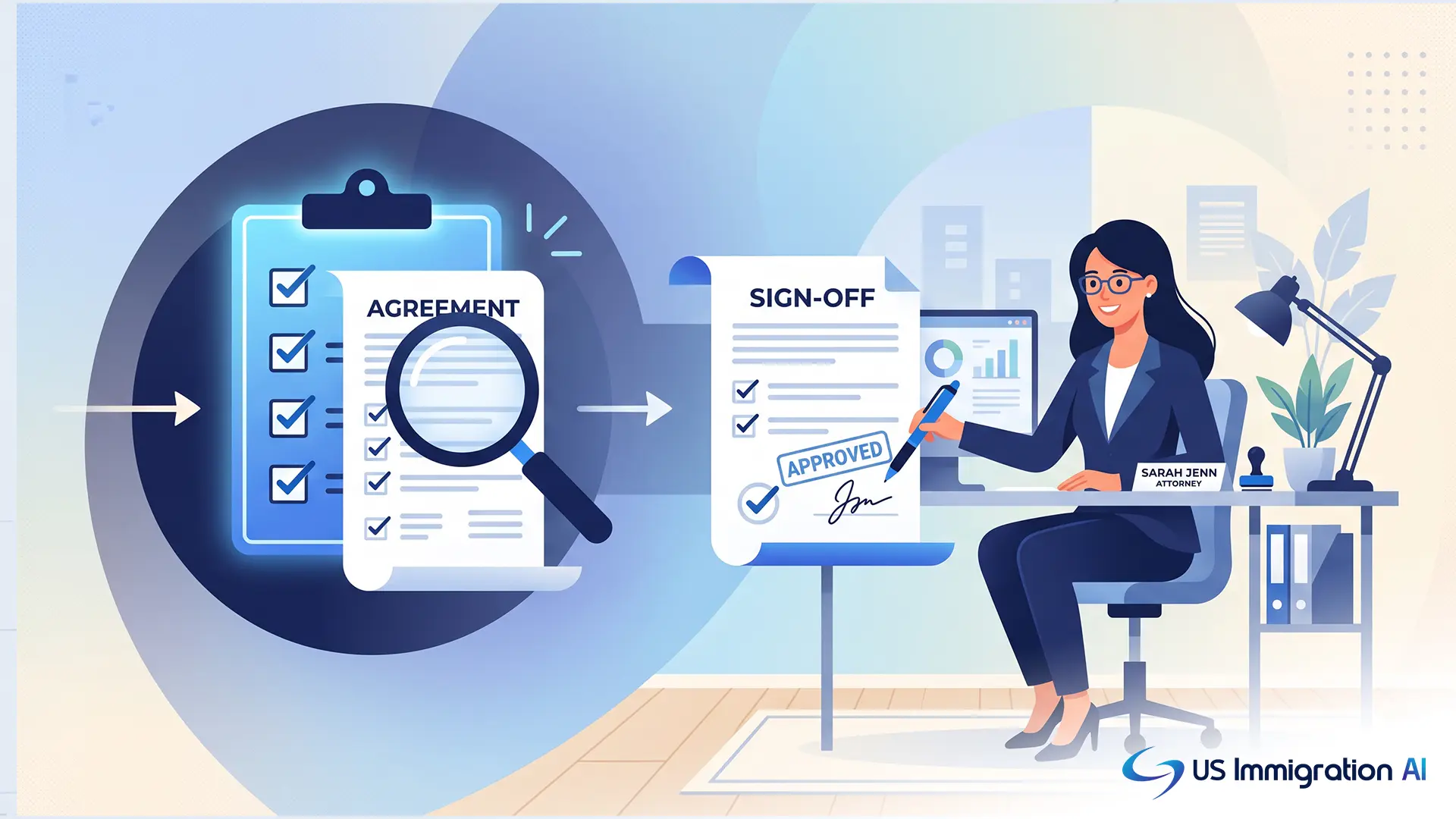
The takeaway is not to avoid AI-assisted drafting. It is to keep a licensed attorney reviewing every AI-drafted document before it reaches a court, the same way a firm would review a paralegal's first draft.
Keeping Notice Management Connected to the Rest of Your Case Workflow
Every fix above points to the same underlying issue. None of them work well as a bolt-on tool sitting apart from everything else a firm already runs.
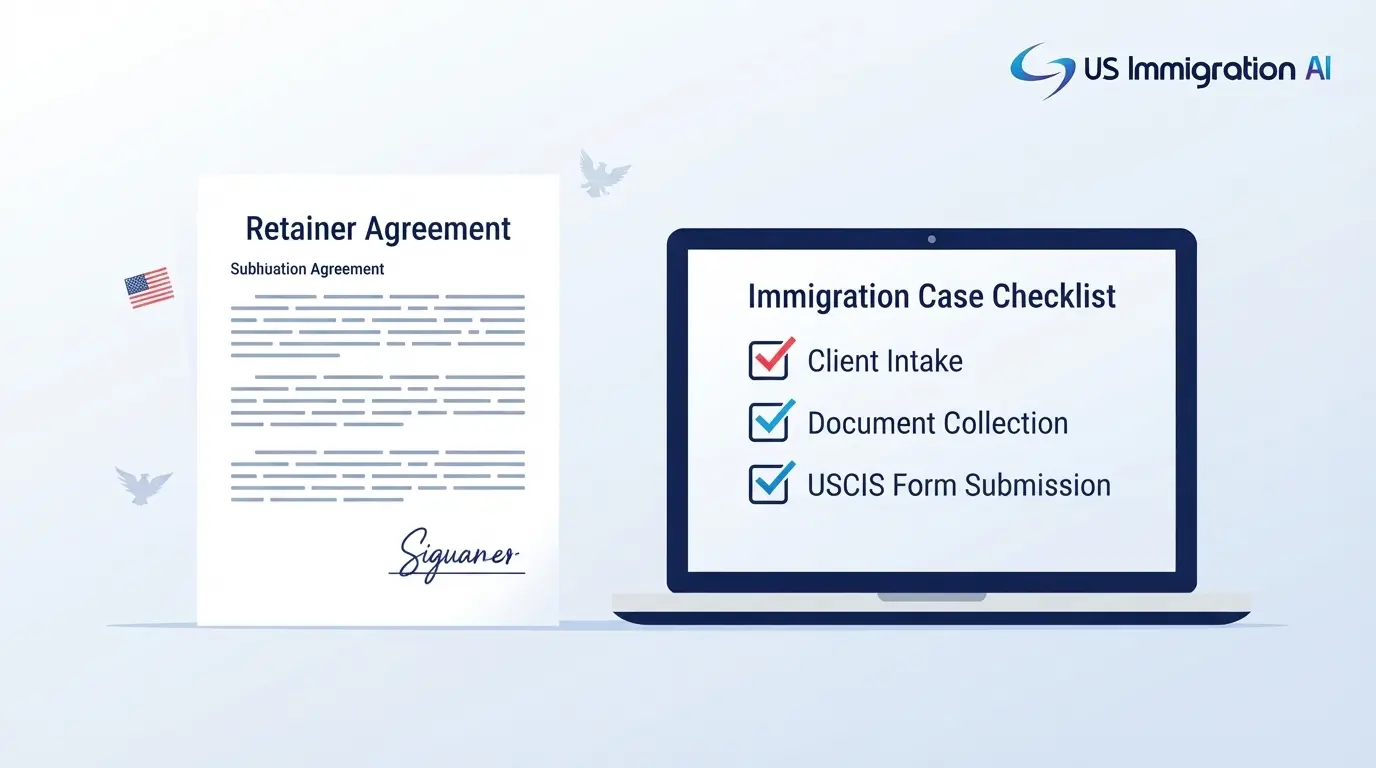
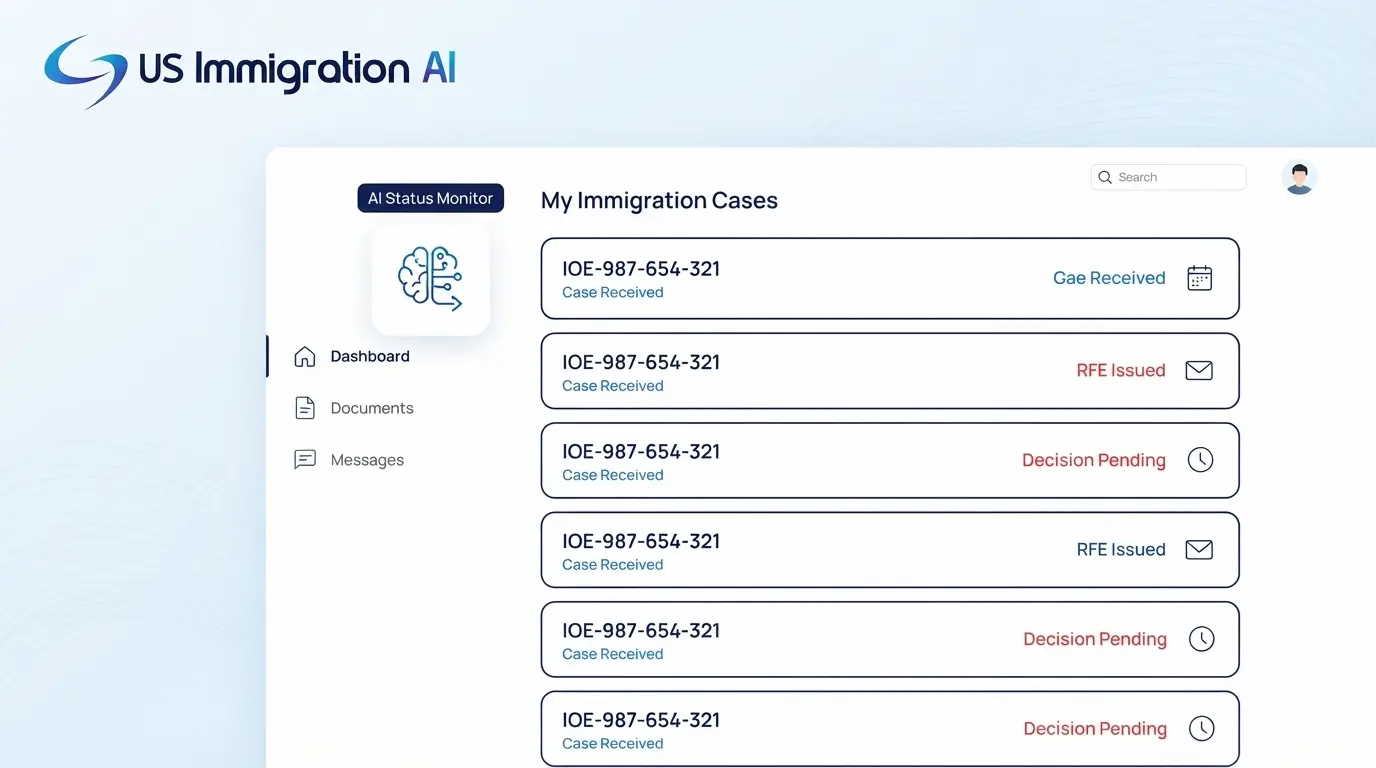
A hearing reminder means little if it is not tied to the same client record your intake, document collection, and drafting steps already use. A firm gets the most out of automated notice management when it sits inside the same system that tracks everything else about a case, the same logic that keeps case assembly connected to the rest of a firm's workflow.
That way, a hearing notice, a document request, and a filing deadline all point back to one file instead of three.
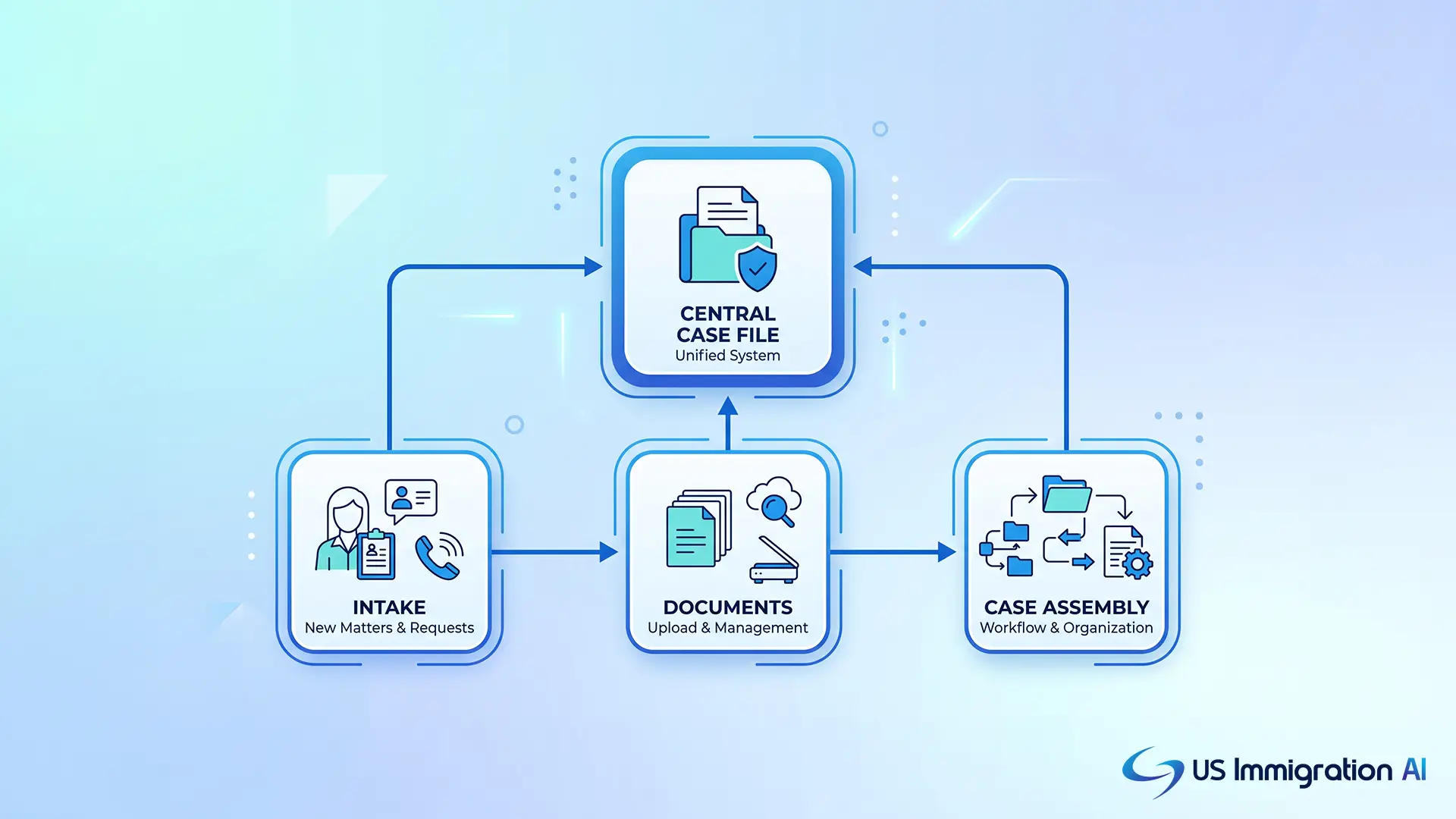
That connection also changes how fast a case comes together. When notices, documents, and drafts live in one place, pulling a full case status takes minutes instead of a search across separate systems.
Keeping client document requests tied to the same file, the way a secure client portal already does for missing paperwork, extends that same logic to notice management. The table below lays out what changes when a firm moves from scattered, manual tracking to that kind of connected system.
Manual Notice Tracking vs. Automated, Attorney-Supervised Notice Management
Where This Leaves Your Firm
That comparison sums up where enterprise notice management stands today. The technology side of the problem is largely solved. Reminders work, routing works, and digital proof of service works.
What separates a firm that benefits from that technology and a firm that gets burned by it is not the software. It is whether a person is still checking the machine's work.
For an immigration practice, that check is not optional. A missed reminder, a mishandled sealed filing, or an unreviewed AI draft carries a different kind of cost when the case is a removal proceeding instead of a routine civil matter.
Grow Your Caseload With US Immigration AI
US Immigration AI keeps hearing notices, document requests, and case drafts inside one connected system, with a lawyer reviewing every output before it goes out. Book a consultation to see how it fits your caseload.
Frequently Asked Questions