
Immigration lawyers use AI to handle the repetitive parts of casework, from filling USCIS forms to drafting responses and assembling filings. The software reads documents, pulls out client details, and prepares first drafts in minutes. A licensed attorney still reviews and signs off on every file.
This guide walks through the main ways AI shows up in an immigration practice today. It follows a case from the first intake call to the final government filing.
Key Takeaways
- AI takes over routine work: reading documents, filling forms, drafting letters, and organizing filings.
- It speeds up RFE responses and client intake, which frees attorneys for judgment calls.
- A lawyer reviews every AI draft before filing. Professional conduct rules require it.
- USCIS now uses its own AI, so clean, consistent filings matter more than before.
- The safest tools keep a human in charge and protect client data.
Where AI Fits in an Immigration Practice
AI does not run the case. It takes over the slow, manual steps that fill a paralegal's day, like data entry, document chasing, first drafts, and file assembly. The attorney keeps the legal judgment and the final decision.
The sections below cover the main ways firms put AI to work. They run in the order a case usually moves, from intake to filing.
Reading Documents and Filling Out USCIS Forms
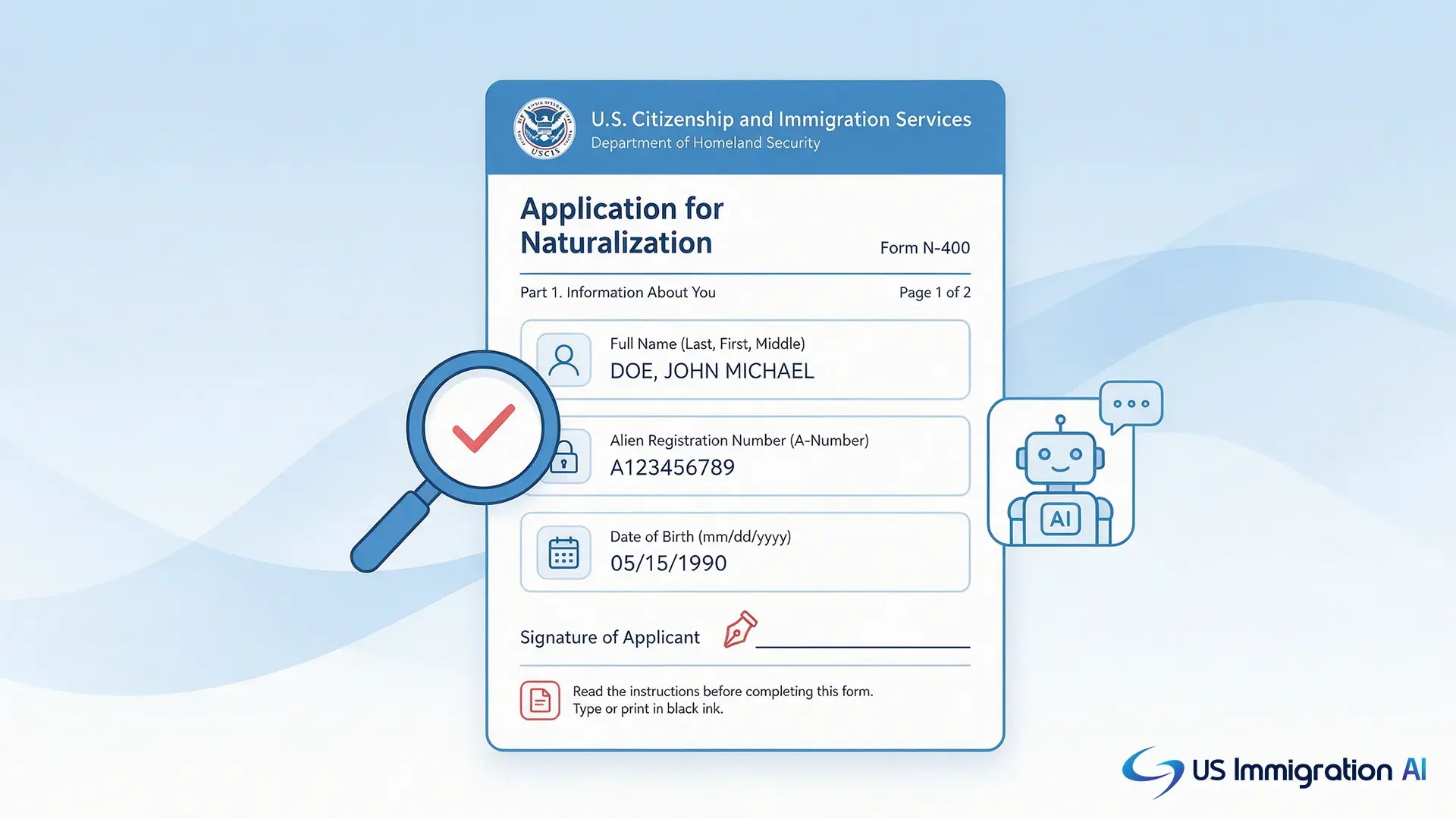
Immigration cases run on long government forms that ask for the same details over and over. AI reads a passport, green card, or birth certificate and pulls out the names, dates, and numbers. It then places those details into the right fields.
This covers the forms firms file most often. Examples include Form I-130, Petition for Alien Relative, Form I-140, Immigrant Petition for Alien Worker, and Form N-400, Application for Naturalization. Pulling data automatically cuts typing time and the small errors that creep in by hand.
Drafting RFE Responses and Supporting Letters
Responding to a Request for Evidence (RFE) is one of the most time-consuming tasks in immigration work. AI reads the USCIS request and the case facts, then produces a structured first draft. It matches the client's exhibits to the specific points the officer raised.
The attorney then edits the argument, confirms the facts, and adds anything the draft missed. Starting from a structured draft means the lawyer sharpens the argument instead of building it from a blank page.
Running Faster, Sharper Client Intake
AI changes how firms handle the first contact with a potential client. A digital intake assistant asks screening questions around the clock and flags whether someone may qualify for a visa. That stops leads from slipping away after hours.
In live consultations, some attorneys run the client's account through an AI that listens and suggests follow-up questions. It points out gaps in the timeline before the client leaves the office. The lawyer still leads the interview and decides what matters. See how this looks in practice with AI intake.
Legal Research and Case Assessment
AI helps attorneys research faster and make sense of large records. It summarizes long files, finds relevant decisions, and answers questions about uploaded evidence. For a busy practice, that cuts down the reading load on every case.
These tools are useful, but they are not flawless. A 2025 Stanford study on legal AI research tools found that even purpose-built legal AI made up false or unsupported answers more than 17 percent of the time. That is the reason every citation needs a human check before it goes near a filing.
Communicating With Clients Across Languages
AI keeps clients informed and helps firms work across languages. Chat assistants answer common questions, share case status, and send reminders by text or email. That cuts down on the back-and-forth that eats up staff time.
Translation features convert messages between English and a client's native language. Clear communication at intake means fewer misunderstandings later in the case. A secure client portal keeps these messages and shared documents in one place.
Keeping Filings Clean as USCIS Adds Its Own AI
USCIS now uses AI on its side of the process. The Department of Homeland Security's public AI Use Case Inventory shows USCIS applying AI to classify evidence, translate documents, match identities, and support fraud detection. DHS states that human officers still make the final decision.
For firms, this is a practical reason to file clean, well-organized packages. Consistency between the petition and the client's records lowers the chance of an avoidable flag.
Keeping a Lawyer in Charge of Every File
Every responsible AI workflow keeps a licensed attorney in control. The software prepares drafts. The lawyer checks the facts, the citations, and the legal judgment before anything is filed.
This is also a professional duty. The ABA's Formal Opinion 512 (2024) tells lawyers to understand these tools and verify their output. In immigration court, EOIR Policy Memorandum 25-40 (2025) warns that filing AI-generated errors, such as fake citations, can violate professional conduct rules.
What AI Handles vs. What Your Attorneys Handle
The split is simple. AI takes the routine, repeatable work. Your attorneys keep the judgment and the final word.
Best Practices for Bringing AI Into Your Firm
Rolling out AI works best when you start small, keep a lawyer in control, and treat the tool like a junior colleague. These habits keep quality high as you add more tools and take on more volume.
- Start with one high-volume task. Pick something repetitive and low-judgment, like intake or form filling, and prove it works there before expanding.
- Make attorney review a required step. No draft should reach a client or USCIS until a lawyer has checked the facts, the law, and every citation. Confirm each case citation directly in the legal database before relying on it.
- Choose closed, legal-specific tools. Avoid public consumer chatbots for client work, since some keep or train on what you type. Pick a tool that does not train on your data and can show an independent security audit, such as SOC 2.
- Write a one-page AI use policy. Spell out which tasks AI can touch, what client data is allowed in, who signs off, and how citations get verified. That keeps the whole team working the same way.
- Assign an owner and track the results. Put a supervising attorney in charge of quality and run a monthly review of draft accuracy. If the error rate on any case type passes 20 percent, route it to senior review until it clears.
- Be upfront with clients. Let clients know how AI supports their case, and update your engagement letters to say so. Clear communication builds trust and meets your duty to keep clients informed.
Putting AI to Work in Your Firm
AI is most useful on the repetitive work that slows a firm down. Used with attorney review, it lets a small team handle more cases without cutting corners on quality. The same team gains capacity.
Start with one bottleneck, like intake or form filling, and add a tool there first. Measure the hours saved over a month before you expand. Set a regular review of draft quality, owned by a supervising attorney, so standards stay high as volume grows.
Grow Your Caseload With US Immigration AI
US Immigration AI automates intake, payments, retainers, document collection, form drafting, and case assembly, with a lawyer reviewing every file before submission. It is built so your team can take on more cases without adding headcount. Schedule a walkthrough to see how it fits your practice.
Frequently Asked Questions