
The best AI to draft legal documents depends on your practice area, because a contract tool and an immigration tool solve different problems. A contract assistant redlines agreements, a litigation tool drafts briefs and checks citations, and an immigration tool fills government forms and builds the filing. No single product wins every category.
This guide ranks the leading tools, compares them in one table, and shows what separates a real legal drafter from a general chatbot. It also covers where immigration filings sit, since most roundups skip them.
Key Takeaways
- The best AI to draft legal documents depends on your practice area and document type. No single tool wins every category.
- Contract, litigation, and immigration tools are built for different work and rarely cross over.
- The strongest tools draft from trusted source material, protect client data, and keep an attorney in control.
- General chatbots can draft rough text, but they lack legal training and raise confidentiality concerns.
- For immigration firms, a form-aware case tool beats a general drafter, because one client's facts feed many USCIS forms and the case ends in a full filing package.
Why Firms Use AI to Draft Legal Documents
Drafting eats hours that could go to billable work. Repetitive forms, standard letters, and first-pass contracts follow patterns a tool can produce in minutes, which frees attorneys for the judgment only they can provide.
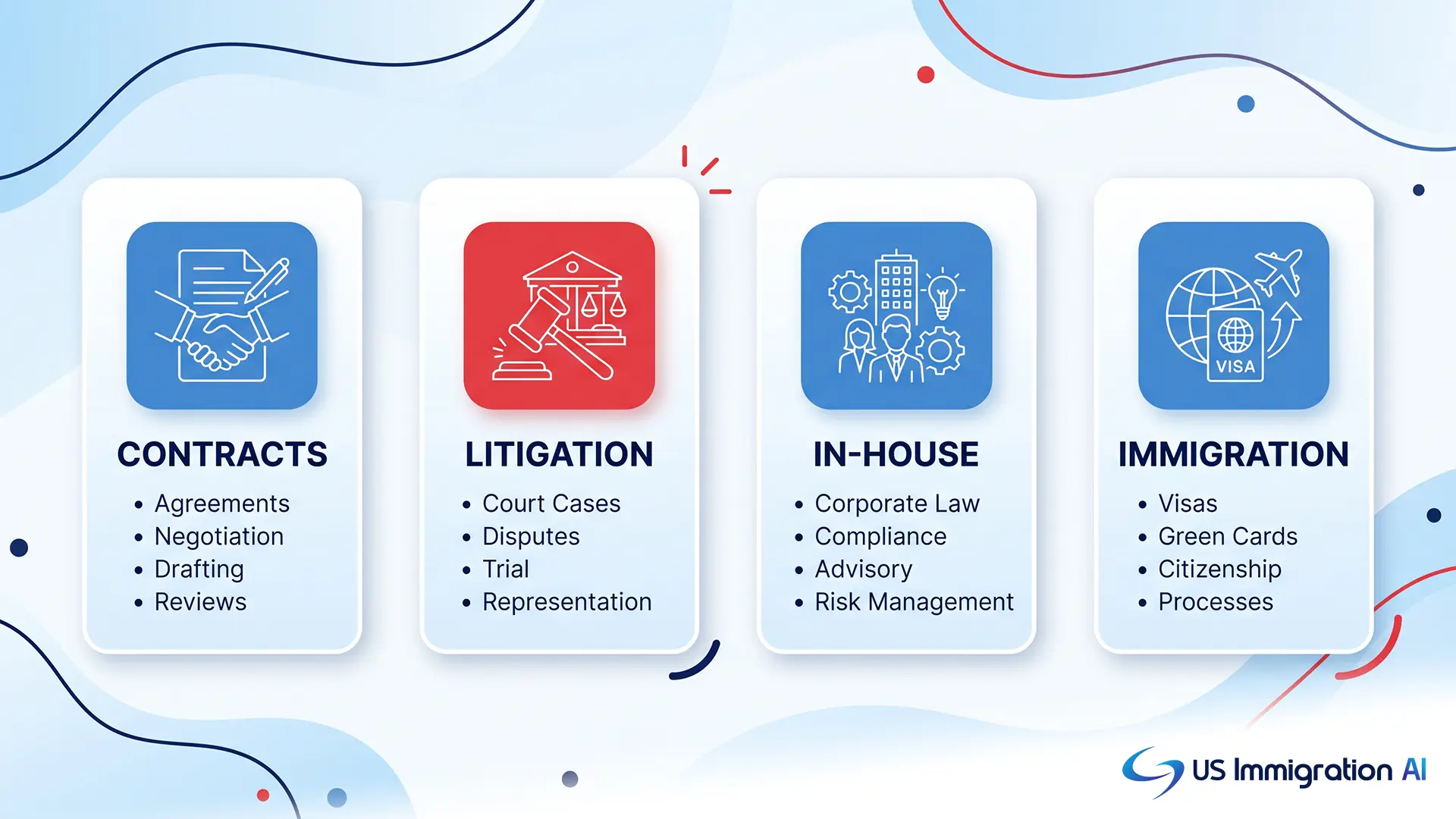
The gains are practical: faster turnaround, consistent language across a matter, and fewer routine errors. The value of any tool then comes down to how well it fits the documents you actually produce, which is what the next section helps you judge.
Best AI to Draft Legal Documents, Ranked
We ranked these tools the way a firm actually picks one: by the documents you file, how well the tool guards client data, how much of the workflow it covers beyond a single draft, and whether an attorney stays in control. This guide is published by US Immigration AI, so it opens with our own tool, then works through the strongest general options. Each entry says plainly who it fits, so you can jump to the match for your work.
1. US Immigration AI
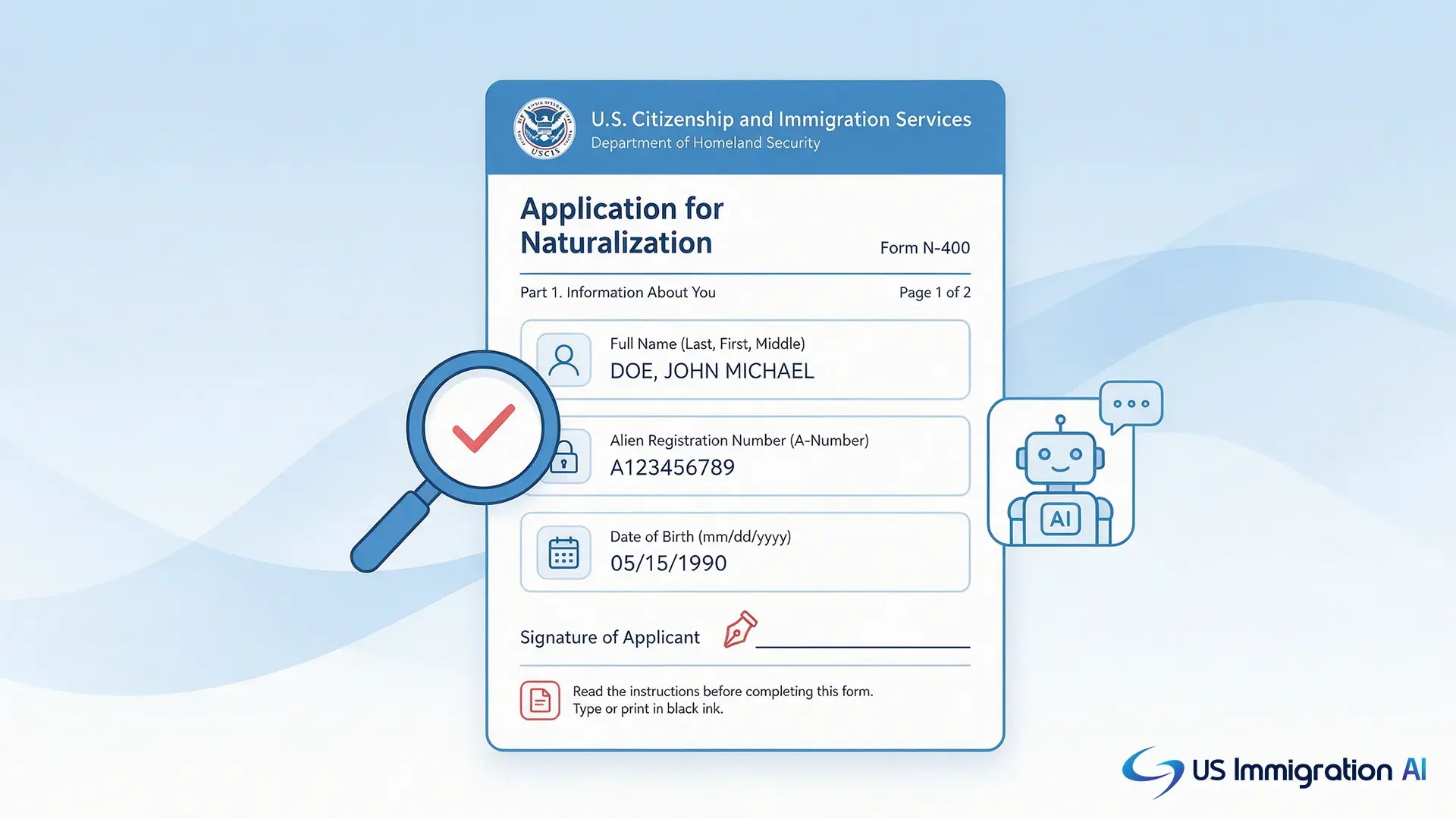
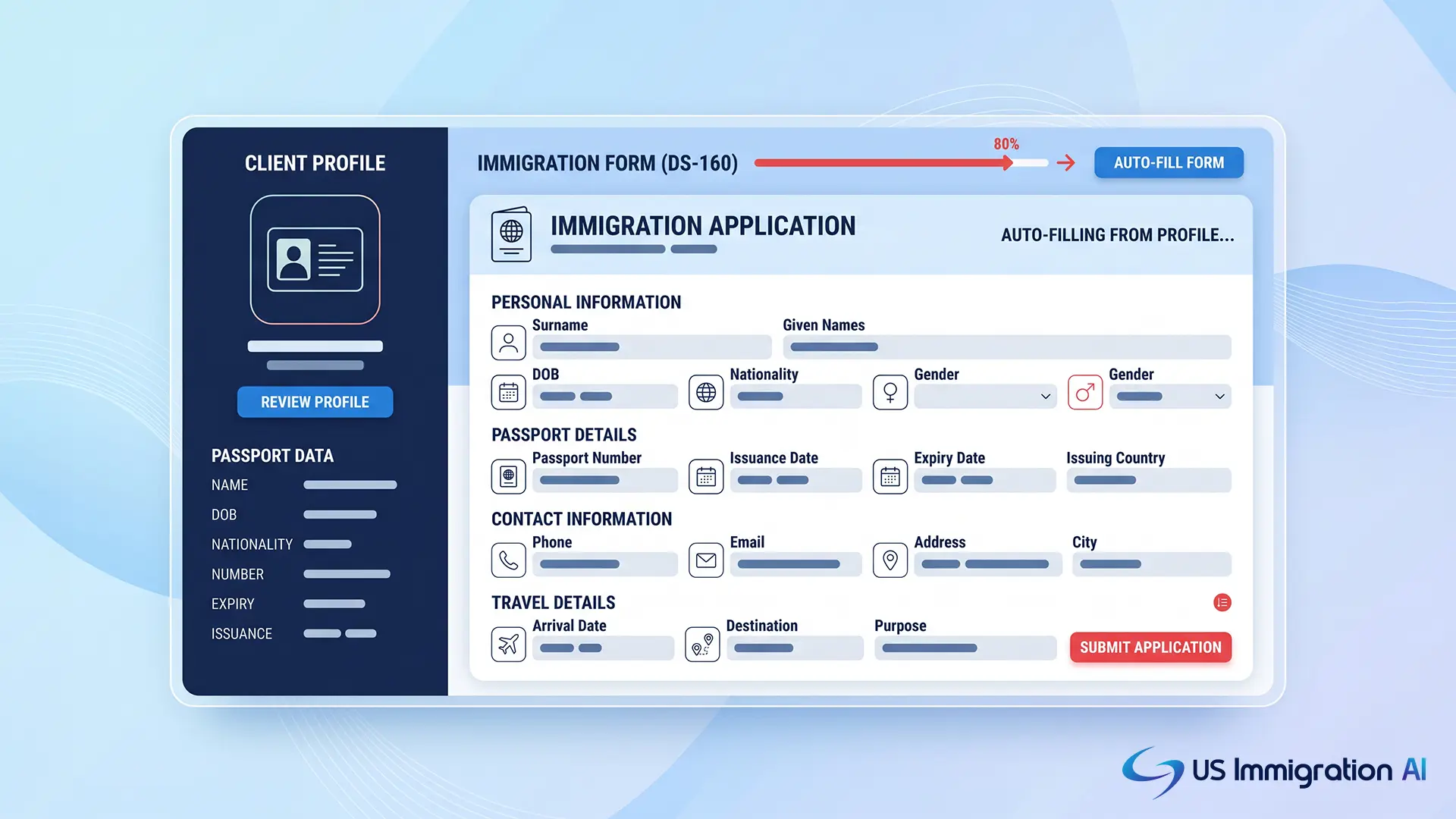
US Immigration AI is the tool we build, so we will be clear about what it is and is not. It is not a general contract or litigation drafter. It is built for immigration firms, where one client's facts feed dozens of USCIS forms and letters across a single case. The platform reads intake data and fills the forms with its drafting tool. It drafts the supporting letters, then uses case assembly to organize everything into a filing-ready package for an attorney to verify. That end-to-end coverage is why it leads here for immigration work. A firm clears more cases with the same team, and a lawyer signs off on every file.
Key features:
- Enters a client's names, dates, and history once, then reuses them across every form in the case.
- Drafts supporting letters and assembles the full filing, not just a single document.
- Transparent pricing at $97 per application or $997 per month.
Best for: immigration firms that want the whole filing workflow handled, from intake to a submission-ready package.
2. Harvey AI
Harvey is a broad assistant trained on legal data and adopted across many large firms. Working through a chat interface, it drafts contracts, memos, and case-law summaries, which makes it flexible across practice areas. That breadth is also its limit. It does not auto-populate contract templates the way a drafting-first tool does, and it carries enterprise pricing and a longer rollout.
Key features:
- Prompt-based drafting of clauses and memos.
- Translation of drafts into multiple languages.
- A Word add-in, with research and due-diligence support for large matters.
Best for: large firms that want one broad assistant rather than a single-purpose drafter.
3. Thomson Reuters CoCounsel
CoCounsel drafts memos, briefs, and contracts backed by Westlaw and Practical Law. Each draft arrives with the rules and citations behind it, which makes the edits easy to check. Its strength is research depth, so its in-document contract drafting is lighter than the contract-first tools below.
Key features:
- Pulls model agreements and templates from Practical Law.
- Builds multi-step research plans that feed the draft.
- Works inside Microsoft Word.
Best for: teams in the Thomson Reuters ecosystem that want drafting joined to deep research.
4. Lexis+ AI
Now offered as Lexis+ with Protégé, this LexisNexis tool drafts pleadings and briefs grounded in its legal database and checks every citation against Shepard's, so arguments rest on good law. It is cloud-first and fits firms already committed to Lexis+.
Key features:
- Drafting grounded in the LexisNexis database.
- Citation validation through Shepard's.
- Guided templates that capture inputs and fill documents.
Best for: litigators who need verified authority behind every draft.
5. LEGALFLY
LEGALFLY drafts and redlines inside Word and turns a company's own agreements into reusable templates. It strips identifying data before anything reaches the AI, is jurisdiction-aware across many markets, and ties each edit to a rule the lawyer can check. Its focus is in-house contracts, not court filings or specialized documents.
Key features:
- Tracked-change redlining in Microsoft Word.
- Templates built from your existing contracts.
- Sensitive data anonymized before processing.
Best for: in-house teams that want secure, Word-first contract drafting.
6. Spellbook
A Word add-in for transactional lawyers, Spellbook drafts and redlines contracts in the document, suggests clauses, and flags risky terms against common market standards. It is built for contracts, so it does not handle court filings or government forms.
Key features:
- Clause suggestions and risk flags as you draft.
- Redlining without leaving Word.
- Language compared against market-standard contracts.
Best for: transactional teams that live in Word and move many agreements.
7. GC AI
Shaped for in-house departments and their mixed workloads, GC AI drafts commercial contracts, NDAs, and advisory memos. Its playbook redlining applies a company's standard positions automatically, so routine requests clear faster. It is aimed at corporate teams rather than filing-heavy practices.
Key features:
- Drafts contracts, NDAs, and advisory memos.
- Applies your standard positions through playbooks.
- Includes a Word add-in for in-document work.
Best for: corporate legal departments handling many request types at volume.
8. Definely
Definely works inside Word to help lawyers move through definitions and cross-references in dense agreements. Its change-impact view shows how editing one clause affects the rest. It is a precision aid for complex contracts rather than a full drafter or filing tool.
Key features:
- Jump between linked definitions and references.
- See how a clause change ripples through the document.
- Works inside Microsoft Word.
Best for: lawyers handling intricate agreements with many linked terms.
9. NexLaw
Built for US litigators, NexLaw drafts motions and legal memos and anchors its output in primary authority across states, which cuts down on invented citations. Its focus is litigation tied to case law, not contracts or forms.
Key features:
- Drafts motions and legal memos.
- Grounds output in primary authority across states.
- Supports case strategy alongside drafting.
Best for: US litigators who want drafts anchored in case law.
10. Patlytics
Patlytics is built for patent work. It generates and structures claims, expands them into full specifications, and runs consistency checks that catch undefined terms before they become problems. It is patent-only by design.
Key features:
- Generates and structures patent claims.
- Expands claims into detailed specifications.
- Flags undefined terms and consistency gaps.
Best for: patent practices that draft and check claims at volume.
11. EvenUp
EvenUp serves personal injury firms, drafting demand letters, medical chronologies, and complaints straight from case records. It goes deep on one practice area and does not reach beyond it.
Key features:
- Drafts demand letters from case records.
- Builds medical chronologies.
- Generates complaints for injury matters.
Best for: personal injury firms with repetitive document sets.
12. LegesGPT
LegesGPT bundles a contract generator, drafting tools, document review, and case-law research at a budget price, with a free tier to start. It covers a lot at a basic level, which suits straightforward needs more than complex ones.
Key features:
- Generates contracts and basic drafts.
- Reviews documents and searches case law.
- Free tier with low-cost paid plans.
Best for: solos and small firms that want one affordable tool.
A Note on General-Purpose AI Assistants
Public chatbots such as ChatGPT, Claude, and Microsoft Copilot can draft a first-pass letter, summarize a document, or reshape text. They are cheap and quick to start with. They are not built for legal work, though. They are not trained on legal standards, they can produce inaccurate citations, and entering client facts into an open tool raises confidentiality concerns. Use them only for non-sensitive drafting, with full attorney review.
Best AI to Draft Legal Documents at a Glance
*Most vendors price by custom quote and do not publish flat rates. Pricing models were not independently verified and can change, so confirm current pricing with each vendor before deciding (June 2026).
What to Look For in an AI Legal Drafting Tool
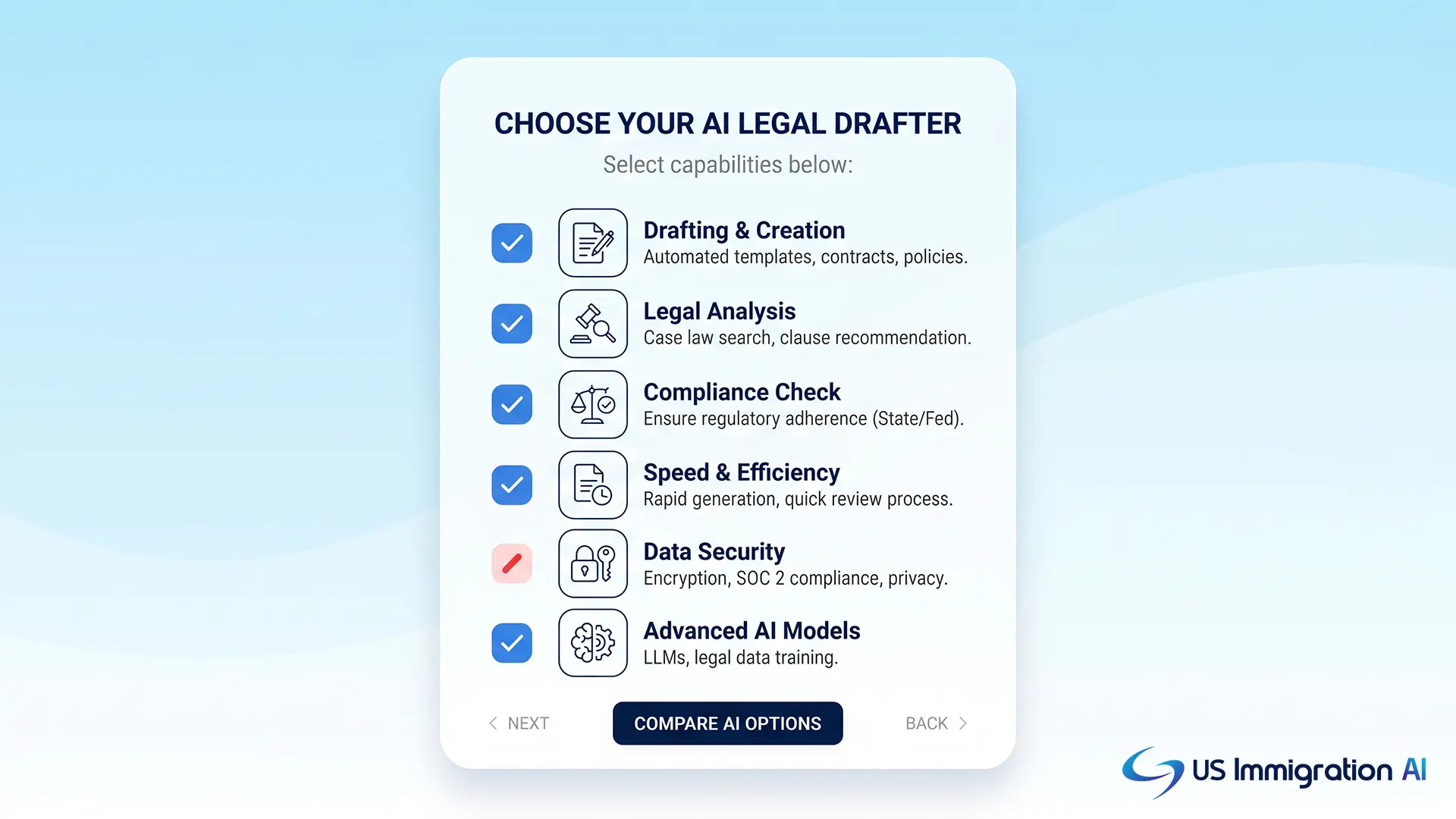
The best AI to draft legal documents shares a few traits, whatever the practice area. Use these as a checklist before you compare features or sit through a demo.
Built for Legal Work
A tool trained on legal documents drafts closer to final than a general chatbot, because it knows how the documents you file are built. Ask whether it was trained on legal material and your document types, not just general text.
Grounded in Trusted Material
Strong tools draft from sources you can verify: your own templates, an approved clause library, official forms, or a legal database. Grounding ties the draft to real language instead of invented wording, so it is faster to check and safer to trust.
Confidential by Design
Legal drafts hold sensitive client facts, so the tool should keep that data private and never feed it to an open public model. Confirm that your inputs are not used to train the vendor's model. Confidentiality is a duty under ABA Model Rule 1.6, not an optional setting.
A Lawyer Stays in Control
The tool drafts; the attorney decides. You should be able to see, edit, and approve every output, and the better tools explain why they suggested a change so you can validate it rather than trust it blindly.
Fits Your Workflow
A tool that works where you already work saves more time than one that forces copy-and-paste between systems. For contract teams that often means a Word add-in. For a filing practice it means the case system itself.
Why Immigration Drafting Needs Its Own Tool
Immigration filings reward a tool that understands forms and reuses data, which general drafters do not do. Three things set the work apart.
First, the data repeats. A client's details appear on the main petition, the supporting applications, and the cover materials, so entering them once and reusing them prevents mismatched forms.
Second, the output is a package, not a single file. A finished case is a stack of forms and exhibits in the right order. A client document portal keeps it on track by flagging what a file still needs before assembly.
Third, accuracy on the form matters as much as the writing, and court filings add a rule on top. Immigration courts now address AI directly through EOIR Policy Memorandum PM 25-40, "Use of Generative Artificial Intelligence in EOIR Proceedings" (effective Aug. 8, 2025), which keeps the filer responsible for accuracy. A tool that drafts removal-related documents should fit inside those rules, with a lawyer reviewing every page.
How to Keep AI Drafting Accurate and Ethical
Whatever tool you choose, an attorney reviews every AI-drafted document before it is filed. That single step is what makes AI drafting safe, and it applies to every tool above.
The American Bar Association set out the duties in Formal Opinion 512 (2024). The opinion ties three duties to AI use. Lawyers must grasp a tool's limits under the duty of competence (Model Rule 1.1). They must keep client data private under confidentiality (Model Rule 1.6), and supervise the output the way they supervise a junior's work. None of that blocks AI use; it defines how to use it well.
In practice, that means a named review step an attorney owns, so no draft reaches a client or a court unchecked. You can read how the platform handles security on the data security and compliance page. Used this way, AI takes the routine drafting and your attorneys keep the judgment.
General-Purpose AI vs. Legal-Specific vs. Immigration Tools
For most firms, the choice comes down to three types of tool. The table shows where they differ.
A chatbot can write a letter. A legal-specific tool drafts strong contracts or briefs. An immigration tool runs the case from intake to a finished filing, which is what cuts hours off each matter.
Choosing the Right Fit for Your Firm
The best AI to draft legal documents is the one that matches your daily work, protects client data, and leaves the final call to a lawyer. Name the documents you produce most, use the ranking and table above to shortlist the tools built for them, and test one on real matters before you commit.
For contract-heavy or litigation practices, the drafters built for those documents will fit best. For immigration firms, a form-aware case tool saves more time than any general drafter, because the work is repetitive, data-heavy, and built around government forms.
Frequently Asked Questions