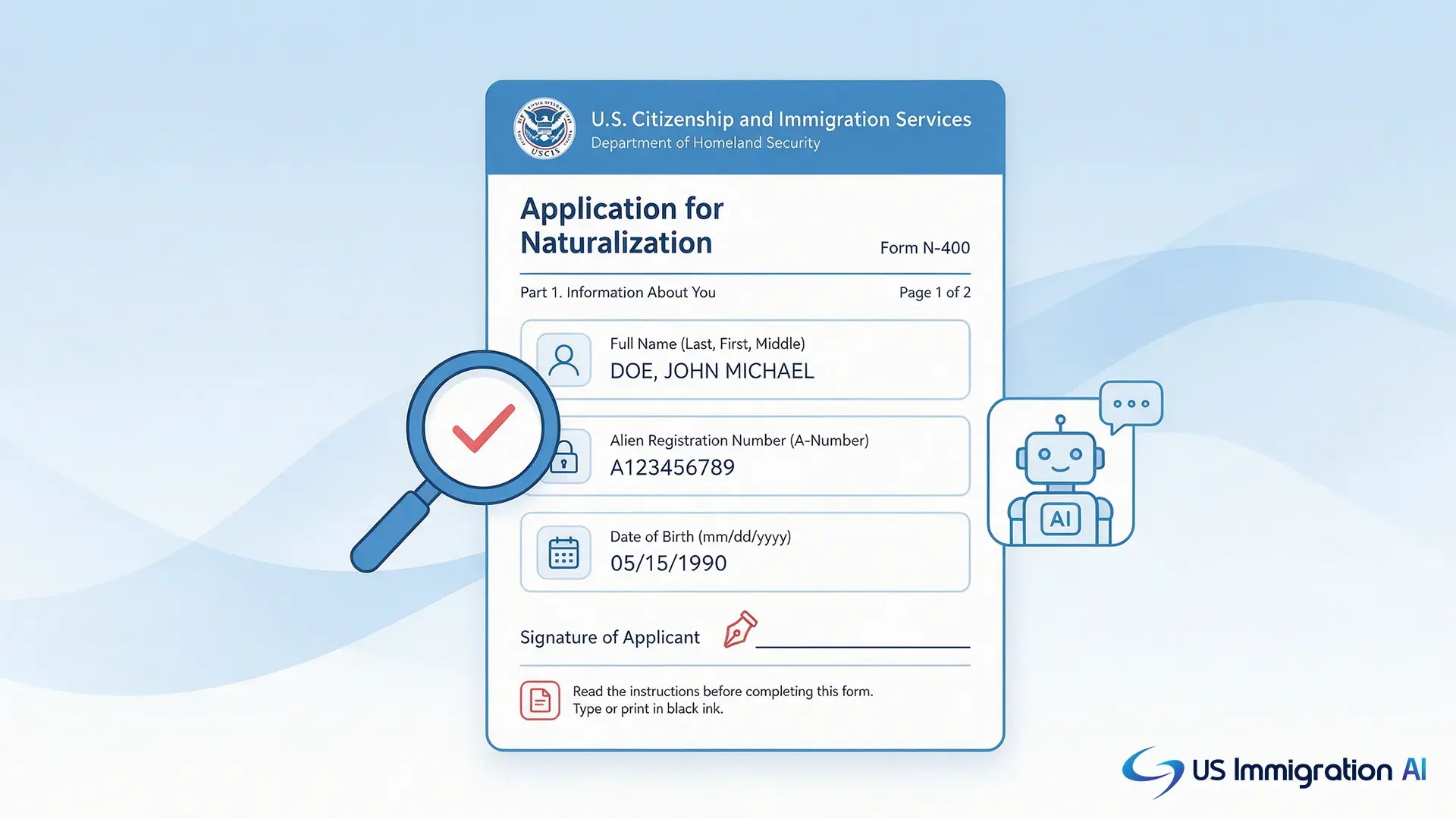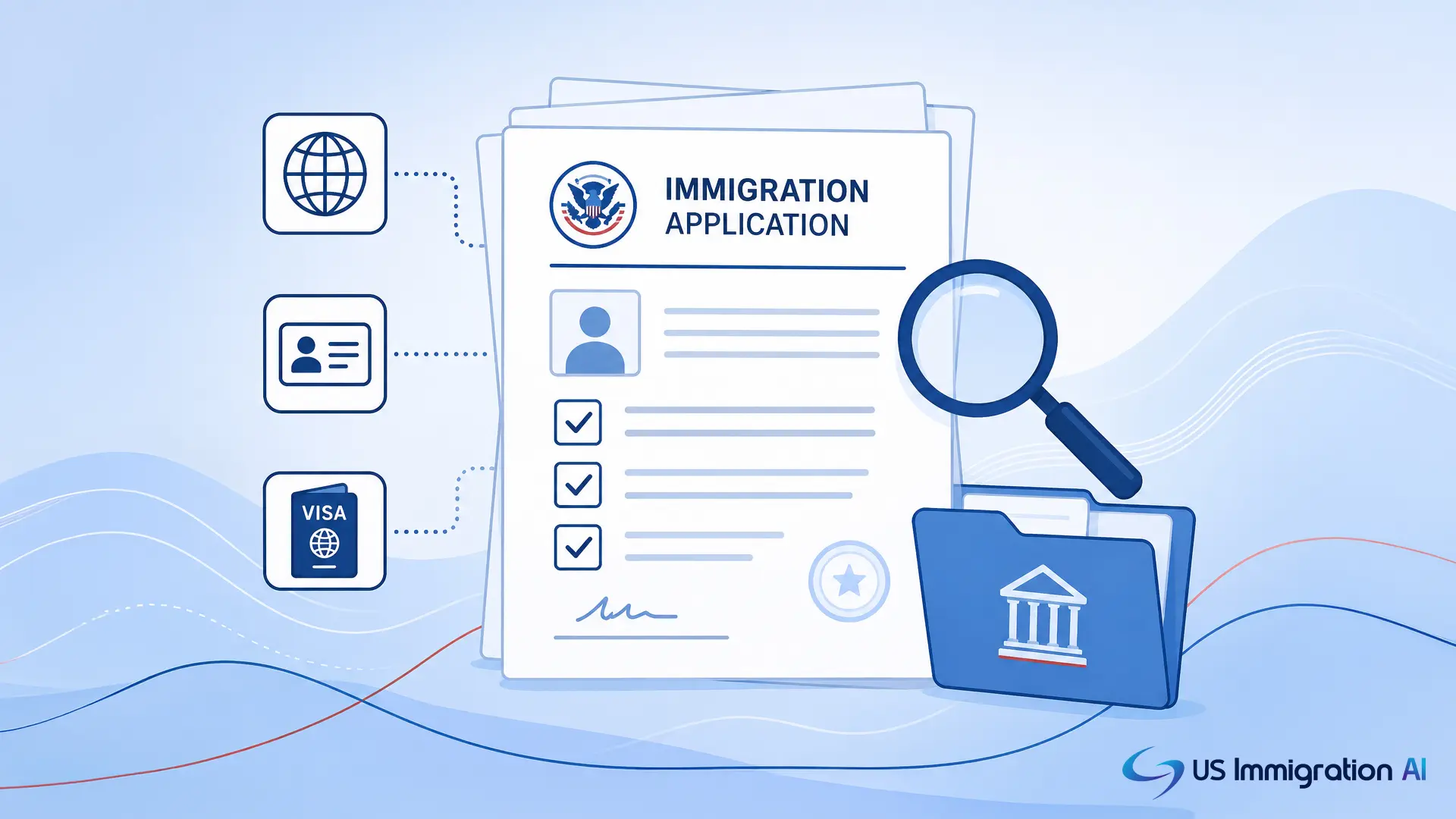

Immigration forms are the official documents USCIS, the Department of State, and immigration courts use to process every visa, petition, waiver, and appeal a client can file. This guide organizes every major immigration form by case type and by where it appears in a case, so your team always knows which form comes next.
A firm that files family petitions handles a different form set than one that defends removal cases or files EB-5 investor petitions. This list covers all of them: family-based, employment-based, nonimmigrant, humanitarian, citizenship, waivers, removal defense, and general-use forms. It also covers the form and fee rules that changed in 2026, since several recent updates affect how firms file today.
Key Takeaways
- Immigration forms fall into eight practical categories: family-based, employment-based, nonimmigrant, humanitarian, citizenship, waivers, removal defense, and general-use forms.
- The form a case needs changes as the case moves from intake through petition, evidence, approval, and any appeal.
- USCIS updates form editions frequently, and using an outdated edition is one of the most common causes of a rejected filing.
- A 2026 signature rule allows USCIS to deny, not just reject, a filing over an invalid signature, and keep the filing fee.
- New fees tied to the 2025 reconciliation law (H.R. 1) affect asylum applications, Form I-94, and several other filings.
How Immigration Forms Move Through a Case
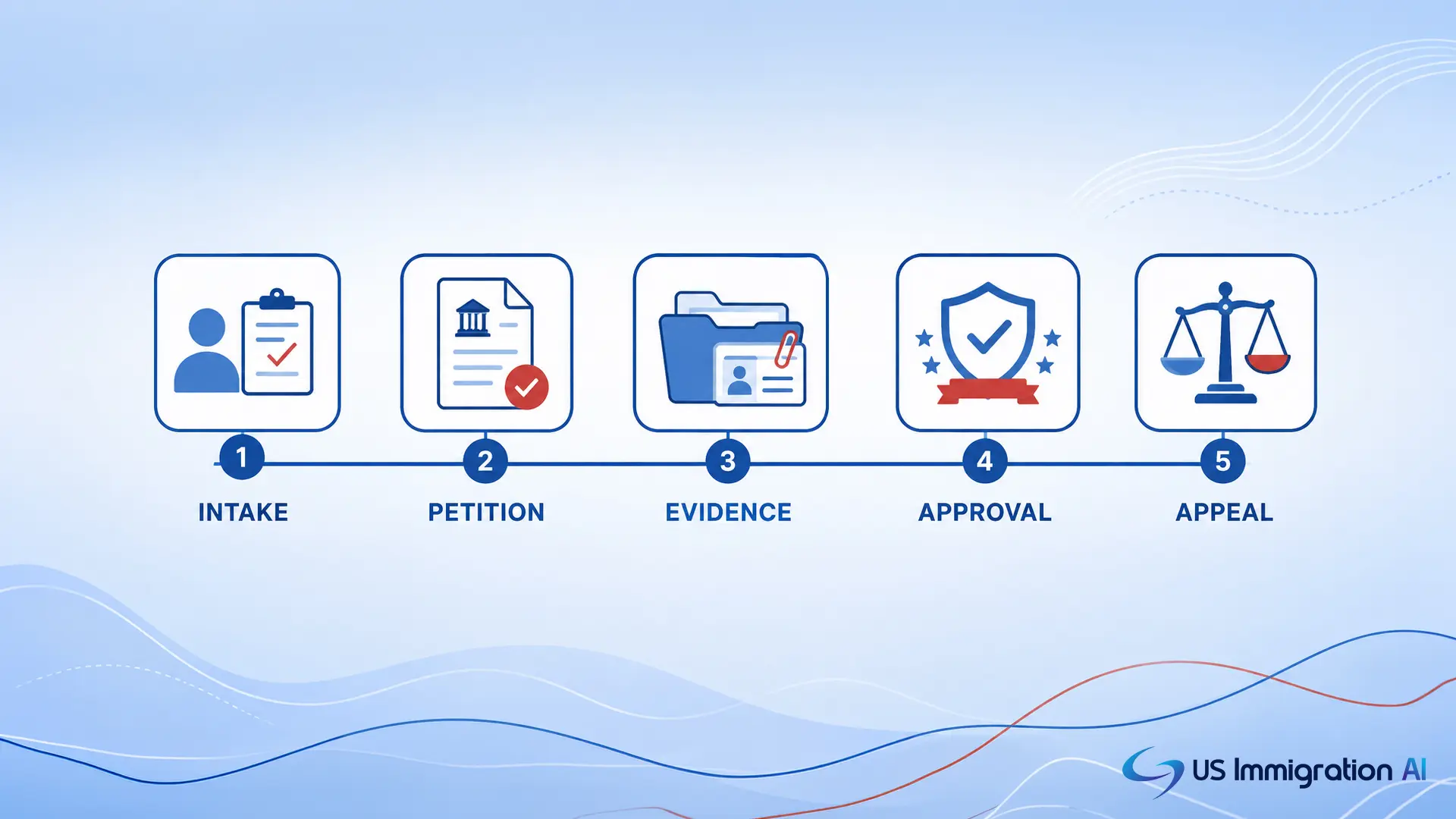
Every case moves through the same rough sequence, even though the specific forms differ by case type. Knowing the sequence helps your team anticipate the next form instead of scrambling for it.
- Intake and screening. No form gets filed yet. The eligibility pathway your firm identifies at this stage determines every form that follows.
- Petition or application. The primary form goes in: Form I-130 for a family petition, Form I-140 for an employment petition, Form N-400 for naturalization, Form I-589 for asylum, and so on.
- Concurrent and supporting forms. Many cases file several forms together, such as Form I-485 with Form I-864, Form I-765, and Form I-131.
- Evidence, requests, and waivers. If USCIS issues a Request for Evidence or flags an inadmissibility ground, forms like I-601 or I-601A may need to go in mid-case.
- Approval and follow-on filings. Approval often triggers a new form later: Form I-751 to remove conditions, Form I-829 for EB-5 investors, or Form N-565 to replace a citizenship document.
- Appeal or removal defense. A denial or a Notice to Appear moves the case into immigration court, where EOIR forms take over from USCIS forms.
Drafting shifts fast as a case moves through these stages, and pulling the same client data into each new form by hand is where most firms lose time. AI Legal Document Drafting pulls the same intake data into every form in the sequence, so your team enters a client's details once.
Family-Based Immigration Forms
The stages above look the same across every case type, but the actual forms differ widely. Start with family-based cases, since they run on the smallest, most predictable form set, and nearly every case still needs more than one of them filed together. These are the forms that come up most in family-based immigration cases.
Form I-360 also covers VAWA self-petitions for abused spouses, children, and parents. See the Humanitarian and Protection Forms section below for that use.
Employment-Based Immigration Forms
Employment cases add a second party to the filing: the employer. That changes which primary form opens the case, even though several of the supporting forms below are the same ones family cases use. Several employment forms only apply once labor certification is already in hand. These forms cover most employment-based immigrant visa cases.
The PERM labor certification is filed with the Department of Labor, not USCIS, and it usually needs to clear before a firm files Form I-140.
Nonimmigrant and Temporary Visa Forms
Employment-based cases above are almost always permanent filings. Nonimmigrant cases cover the temporary end of the same spectrum, and they mix USCIS petitions with Department of State forms filed at a consulate. Knowing which agency owns which form matters here more than in any other category. These forms come up across nonimmigrant and temporary visa cases.
Form I-20 (issued by a school for F-1 students) and Form I-94 (the arrival and departure record) are not filed by the applicant. They are issued by SEVP-certified schools and Customs and Border Protection. A new Form I-94 fee took effect in 2026 as part of the H.R. 1 fee changes covered later in this guide.
Humanitarian and Protection Forms
The cases above start from an intact legal pathway: a family relationship, a job offer, a visa category. Humanitarian cases start from harm instead, and the form set reflects that different starting point. These forms protect people fleeing persecution, trafficking, or abuse, and they cover most humanitarian immigration cases.
Citizenship and Naturalization Forms
Every pathway above can lead to the same finish line: citizenship. Naturalization itself runs on one primary application, but several less-common forms cover replacement documents, hearings, and exceptions along the way. These forms cover citizenship and status filings.
Waivers and Inadmissibility Forms
Not every case reaches that finish line cleanly. When a client has a ground of inadmissibility, the case usually can't move forward until one of these waivers clears. These forms cover waivers and special applications.
Removal Defense and Immigration Court Forms
A waiver can keep a case out of court. Once that's no longer possible, the case moves into removal proceedings, and USCIS forms give way to Executive Office for Immigration Review (EOIR) forms. Most reference lists leave this category out entirely. These forms cover removal defense and court-related matters. The full, current EOIR form set is published on the EOIR Forms page.
A motion to reopen or reconsider doesn't use a standard numbered form. It's filed as a written motion citing the applicable regulation, and it needs the same attorney review as any other filing in the case.
General-Use and Administrative Forms
Every form above is tied to a specific case type. These aren't. They appear across nearly every case your firm files, and they cover ongoing case actions like appearances, notifications, and document requests.
What Changed for Immigration Forms in 2026

None of the forms above sit still. Several rule changes took effect in 2026 that directly affect how firms file, and a form list is only useful if it accounts for the rules governing it right now.
Edition Dates Are Rejecting More Filings
USCIS updates form editions on a rolling basis, and it can reject an outdated edition without a grace period. Form I-129 moved to a new edition on February 27, 2026, and USCIS stopped accepting Form I-765's prior edition on March 5, 2026, according to the agency's Forms Updates page. The safest habit is checking the edition date on uscis.gov the same day a form gets filed, not the week before.
An Invalid Signature Can Now Get a Case Denied
A Department of Homeland Security rule, effective July 10, 2026, gives USCIS discretion to deny a filing over an invalid signature and keep the filing fee, instead of only rejecting it for a correction. See the Federal Register notice on signature requirements. Wet-ink signatures on paper forms and verified electronic signatures on e-filed forms both need to match the applicant's name exactly.
New Fees Tied to the H.R. 1 Reconciliation Law
A separate DHS rule, effective May 29, 2026, added new fees required by the 2025 reconciliation law known as H.R. 1. These include an annual asylum fee, a new Form I-94 fee, and a rule that USCIS keeps the Form I-589 filing fee even if the application is rejected as improperly filed. See this USCIS alert on the new requirements. A federal court paused part of this rule in July 2026, so confirm the current status before advising clients, per this USCIS update.
Filing Checklist Before You Submit
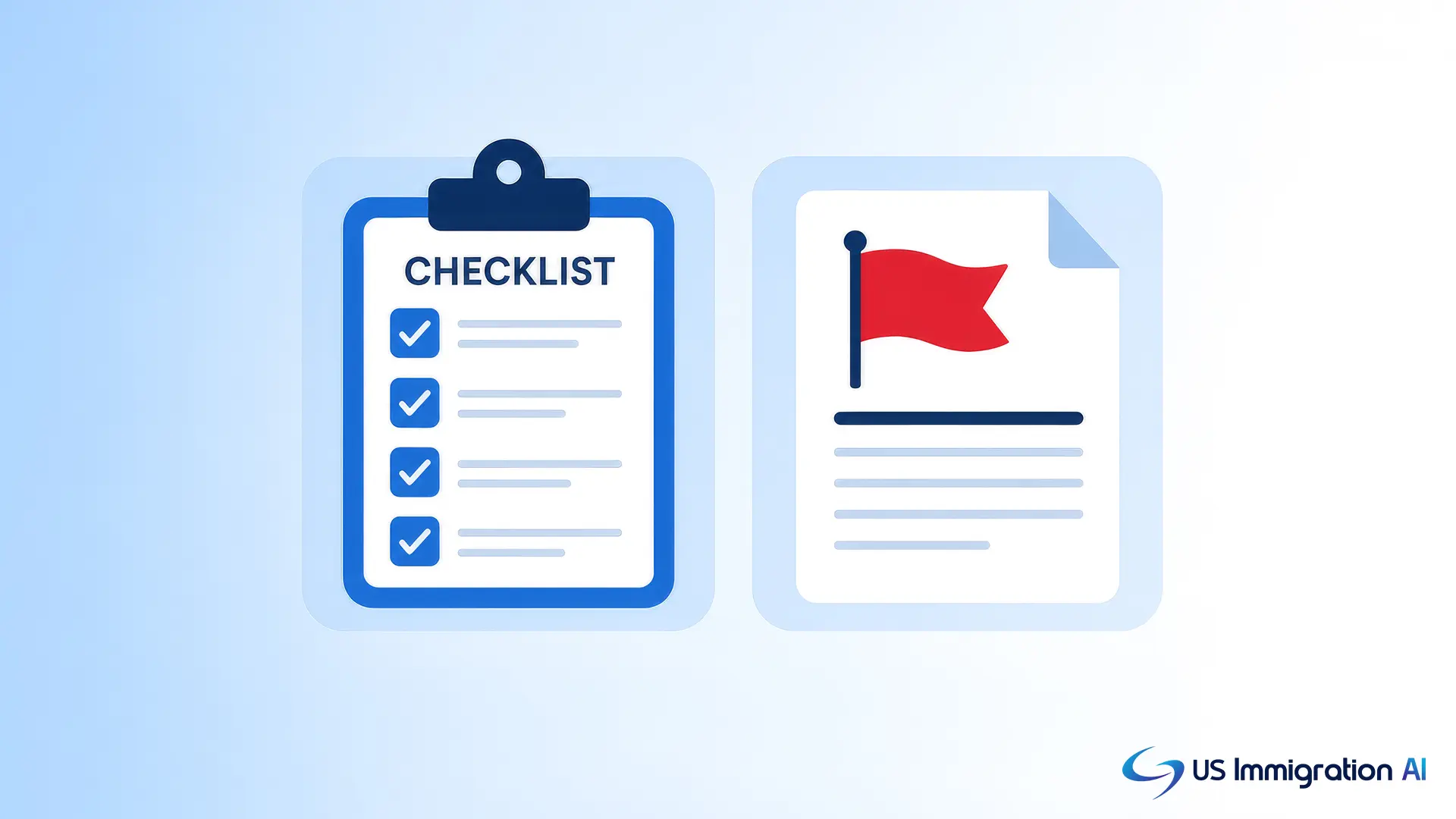
The three changes above show up in real rejections. Run every filing through this checklist before it leaves your office.
- Confirm the current edition. Check the date printed on the form against the Forms Updates page before filing.
- Verify the fee. Pull the exact current fee from the official Fee Schedule rather than a number saved from a prior case.
- Get every signature right. Use a wet-ink or properly verified electronic signature that exactly matches the applicant's legal name.
- Include certified translations. Attach a certified English translation directly behind any document in a foreign language.
- Leave no field blank. Write "N/A" or "None" in any field that doesn't apply, since blank fields can trigger a rejection.
- Match the filing address to the form instructions. Lockbox and service center addresses vary by form and, sometimes, by case type.
Manual Form Tracking vs. Software-Assisted Drafting
Checking every item on that list by hand is exactly the kind of work that's easy to get wrong under deadline pressure. Here's how manual tracking compares with software-assisted drafting on the parts of the process that don't show up on the checklist above.
Where This Leaves Your Firm
Immigration forms rarely travel alone. A single case usually needs a primary petition, several supporting forms, and sometimes a waiver or an appeal form layered on top, and the right one changes as the case moves through the stages covered above. A printed list goes stale the moment USCIS changes an edition or a fee, so pair it with a habit of checking uscis.gov before every filing.
Draft Every Form Faster With US Immigration AI
Matching the right form to the right case, and keeping every edition and fee current, takes real staff time. AI Legal Document Drafting fills out immigration forms from your existing intake data, so your attorneys review a finished draft instead of a blank one.
Frequently Asked Questions