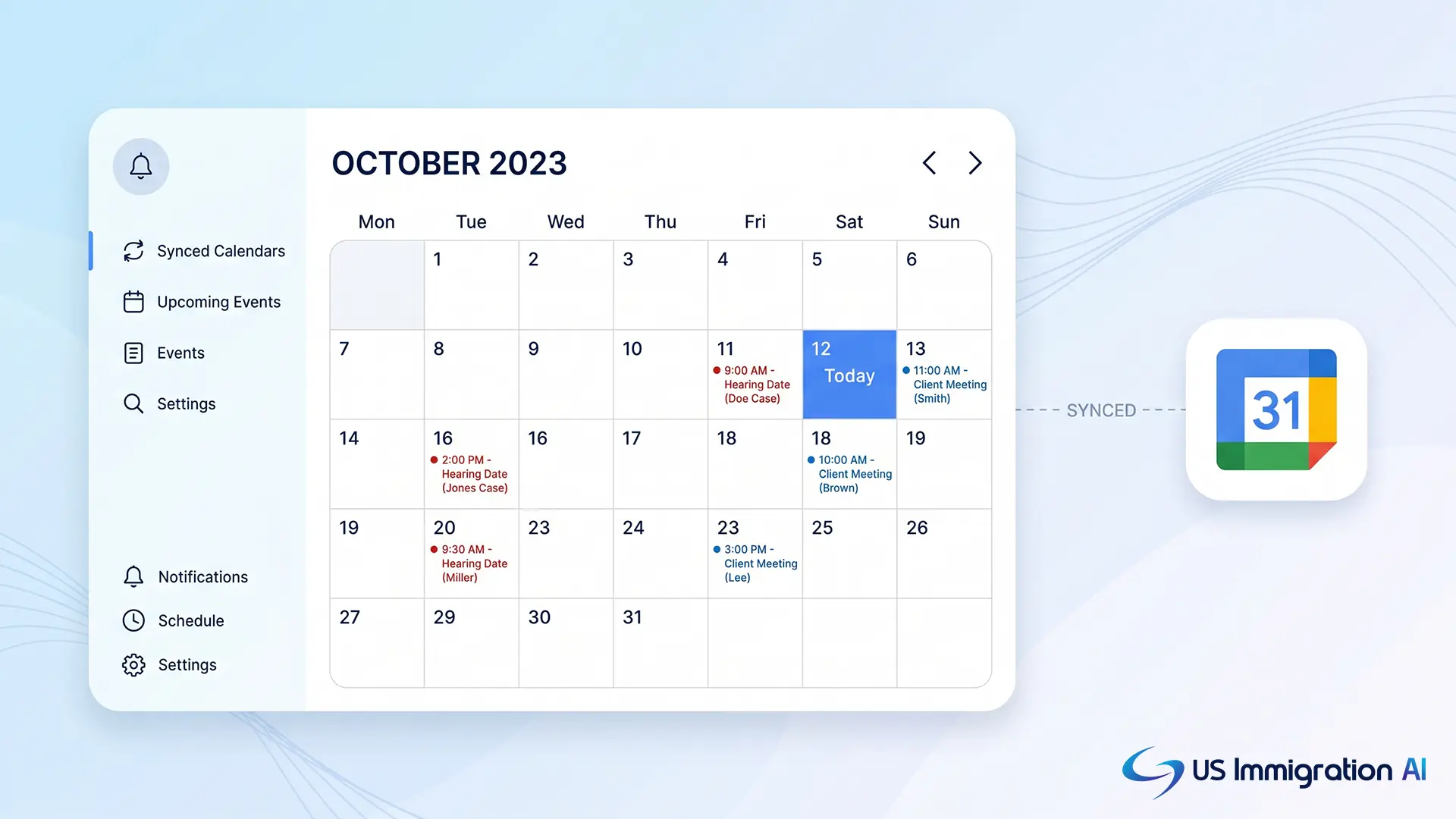

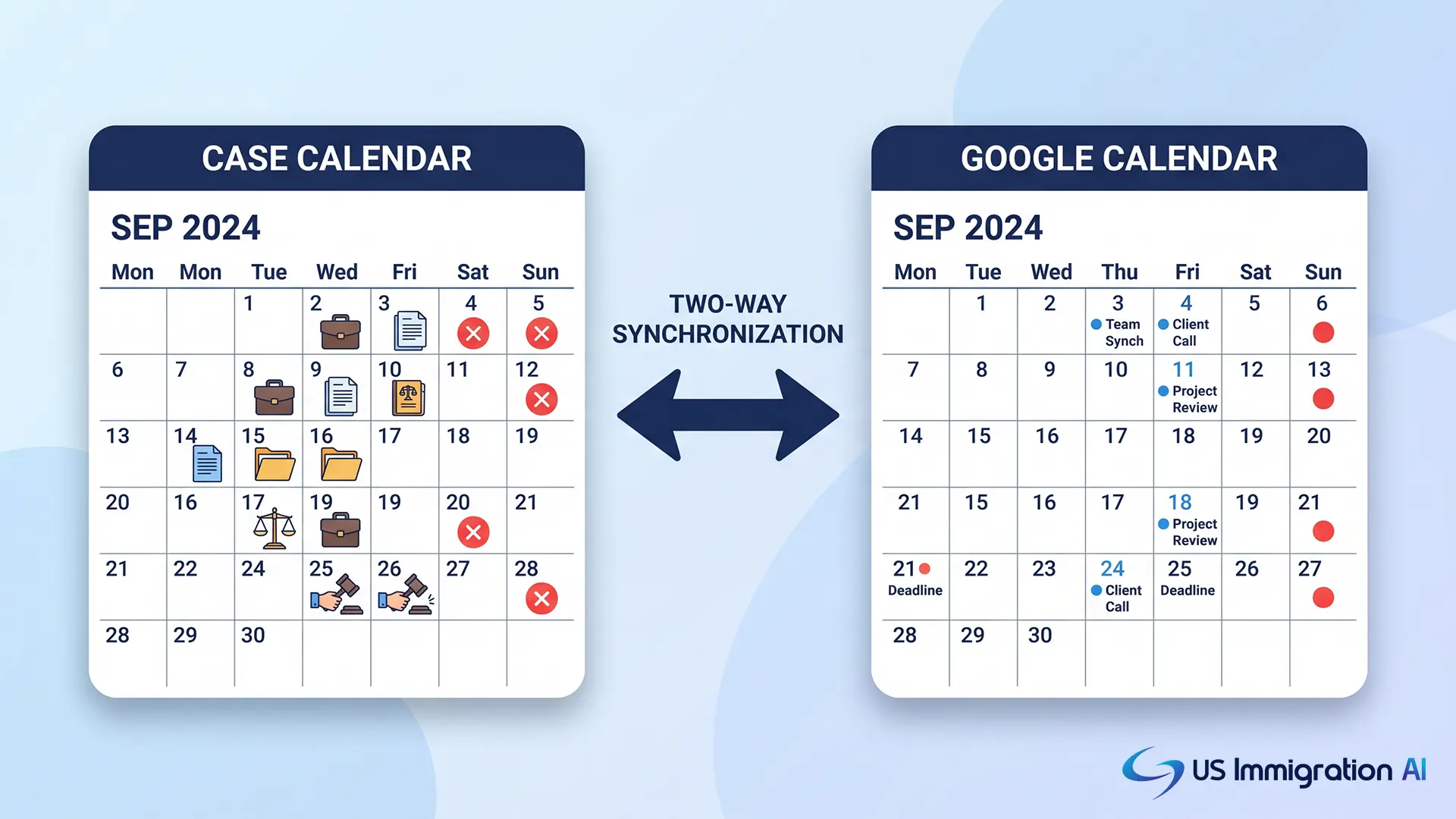
Immigration practice management software should sync every hearing, filing deadline, biometrics appointment, and client meeting with Google Calendar automatically, in both directions.
That much is standard across the category. The real difference between platforms is what happens after the sync: whether the software calculates deadlines for you, whether reminders reach the client and not just your staff, and whether a missed sync gets caught before it becomes a missed date.
This guide walks through what a real Google Calendar integration should do for an immigration practice, what to check before you buy, and where sync alone still needs a human backstop.
Key Takeaways
- A real integration syncs in both directions. A calendar event created in either app should update the other automatically.
- Look for deadline logic tied to case type, not just a synced date. A 1-751 filing window behaves differently than an asylum interview, and the strongest platforms calculate the deadline for you.
- Reminders should reach the client too, not just your staff. A hearing reminder that only fires internally still leaves the client to track their own date.
- Shared team calendars matter more than individual sync for firms with paralegals and multiple attorneys on a case.
- Calendar sync alone does not catch a missed deadline. Pair it with automated reminders and a human review step.
- The best setups connect calendar events to the underlying case record, so a hearing date update also updates the file, and can trigger a calendar event automatically when a case reaches a milestone.
What a Real Integration Actually Does
The intro above sets the standard: create an event once, and it shows up correctly everywhere. Here is what that standard breaks down into in practice.
A calendar integration should let your firm create an event once and have it appear correctly in both the practice management platform and Google Calendar. Sentence one of any vendor's claim should be testable within a five-minute setup.
Three things separate a working integration from a marketing checkbox.
Two-way sync
An attorney who blocks off a court date in Google Calendar from their phone needs that block to show up on the case file automatically. A paralegal who logs a biometrics appointment in the case software needs it on the attorney's Google Calendar without a second entry.
Attendee and reminder handling
The event should carry the client's email, the responsible attorney, and any paralegal assigned to the file. Reminders should fire on a schedule you set, not a fixed default, and should reach every attendee by email, including the client, not just internal staff.
Case-linked context
The calendar event should reference the case or matter it belongs to. A date that lives only on a calendar, disconnected from the file, is easy to lose when a case gets reassigned.
Why This Matters More for Immigration Than Other Practice Areas
Those three pieces (two-way sync, reminders, case-linked context) matter for any firm. For immigration cases specifically, getting them right is not optional.
Immigration casework runs on externally set deadlines, and none of them move to fit your firm's schedule:
- USCIS sets a biometrics date.
- An immigration court sets a hearing date.
- A statute sets an RFE response window.
A general practice firm might track two or three deadline types across a case. An immigration firm tracks filing windows, biometrics appointments, interview dates, RFE and NOID response deadlines, and court hearing dates, often several per case at once.
USCIS confirms that its published processing times already account for the time a case spends waiting on biometrics submission and responses to requests for evidence, since both extend the overall timeline (USCIS processing times FAQ). A missed biometrics appointment or a late RFE response does not just create a scheduling problem. It resets the clock on the whole case.
Calendar integration is not a convenience feature for this practice area. It is closer to a control.
The Feature That Actually Prevents Missed Deadlines
Given how much rides on these dates, the most useful question is not whether a platform syncs a date. It is whether the platform calculates that date for you in the first place.
A synced date is only as good as the person who entered it. The stronger question is whether the platform calculates the deadline itself, from the triggering event, rather than waiting for someone to work it out and type it in.
Each deadline type follows its own fixed logic:
- An RFE response window runs a set number of days from the date printed on the notice, generally up to 87 days total once mailing time is included, per the USCIS Policy Manual, Volume 1, Part E, Chapter 6.
- A biometrics appointment follows a set lead time after a receipt notice.
- A court filing deadline follows the jurisdiction's own rules, not a firm-wide default.
Software that understands these patterns per case type can generate the deadline automatically the moment the triggering document is logged, then push it to Google Calendar without anyone doing the date math by hand. USCIS publishes current, form-specific processing benchmarks on its official processing times tool, which is the primary source to verify any deadline logic against.
This matters most on cases with several linked deadlines. An adjustment of status case can carry a biometrics date, an interview date, and an RFE window at the same time, each calculated from a different trigger. A platform that only syncs a manually entered date has no way to catch a miscalculated deadline before it reaches the calendar.
Ask a vendor directly whether deadlines are calculated from case-type rules or entered manually and then synced. The two look identical on a calendar. Only one of them catches a bad date before it becomes a missed one.
Putting It to the Test on a Demo Call
Knowing what to look for is one thing. Getting a vendor to actually show it to you is another. Use this list on any demo call, and ask the vendor to walk through each point live, not from a slide.
Does sync run both directions in real time, or on a delay?
Some platforms sync from the calendar into the case software but not the other way, or only sync once per day. Ask specifically what triggers a sync and how long it takes.
Can you set advance reminders per event type?
A biometrics appointment might need a 7-day and 1-day reminder. A court hearing might need 30, 7, and 1 day. Confirm the platform supports more than one reminder per event.
Does the integration support shared or delegated calendars?
Many immigration firms run a Google Workspace account with shared calendars per attorney or per practice group. Confirm the integration supports that structure, not just a single personal calendar per user.
What happens when a case is reassigned?
Ask whether calendar events and their reminders transfer automatically to the new responsible attorney, or whether someone has to recreate them.
Is the sync visible to clients, or internal only?
Some platforms can push client-facing reminders directly to the client's own calendar through the client portal. Confirm which side of that line a feature falls on before assuming it is included.
Does the platform calculate deadlines, or only sync whatever date a person enters?
Ask whether an RFE response window, a biometrics date, or a court filing deadline is calculated automatically from case-type rules, or whether it depends on someone working out the date correctly first.
Can a calendar event be triggered automatically by a case milestone?
Some platforms let a status change, an intake completion, or a document approval automatically create a calendar event and reminder, rather than requiring someone to add it manually after the fact. This matters most for firms running a high volume of routine case types.
Setting Up the Integration
Once you have picked a platform that checks those boxes, the actual setup is usually simple. Most practice management platforms follow a similar authorization flow for Google Calendar. The specifics vary, but the shape is consistent.
1. Connect the account
An admin authorizes the platform to access a Google Workspace or personal Google account, typically from a settings or integrations page.
2. Choose sync direction and scope
Decide whether every case event syncs, or only specific event types (hearings, deadlines, client meetings). Narrower scope at first makes it easier to spot sync errors before rolling it out firm-wide.
3. Set default reminders
Configure the reminder windows your firm wants applied by default, then adjust per case type where needed.
4. Test with a single case before rolling out
Create a test event in each direction and confirm it appears correctly on both sides, with the right attendees and reminders, before turning the integration on for the whole team.
Comparing Calendar Sync Approaches
Everything above assumes you already know which type of sync you are setting up. Here is how the main approaches stack up against each other, so you know which one you are actually buying.
The strongest setups combine the top three: two-way sync as the baseline, deadline calculation so no one does date math by hand, and workflow triggers so routine milestones do not require a separate calendar entry.
What Even the Best Sync Still Can't Do
Even the strongest approach in that table has a limit worth naming directly. Calendar sync solves the problem of a date existing in two places. It does not solve the problem of a deadline being missed because no one reviewed the case that week.
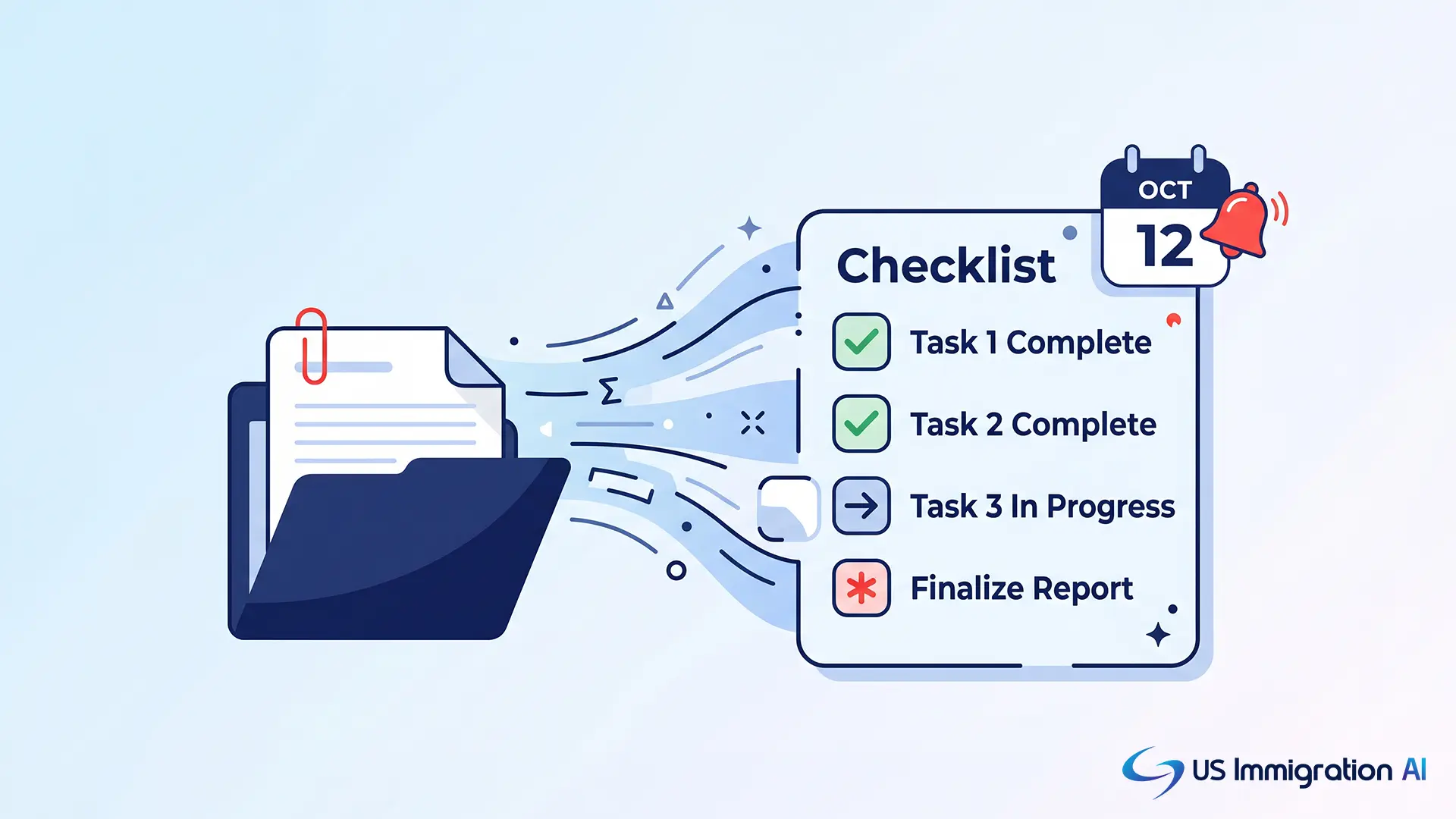
The stronger setups tie the calendar integration into the rest of the case lifecycle. A biometrics date that syncs to Google Calendar is more useful when it also triggers a document reminder to the client through a document collection portal, and when the underlying case package gets checked for readiness ahead of the date through AI Case Assembly.
Set a standing review: a supervising attorney checks any case within 14 days of a deadline that has not moved to the next milestone. That review, not the calendar sync itself, is what actually catches a case slipping through.
One More Gap: Visibility Across the Whole Firm
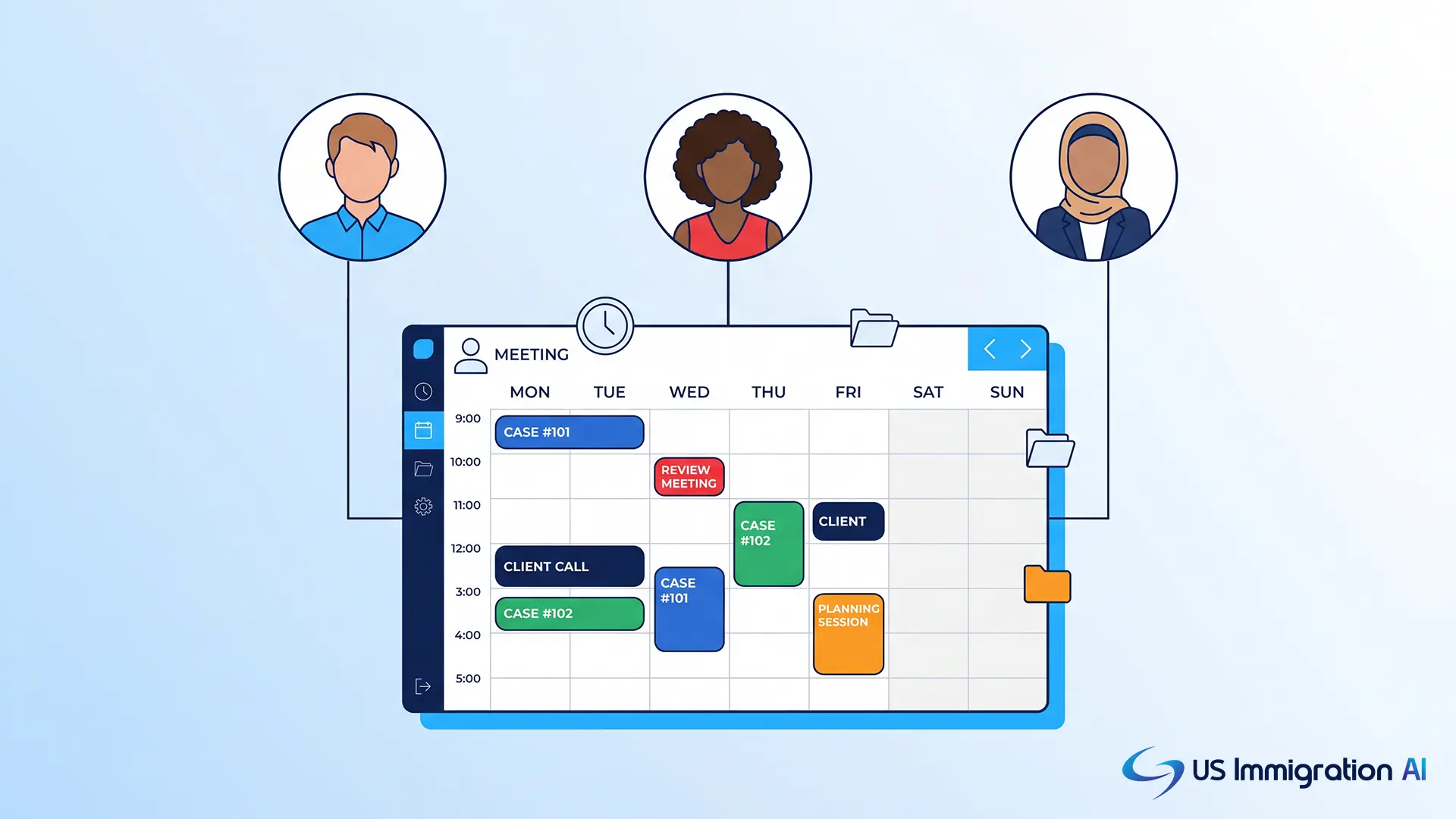
The standing review above works for a solo attorney checking their own cases. It gets harder once more than one person is involved. Firms with more than one attorney or a paralegal team need shared visibility, not just individual sync. A managing partner should be able to see every upcoming hearing and biometrics date across the firm in one view, filtered by attorney or case type.
Confirm the platform supports a firm-wide calendar view alongside individual sync, so a reassignment or a coverage day does not require manually checking each attorney's personal calendar.
Where This Leaves You
Every serious immigration practice management platform syncs with Google Calendar today, so that alone will not tell you much on a sales call. What separates the platforms worth paying for is what we covered above: deadlines calculated from case-type rules, reminders that reach the client, a firm-wide view for the whole team, and a human review step that catches what automation misses.
Ask any vendor to demonstrate two-way sync live, show how a deadline gets calculated for a specific case type, and confirm that shared team calendars work the way your firm is actually structured.
Grow Your Caseload With US Immigration AI
US Immigration AI keeps every deadline tied to the case file itself, from intake through AI Case Assembly, so a synced date is never disconnected from the work behind it. Schedule a demo to see it on a real caseload.
Frequently Asked Questions