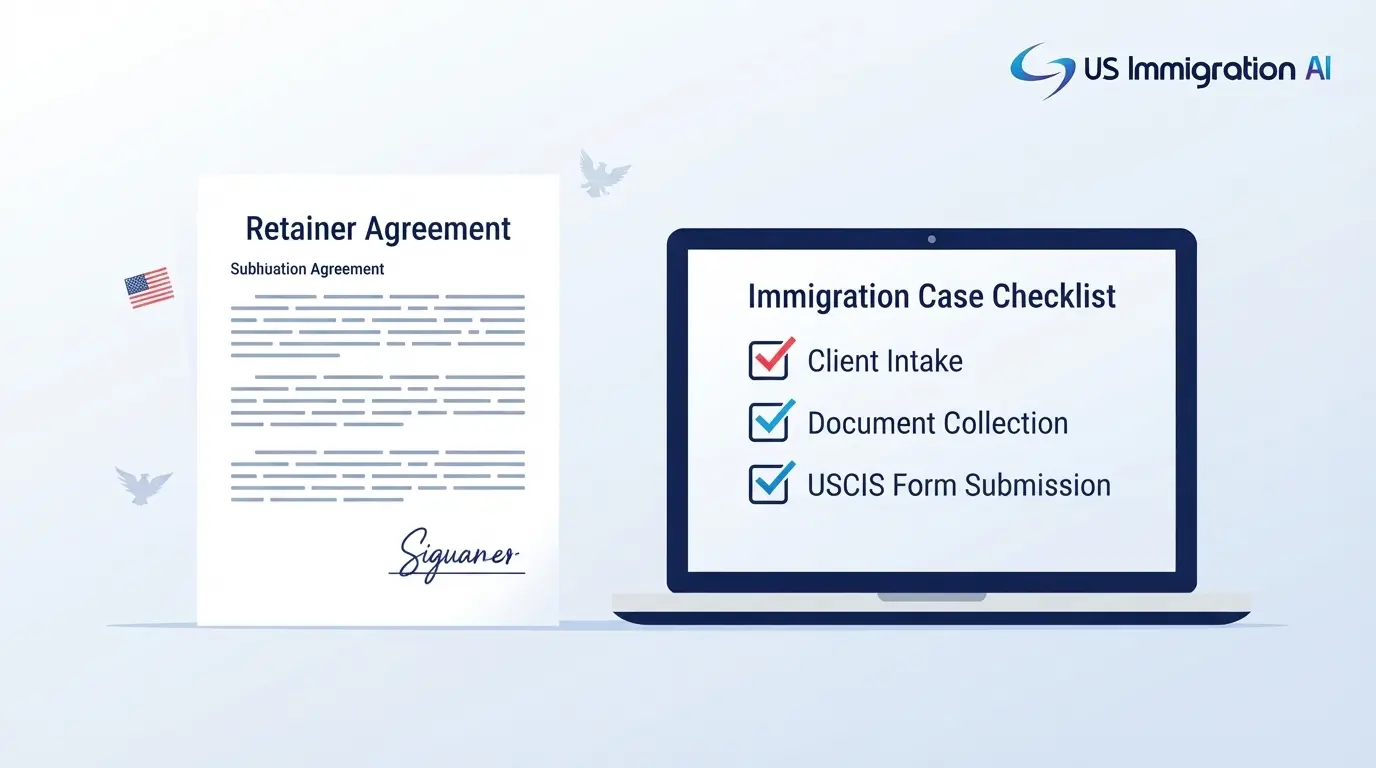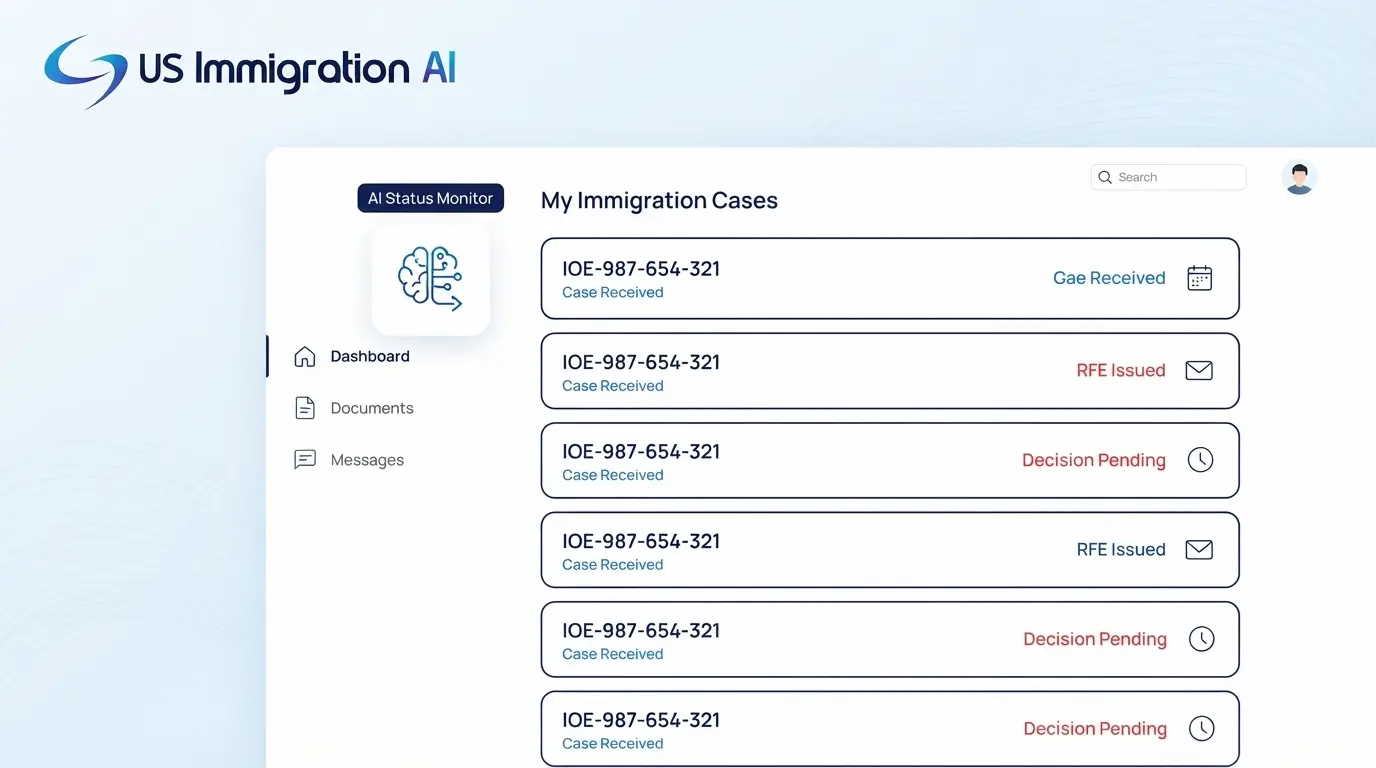

A mid-market immigration firm, one running with 5 to 50 attorneys, cannot afford a legal tech tool that takes three to six months to go live. Most of these firms have no dedicated legal operations staff and no IT department to run a long deployment.
The right fix is a set of fast-deploying tools that handle the firm's operational side, contracts, matter tracking, internal paperwork, and vendor spend, separately from the case management system that runs client immigration matters.
This guide covers the tool categories a growing immigration firm layers on around its case management platform, what each one does, and how fast each one typically gets to a usable state.
Key Takeaways
- Enterprise legal software that takes three to six months to deploy causes fatigue and stalled rollouts at firms without dedicated IT or legal ops staff.
- Contract tools, matter tracking software, document automation, and spend management cover the firm's own operations, not client casework.
- Deployment times for these categories range from same-day to about eight weeks, depending on the tool and how much configuration it needs.
- A phased rollout, mapping processes first, then automating a handful of high-volume templates, then expanding, gets a lean firm live without disrupting active cases.
- These tools sit alongside a firm's immigration case management system. They do not replace it.
Why Mid-Market Immigration Firms Need a Different Deployment Model
That three-to-six-month figure is the root of the problem, so it's worth pinning down why it happens. A firm with 5 to 50 attorneys runs differently than a large corporate legal department, but it faces a similar resourcing problem. There is rarely one person whose full-time job is picking and rolling out software. When a tool takes three to six months to configure, that work competes directly with billable case hours, and the rollout often stalls halfway through.
The fix is to prioritize tools built for fast deployment: out-of-the-box templates, browser-based setup, and little to no custom coding. A firm this size should look for software that a managing partner or office manager can turn on directly, without waiting in an internal IT queue. The next four sections walk through the categories that matter most, starting with the paperwork every firm signs outside its casework.
Contract Tools for the Agreements Outside Your Casework
Every immigration firm signs agreements that have nothing to do with a client's USCIS filing: office leases, referral and co-counsel arrangements, vendor contracts, and staff agreements. A contract lifecycle management (CLM) tool handles drafting, review, and signature for this category of paperwork.
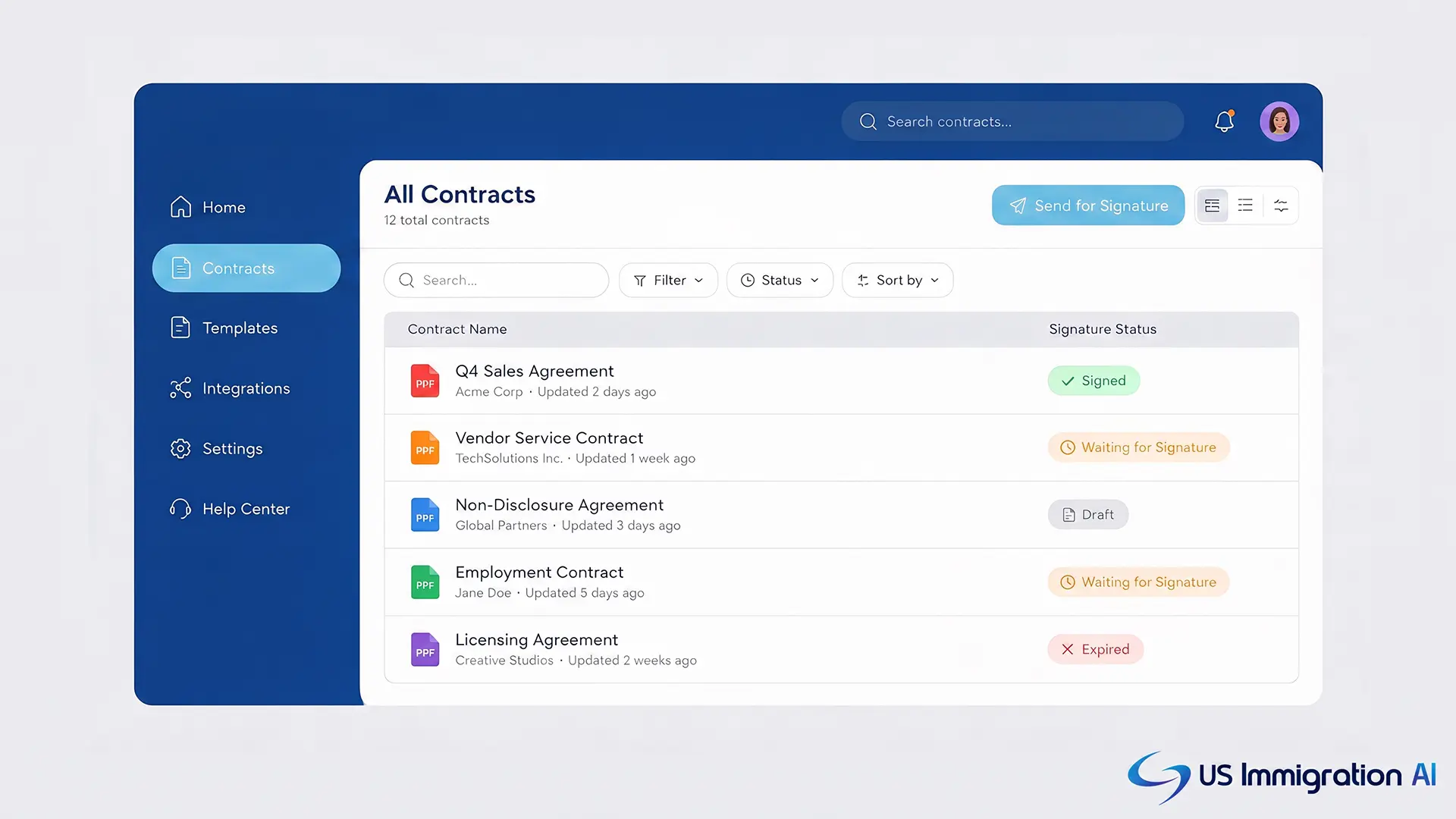
- Bind runs contract drafting, review, and negotiation through a conversational interface instead of a coded workflow. Bind's own product pages describe signing up and creating contracts the same day, without a multi-month implementation.
- Juro offers a browser-based editor built for quick team adoption. An independent comparison reports Juro teams typically go live in one to two weeks, plus an AI assistant that pulls out key terms and helps with redlines.
- Concord is a budget-conscious option that combines drafting, e-signature, and storage in one place. A third-party review reports most teams are operational within one to two weeks, with transparent per-user pricing.
- SpotDraft and Contractzy both advertise going live in a matter of weeks and a streamlined implementation of a few weeks respectively, and both add stronger tracking of post-signature obligations plus AI-assisted risk flagging.
- HyperStart CLM guarantees a four-week deployment. Its AI reviews contracts and extracts metadata such as counterparty names and key dates at a published 94% accuracy rate, and it offers pay-as-you-go pricing that suits a firm still scaling.
Tools That Track Requests Outside the Case File
Contracts are only one slice of what lands on a firm's back office. Client matters live in the firm's immigration case management system. Everything else, staff requests, internal legal questions, contract reviews for the office itself, needs its own system of record so it doesn't end up scattered across email and chat.
- GC AI runs as an add-in inside Microsoft Word, helping staff draft and redline internal documents with research that lands directly in the document being drafted, available as a standalone platform and a Word add-in with no separate implementation project.
- Xakia is built for lean teams that cannot run an IT-led rollout. It provides an intake form, a matter tracker, and ready-made dashboards, and the company states most teams are up and running within days, not months.
- mot-r is a configurable workflow tool built to be configured by legal operations staff rather than IT, so a firm can add one workflow at a time without waiting on a full IT-led project.
Automating the Firm's Own Paperwork
Where the last section covered requests and matters, this one covers the documents those requests eventually produce. This is a different category from the client intake and USCIS form drafting a firm already runs through its case management platform. It covers internal firm documents: HR agreements, vendor questionnaires, and other paperwork the office generates for itself.
- LegesGPT includes a contract generator that drafts custom agreements from a plain-language description, alongside its core legal research and document review features.
- Gavel (Gavel Workflows) is a no-code builder that turns an existing Word or PDF document into an online questionnaire. An independent comparison describes it as built for solo practitioners, small firms, and legal aid practices that need document automation at volume, which makes it a reasonable fit for a firm's own internal or vendor-facing paperwork without hiring a developer.
Spend Visibility Before the Invoice Arrives
Contracts and requests are internal problems. This last category is about money leaving the firm. Firms that work with outside counsel, co-counsel on cross-border matters, or contract paralegals often only catch a budget overrun after the invoice lands. Two tools address this earlier in the cycle.
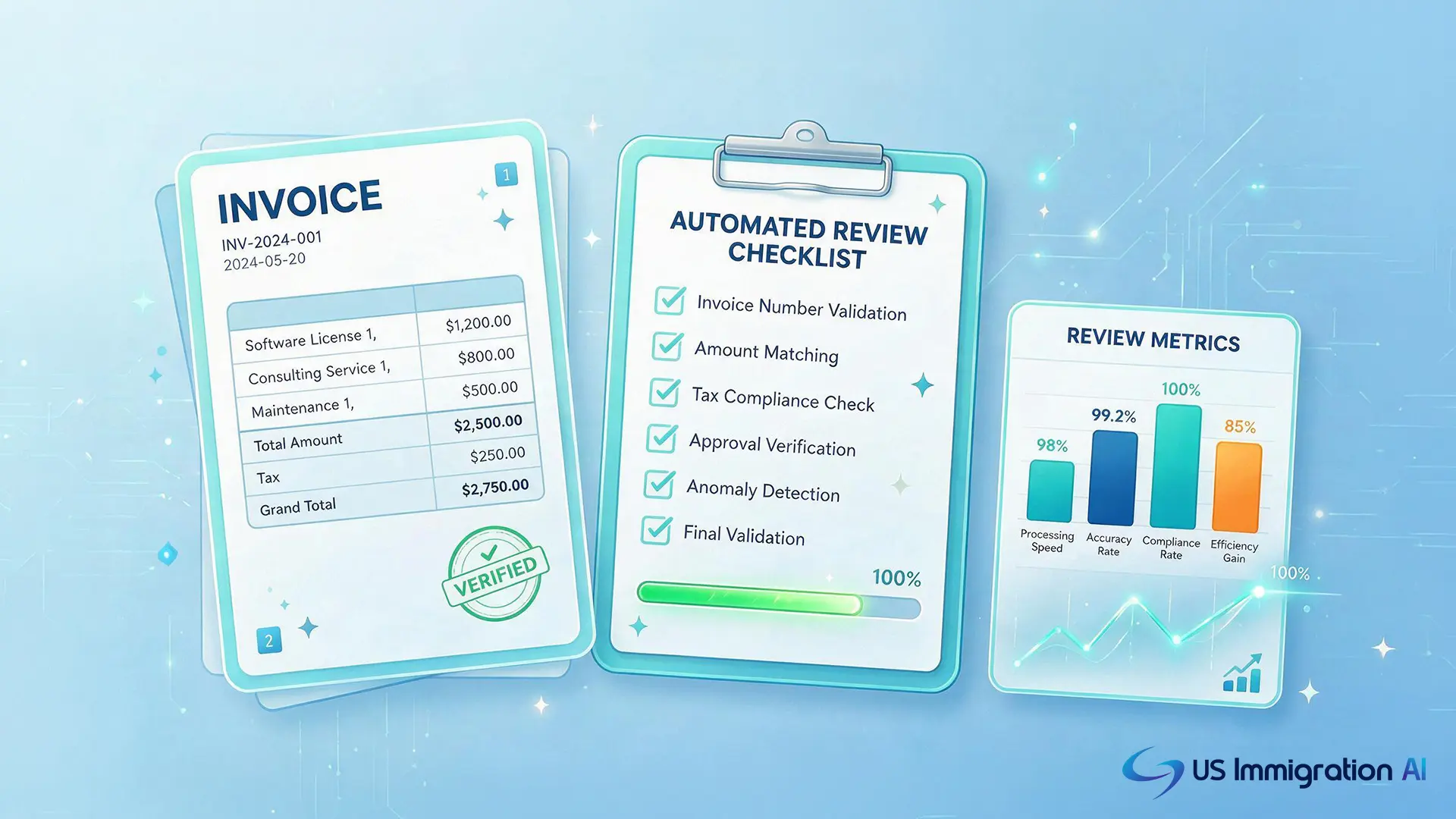
- Apperio connects directly to an outside firm's time and billing system, giving continuous, real-time visibility into billed and in-progress work so a managing partner can catch an overrun before quarter-end.
- Brightflag uses AI to check incoming invoices against a firm's own billing guidelines automatically. One verified customer review reported being up and running within about a month of signing, not the multi-month timelines of other enterprise legal tech, cutting the manual review that usually falls on an office manager.
A Phased Rollout Playbook for a Firm This Size
Knowing what each category does is only half the job. The other half is not trying to turn all four on at once. Adopting several of these tools at once is how rollouts stall. A phased approach keeps active casework moving while the firm's back office catches up.
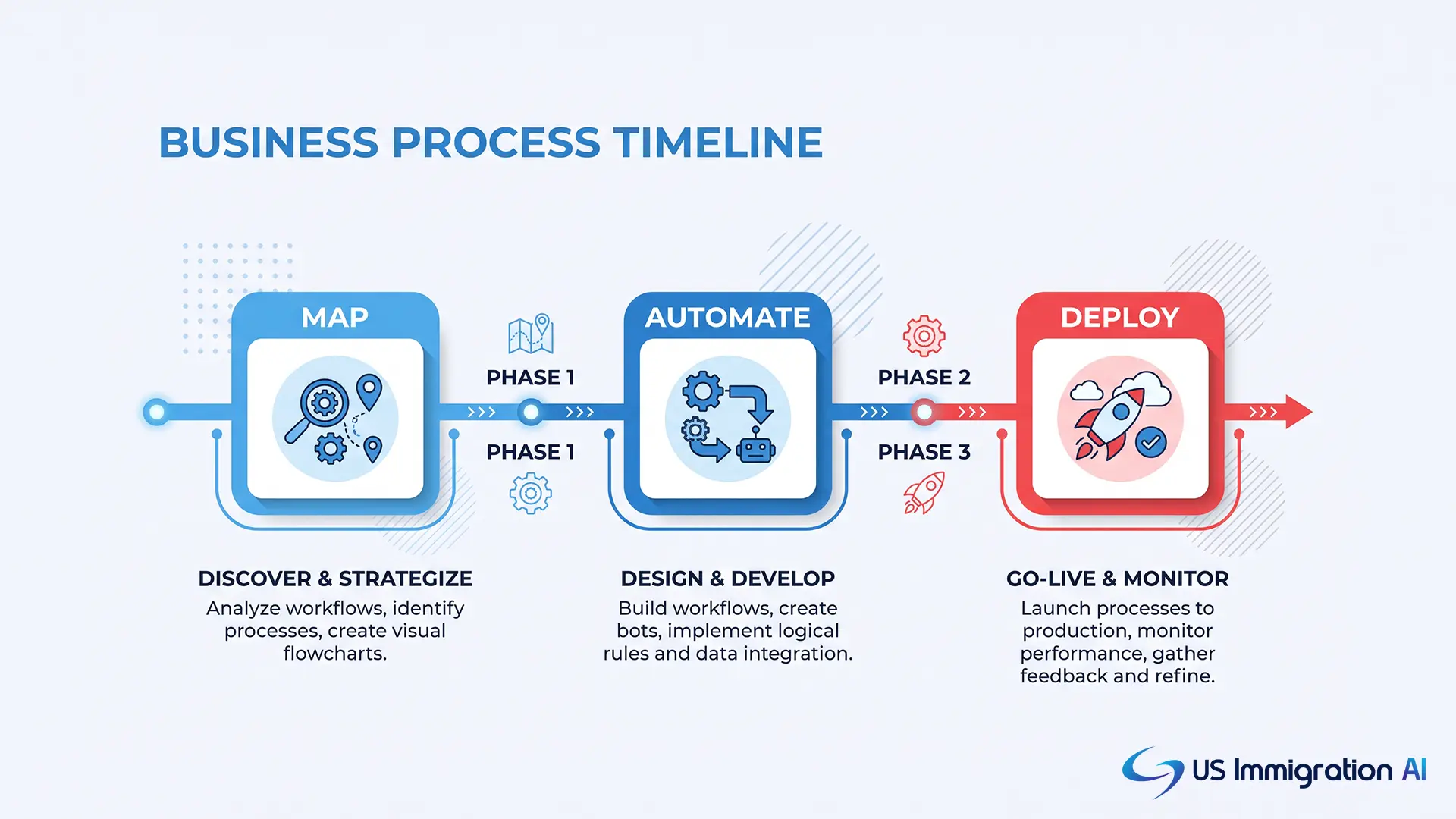
- Map current requests and set ground rules. Before buying anything, sketch how staff requests and vendor paperwork currently move through the office, and agree on what data can go into an AI tool and what cannot.
- Automate the top five templates first. In the first month, pick the five most-used internal documents, such as standard vendor agreements or offer letters, and automate those before touching anything else.
- Expand in month two or three. Once the core workflow works, add the contract repository and native e-signature. Save deeper integrations for later.
- Favor tools your own team can administer. A firm this size cannot wait behind an IT queue for every configuration change, so pick platforms a managing partner or office manager can maintain directly.
Comparing the Categories
With the playbook in place, here's the same four categories side by side, so a managing partner can see the full picture at a glance before picking a starting point.
Where Case Management Fits Into the Stack
Every tool on that table handles the firm's own operations. None of them touch client casework, and that distinction is worth restating plainly before closing out.
Intake, retainer agreements, payment collection, document collection, form drafting, and case assembly all run on the firm's immigration case management platform instead. US Immigration AI automates that side of the workflow:
- AI Intake qualifies leads before they ever reach an attorney.
- AI Retainer drafts and tracks engagement letters through signature.
- AI Payment Collection routes retainer funds into trust accounts.
- Immigration Client Portal collects client documents and flags what's missing.
- AI Legal Document Drafting fills USCIS forms from that same client data.
- AI Case Assembly builds the final filing package for attorney review.
A licensed attorney reviews every output before it reaches a client or a government agency.
Pairing that platform with the operational tools above gives a mid-market firm coverage across both sides of the practice, client casework and the firm's own back office, without a six-month enterprise rollout on either side.
Get a Faster Path to Full Coverage
Since case management is the half of this equation the tools above don't touch, it's worth checking where your own firm stands on it. If your firm's case management side still runs on spreadsheets and email while you evaluate the tools above, that's the piece worth fixing first. Book a consultation to see how AI Intake, AI Retainer, and AI Case Assembly fit into a firm your size.
Frequently Asked Questions
A few questions come up often once a firm starts comparing these categories against its own case management setup.