
Immigration practice management software for solo practitioners has to replace an entire back office, because there is no back office to hand work to. A solo attorney runs intake, drafts petitions, tracks retainer balances, and still has to appear in court. The right platform decides how much caseload one attorney can carry without hiring help.
The sections below cover the staffing math behind that need, what separates immigration-specific software from generic practice tools, and how one platform, US Immigration AI, puts those criteria into practice.
Key Takeaways
- Staffing math matters more for a solo firm than a large one. One task good software absorbs can offset the cost of a part-time hire.
- Immigration-specific software should update USCIS form editions automatically, not leave a solo attorney to track rule changes by hand.
- Attorney review has to stay built into the workflow. It should never be an optional add-on.
- Trust-account separation matters more without a bookkeeper on staff.
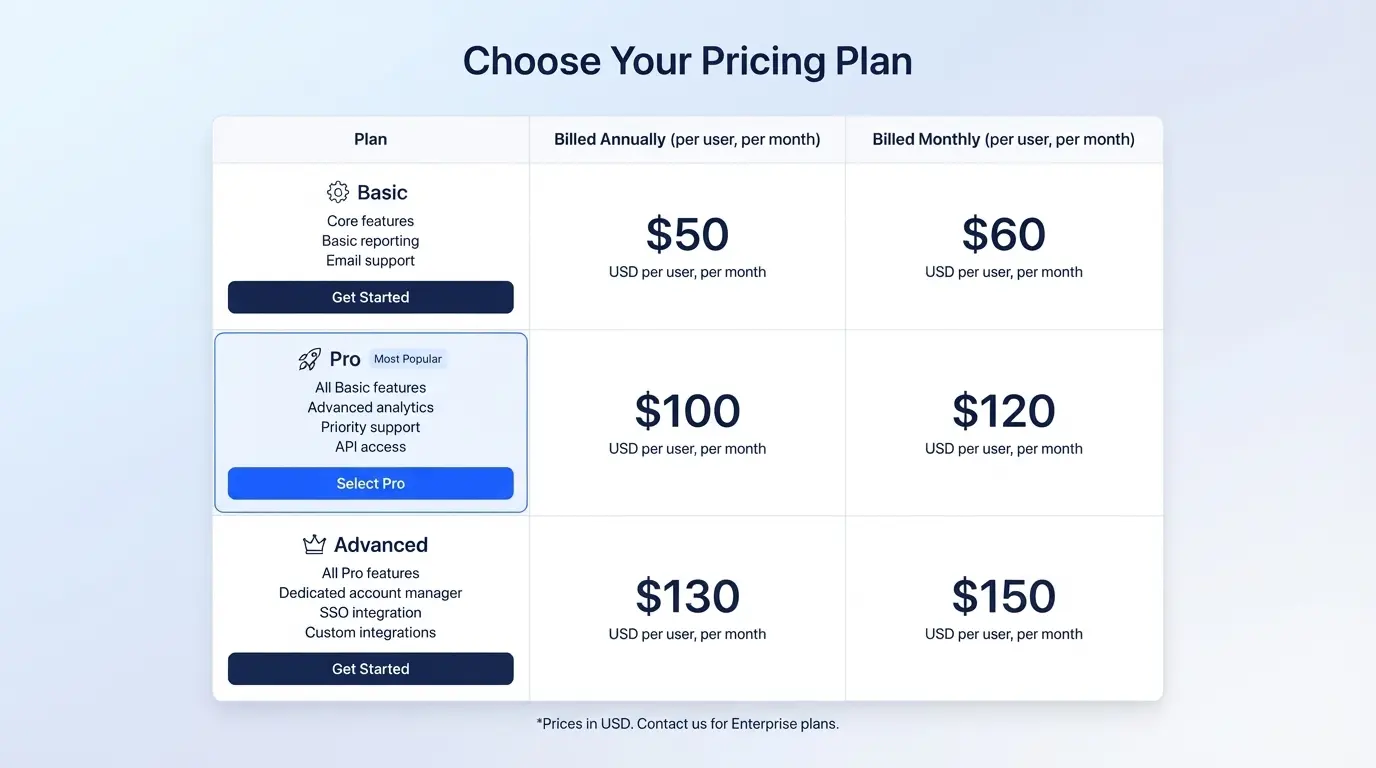
- Pricing should be transparent, whether it runs per case or as a flat monthly rate.
Why Solo Practices Need Different Software Than Large Firms
That back-office gap starts with staffing math. A large immigration firm splits intake, billing, drafting, and filing across several staff members. A solo practice has one attorney covering all of it, sometimes with a single assistant.
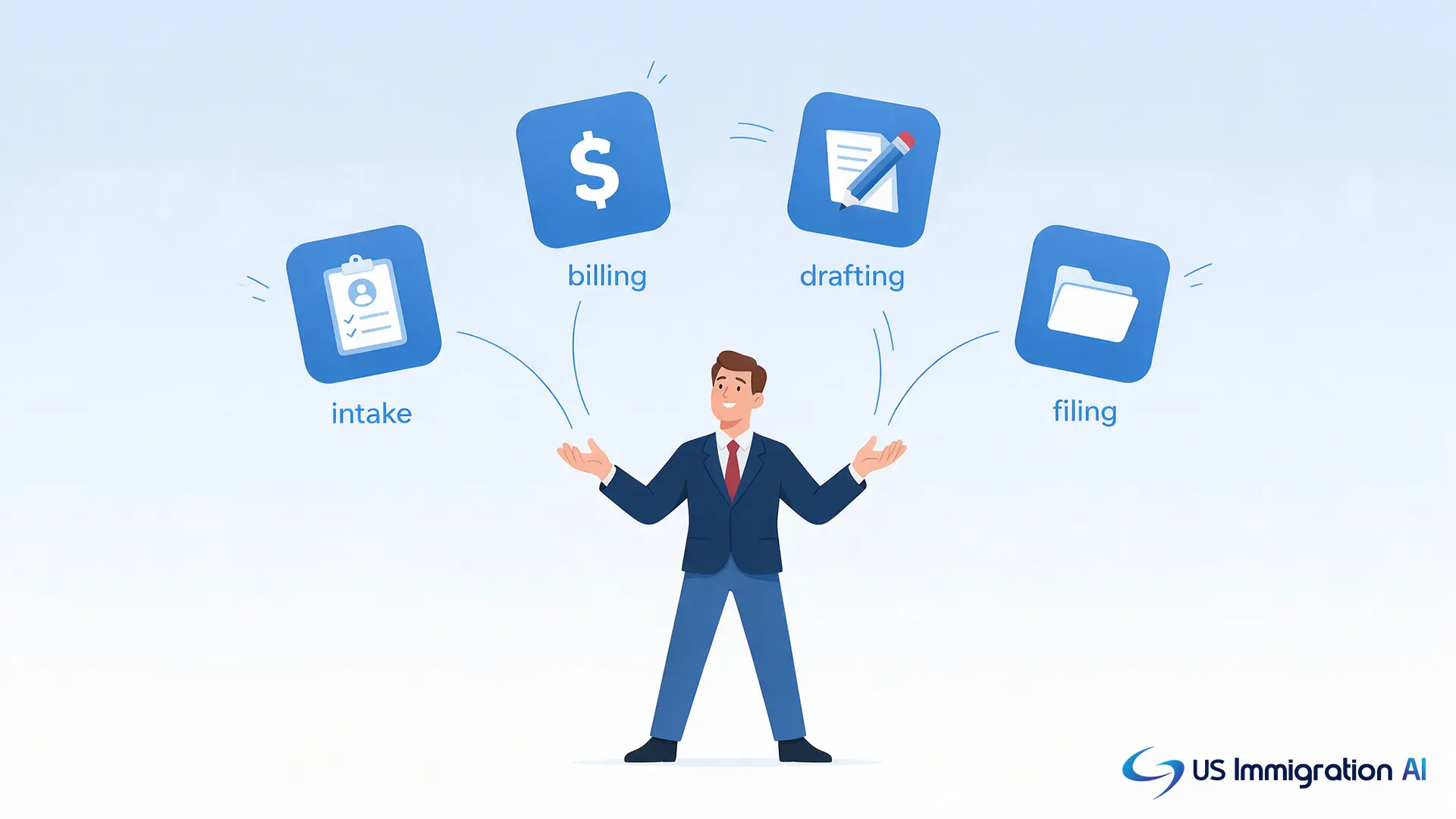
That staffing gap shows up in the budget fast. The median wage for paralegals and legal assistants was $62,890 a year in May 2025, according to the U.S. Bureau of Labor Statistics. Adding even part-time help to cover intake or drafting can cost more than a solo practice earns from several cases combined.
Software built for solo practices has to close that gap directly. It should absorb tasks a paralegal or a front-desk hire would otherwise handle, covering three roles a small firm would otherwise staff separately:
- Receptionist. Answers every inbound channel, day or night.
- Intake specialist. Records answers in a consistent, structured format.
- Initial consultation staff. Walks a prospect through pricing and next steps.
A solo attorney does not have to hire for any of the three, as long as the software actually covers them.
Why Generic Practice Software Falls Short
Closing that staffing gap only works if the software itself fits immigration work, which is where generic practice tools run into trouble. Most law-practice software on the market is built for general legal work. Billing, calendaring, and basic case tracking work the same for a personal injury firm as they do for an immigration practice.
Immigration cases do not run on generic templates:
- Case-specific eligibility rules. Each case type carries its own requirements, not a one-size template.
- Form editions that change on a government schedule. USCIS revises forms on its own timeline, not the firm's.
- Deadlines a generic calendar will not flag. A Request for Evidence response window or a shifting visa priority date needs case-specific tracking.
- Real consequences for missing an update. USCIS rejects submissions on a superseded form edition outright, costing a firm the time it takes to refile.
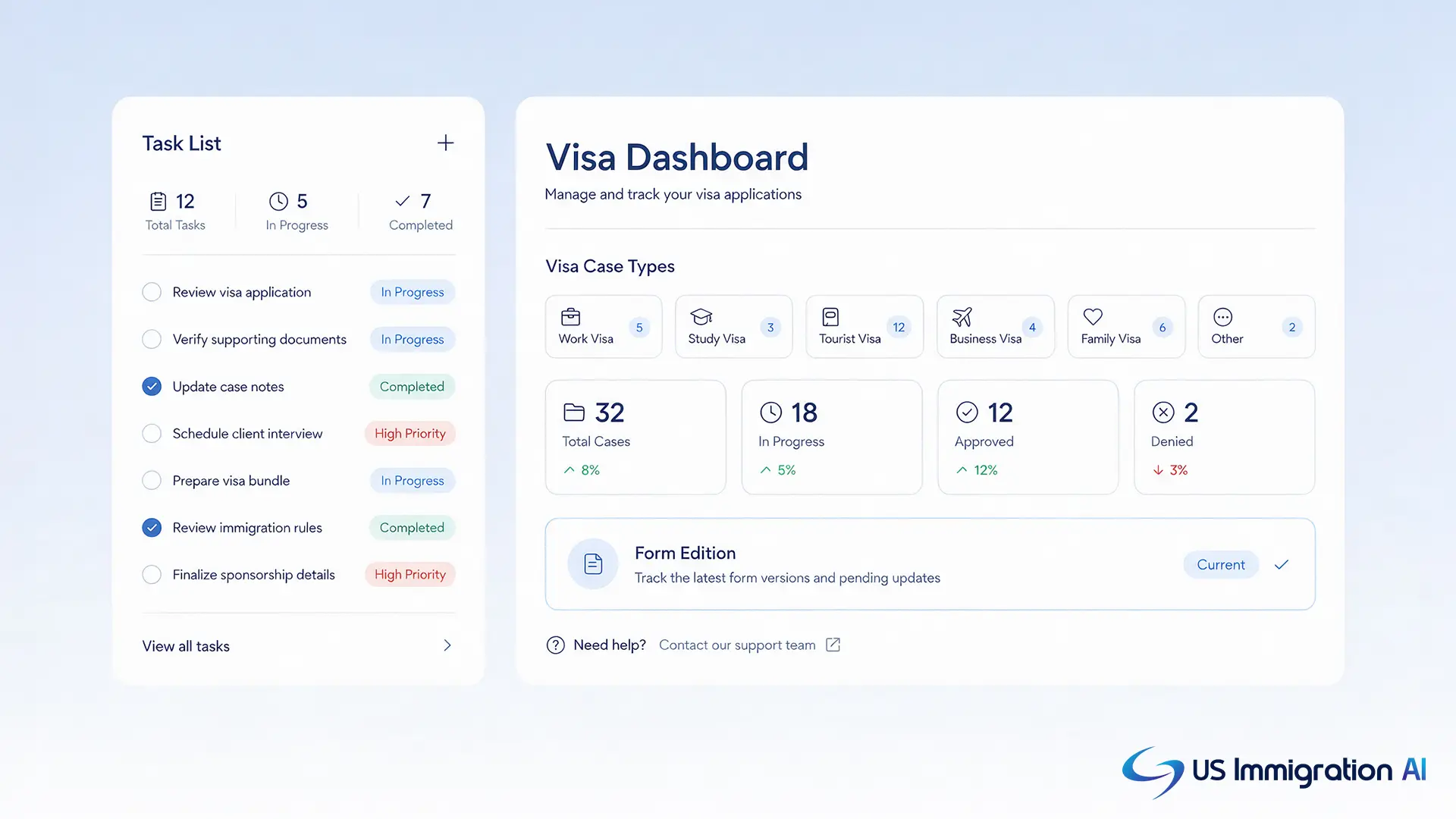
General practice software leaves a solo attorney to track those changes by hand. Immigration-specific automation platforms keep form templates current when the government updates them, so a solo practice is not left filing an outdated version.
This comparison assumes immigration makes up most of the caseload. A solo attorney splitting time between immigration and another practice area, like family law or personal injury, may still get more value from one generalist system that covers everything under a single login.
How US Immigration AI Puts This Into Practice
Those criteria apply to any immigration-specific platform, not just one vendor. Here is how US Immigration AI handles each one, across five connected stages of a case, the same stages a large firm's caseload moves through, each automated under attorney review.
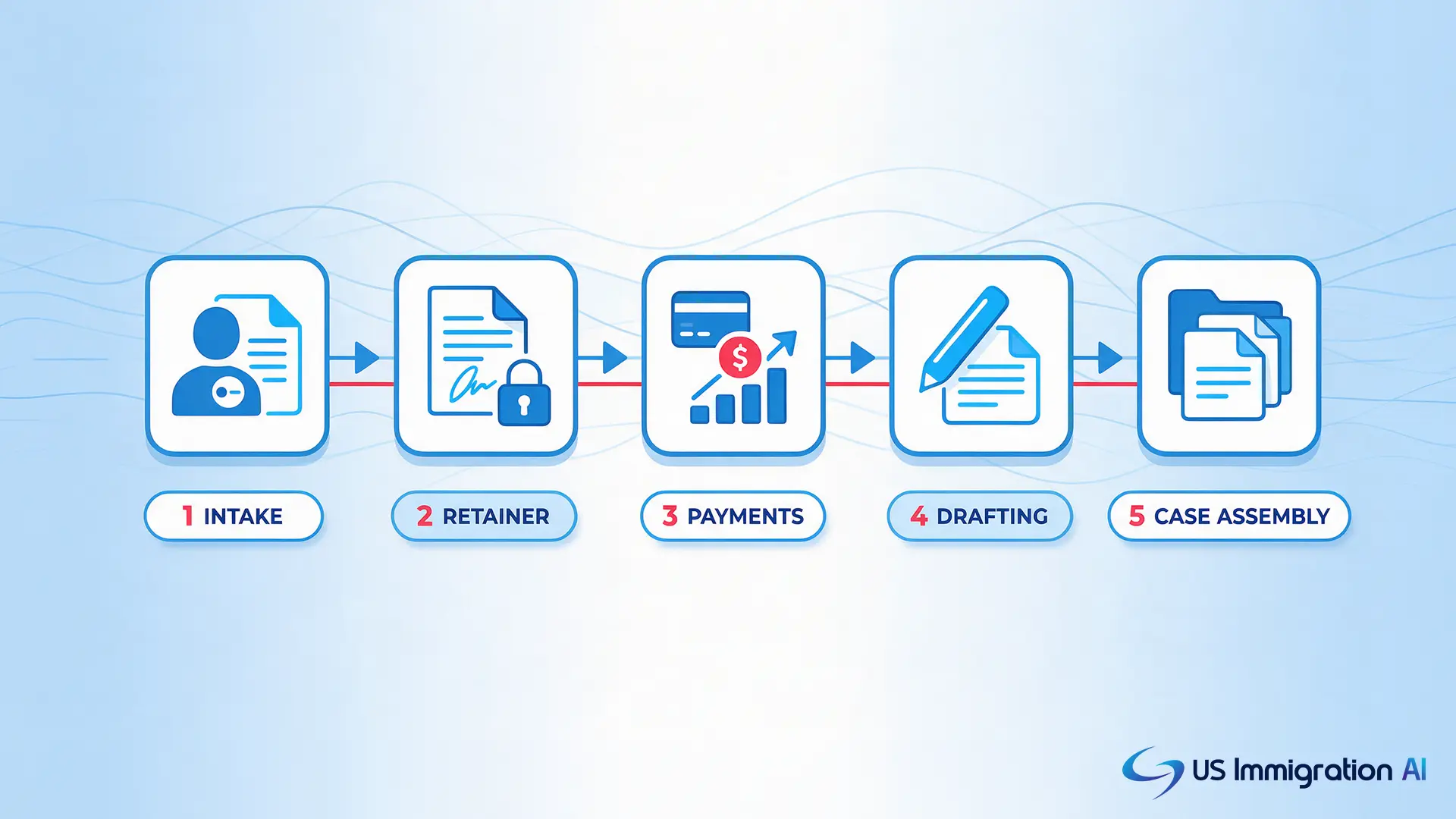
- AI Intake. Screens and qualifies new leads across chat, web forms, SMS, and email, so consultations go to prospects who already look like a fit.
- AI Retainer. Drafts engagement letters from intake data and tracks e-signatures, so a signed client is not waiting on a manually typed contract.
- AI Payment Collection. Routes retainer payments into a trust account and keeps processing fees on the firm's operating account, so client and firm funds never mix.
- Immigration Client Portal. Collects passports and records in one place, with automatic reminders for anything still missing and uploads from any device.
- AI Legal Document Drafting. Fills USCIS forms and drafts supporting letters from the same intake data, and keeps form templates current when the government updates them.
- AI Case Assembly. Organizes forms and evidence into a submission-ready packet, with an exhibit index and missing-item flags an attorney checks before filing.
Data collected at intake carries through every later stage. A client's name, dates, and case details entered once populate the retainer, the document checklist, the drafted forms, and the final assembled packet. Nobody on a solo team retypes the same information twice.
Attorney Review Stays in Every File
Automating those five stages does not mean removing the attorney from them. Under ABA Model Rule 1.1 and Model Rule 5.3, a lawyer stays responsible for verifying any work product, including output from a software tool. ABA Formal Opinion 512 (2024), "Generative Artificial Intelligence Tools," applies that same duty to AI specifically.
US Immigration AI is a technology tool, not a substitute for legal judgment. It does not provide legal advice, does not replace attorney judgment, and does not form an attorney-client relationship. A licensed attorney reviews every file before it reaches a client or the government.
That review shows up as a specific checkpoint in the platform, not a general policy. A drafted retainer waits for attorney sign-off before it reaches a client. A case assembly packet waits for attorney verification before it goes out for filing.
What It Costs
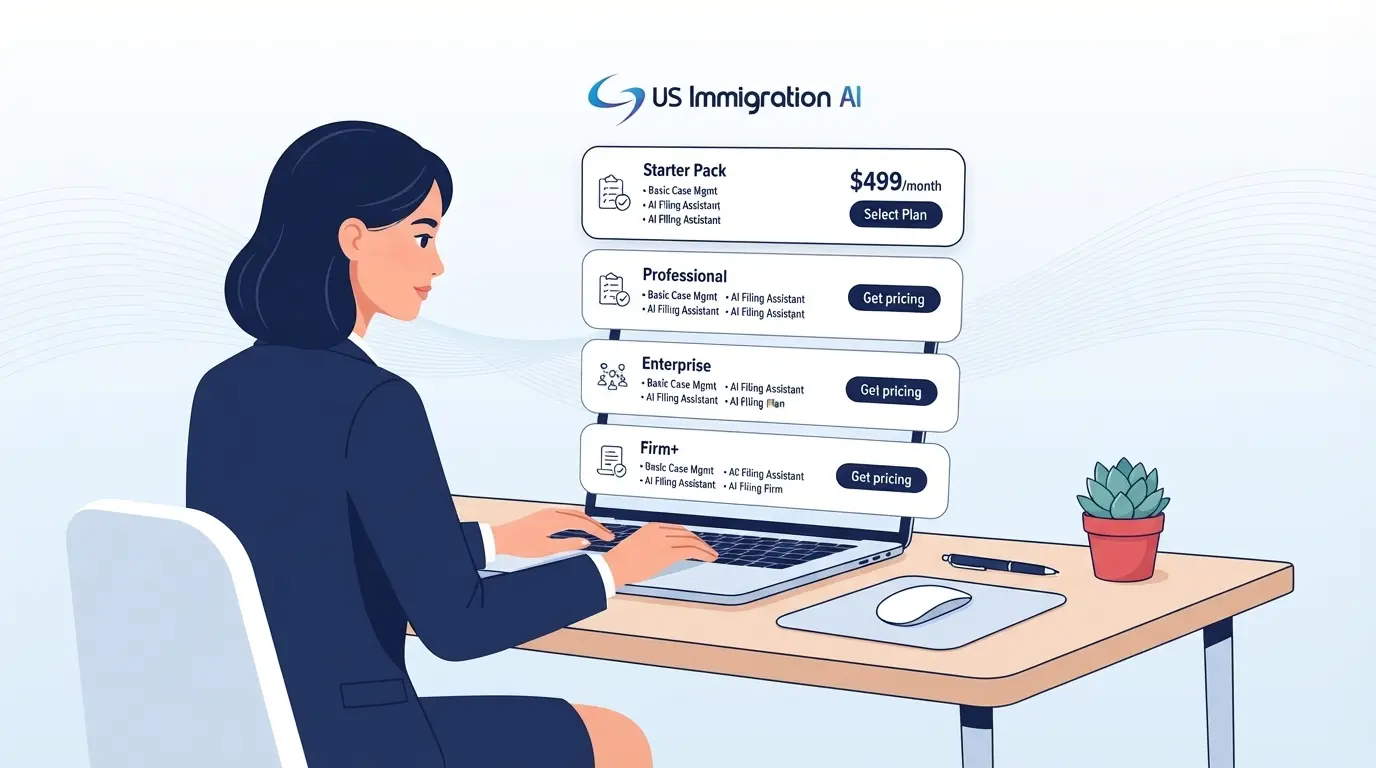
None of this automation matters if the pricing does not fit a one-person budget. US Immigration AI offers two pricing options:
- Per-application: $97. Fits a practice that wants to scale slowly with case volume.
- All-in-one: $997 a month. Fits a practice that wants one predictable bill.
A practice handling a handful of cases a month often starts on the per-application rate. It can move to the flat rate later, once volume, or the number of separate tools it replaces, makes that the better deal.
Security and Compliance
Cost is only part of the decision. The other part is what happens to client data once it sits inside the system. Client files hold passports, financial records, and other sensitive identity data.
US Immigration AI encrypts data in transit and at rest, limits access to authorized staff, and logs activity for review. The platform maintains SOC 2 Type II, ISO 27001, GDPR, and CCPA compliance.
Role-based logins keep each case visible only to the attorneys and staff working it. Every action is logged, so a solo attorney, or anyone helping part-time, can see who opened a file and when.
Run Your Solo Immigration Practice on One System
Cost and security are usually the last two questions before a decision. See how much of your caseload US Immigration AI can take off your desk. Book a consultation to walk through intake, drafting, and case assembly built for a one-attorney practice.