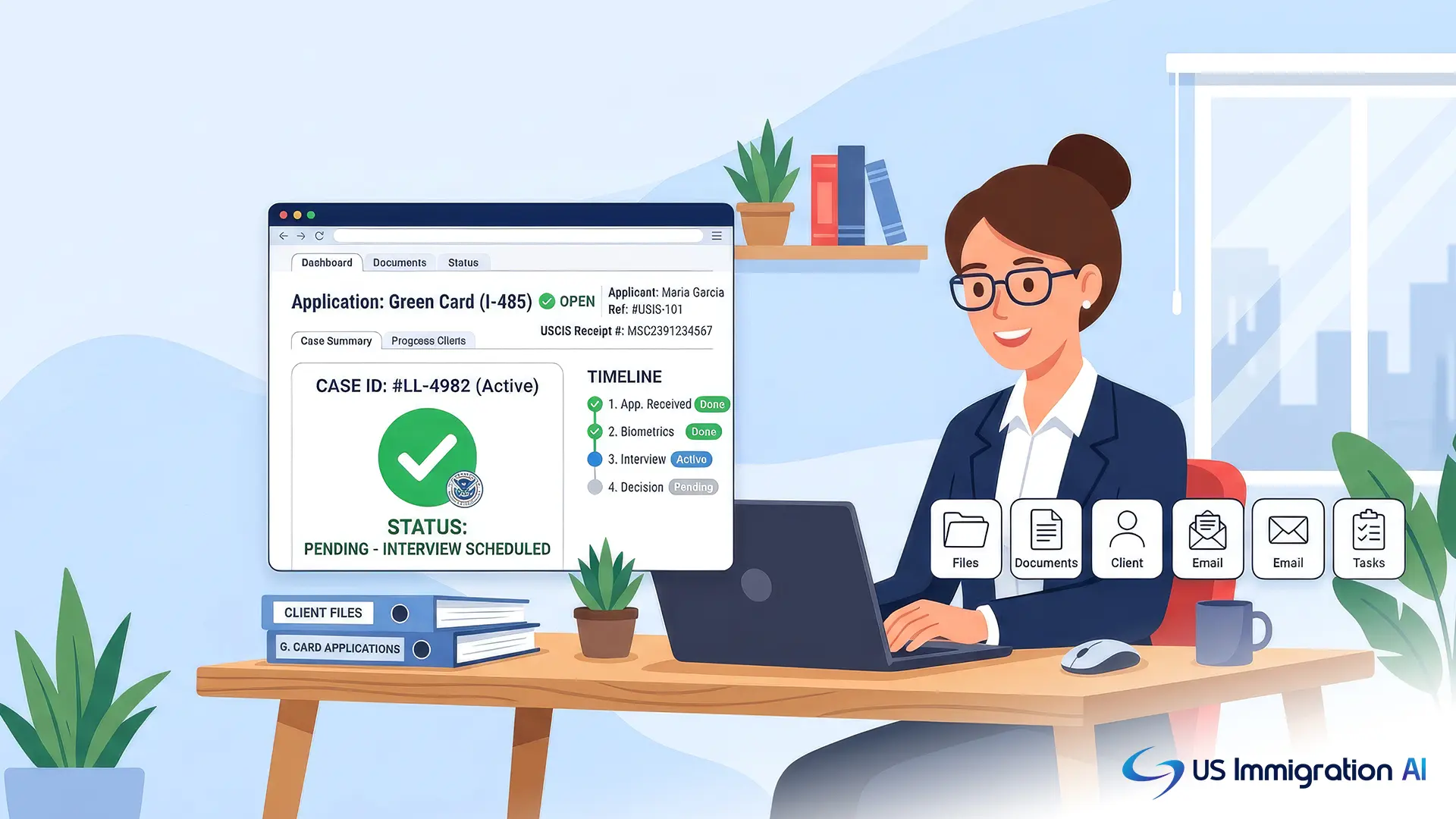

Checking a client's green card status starts with knowing which system the case is running through: USCIS Case Status Online for cases inside the United States, or the National Visa Center's CEAC portal for cases processed at a consulate abroad. Both tools use a case or receipt number to show where a filing currently stands, but they cover different case types and different offices.
Getting that split right, reading the status message correctly, and knowing when a quiet case needs a follow-up are the three things that keep status checks from eating into staff time. The last section covers how to turn all of it into a repeatable process instead of a per-client scramble.
Key Takeaways
- USCIS Case Status Online, at egov.uscis.gov/casestatus, is the right tool for Form I-485 adjustment of status cases filed inside the United States.
- Consular processing cases, which use Form DS-260, are tracked through the National Visa Center's CEAC portal instead of USCIS Case Status Online.
- A 13-character receipt number, three letters followed by ten digits, is required to look up a USCIS case, and a Form G-28 on file lets your firm receive updates directly.
- Status messages like "Case Was Received" or "Card Was Mailed" each point to a different stage, and some call for action from your team.
- A weekly cadence, a named owner per case type, and a clear escalation threshold turn status checks into a routine instead of a fire drill.
The Two Green Card Status Systems Your Firm Will Use
A green card moves through the process in one of two ways, and each one is tracked in a different place. Sorting a case into the right one is the first step to checking its status correctly, since entering the wrong number in the wrong tool returns nothing useful.
Adjustment of Status (Form I-485)
Clients adjusting status from inside the United States file Form I-485, Application to Register Permanent Residence or Adjust Status. This case type, along with the underlying petition such as Form I-130 for a family-based case or Form I-140 for an employment-based case, stays with USCIS from filing through card production.
Consular Processing (Form DS-260)
Clients going through consular processing, who interview for an immigrant visa at a U.S. embassy or consulate abroad, use Form DS-260 instead. Once USCIS approves the underlying petition, the case moves to the State Department's National Visa Center, and from that point on status lives in CEAC, not in USCIS Case Status Online.
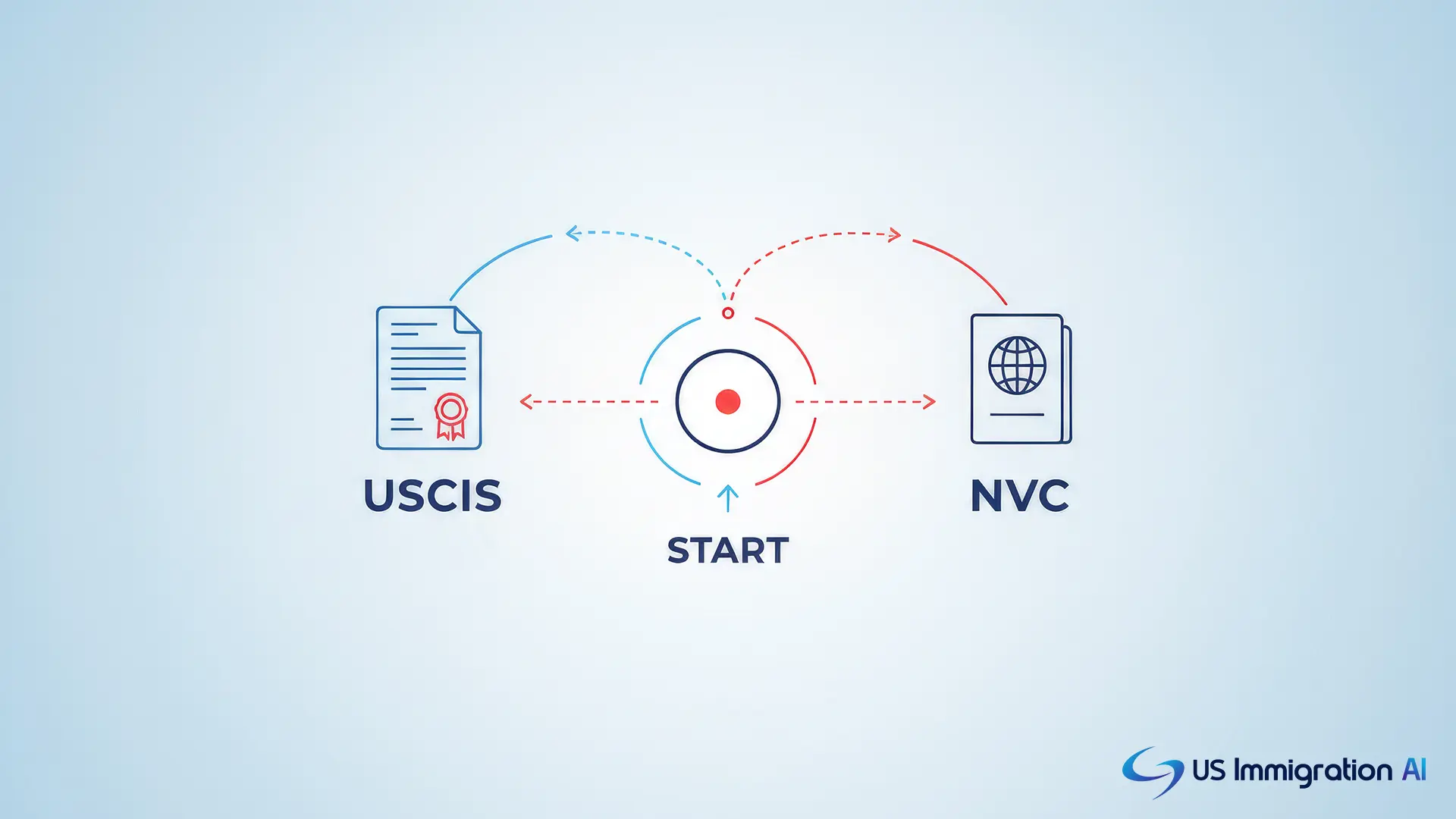
With the case sorted into the right system, here is how each one compares before walking through the steps for both.
Checking Green Card Status at a Glance
The first two rows cover almost every green card case your firm handles. The other two matter for the cases that need a second look, covered in the follow-up section below.
How to Check Status Through USCIS Case Status Online
For I-485 cases, USCIS Case Status Online is the fastest way to see where a case stands. The Case Status Online tool is free, available at any hour, and does not require an account for a single lookup.
- Find the receipt number. Every USCIS case gets a 13-character receipt number: three letters (such as EAC, WAC, LIN, SRC, or IOE) followed by ten digits. It appears on the Form I-797C receipt notice mailed after filing.
- Go to the official USCIS tool. Visit egov.uscis.gov/casestatus directly. Enter the receipt number exactly as it appears, without dashes, and select "Check Status."
- Read the result. The page shows the most recent action taken on the case and, in many cases, a short explanation of what happens next.
- Link the case to your firm's representation. A Form G-28 on file establishes your firm as the attorney or accredited representative of record, so USCIS sends case communications and notices to your office alongside the client. Pair this with a linked USCIS online account to get automatic email or text alerts whenever a status changes, useful for green card cases that often involve several linked filings, such as an I-485 for the client and derivative I-485s for a spouse or children.
A receipt number from the wrong document will not work, since page or form numbers printed at the bottom of a notice are not the same as the 13-character receipt number. Consular processing cases skip this tool entirely once the file reaches the National Visa Center, which is where the second system takes over.
How to Check Immigrant Visa Status Through the National Visa Center
Consular processing cases are tracked through CEAC, the Consular Electronic Application Center operated by the State Department, rather than USCIS Case Status Online.
- What the CEAC portal covers. Your team can pay the required immigrant visa and Affidavit of Support fees, complete the DS-260 application, upload civil documents and financial sponsorship evidence, and read messages from the National Visa Center. The portal also shows whether each uploaded document has been accepted, rejected, or is still pending review.
- What you need to log in. An NVC case number, sent by the National Visa Center after the petition is approved, is required to access the account. This number is different from the USCIS receipt number and will not work in USCIS Case Status Online.
Accounting for the Visa Bulletin
For preference-category cases, status also depends on visa availability, not just processing stage. The Department of State's monthly Visa Bulletin sets the filing and final action dates for family-sponsored and employment-based categories, so a case can be fully processed and still waiting on a current priority date.
Once either lookup returns a result, the next question is usually what the message on screen actually means.
What Each Green Card Status Message Means
USCIS status messages are short, and each one points to a specific stage in the process. The table below covers the messages your team will see most often.
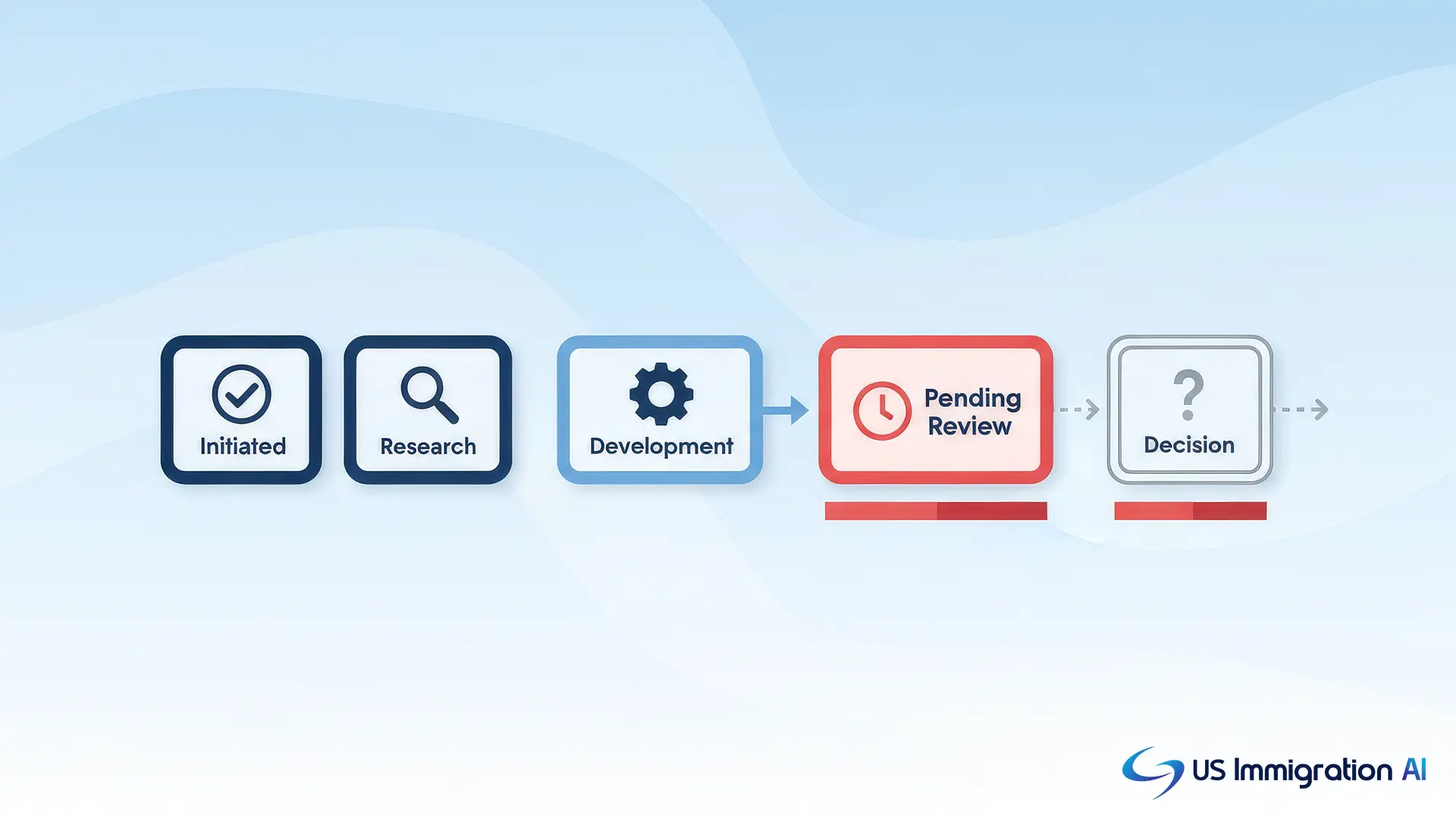
A message that has not changed in weeks does not automatically mean a problem. Many stages, including background checks, run in the background without a status update until the next milestone is reached. The next section covers how to tell a normal quiet stretch from a case that actually needs a nudge.
When a Quiet Status Actually Needs Follow-Up
A status message that stays the same for a while is normal for most of the process. USCIS publishes expected processing times by form and service center, and a case only needs attention once it runs past that window.
Check the Case Against Published Processing Times
Compare the case against the published range for the specific form and office handling it first. If the case is still within that range, no action is needed yet, since most stages run without a visible update until the next milestone.
Submit an Inquiry or Call USCIS
If a case has run past the published processing time, USCIS's e-Request tool lets your team submit a formal inquiry instead of calling repeatedly, since not every pending case qualifies for a case-specific inquiry until it exceeds normal processing. For cases where the online tools raise more questions than they answer, the USCIS Contact Center can be reached at 800-375-5283, Monday through Friday, 8 a.m. to 8 p.m. Eastern. Have the receipt number ready, since both the automated system and live agents rely on it to pull up a case.
Confirm the Card Actually Arrives
Once a card is approved and mailed, one more check matters: making sure it physically reaches the client.
- Track the mailing. USCIS mails green cards through its Secure Mail Initiative, using USPS Priority Mail with delivery confirmation, and signing up for USPS Informed Delivery adds a second way to confirm arrival.
- If it never shows up. USPS's missing mail process starts with an online help request, followed by a full Missing Mail Search once seven days have passed with no delivery.
- If the search comes up empty. Notify USCIS directly and request a replacement, since the agency needs to know the original card is unaccounted for.
A current mailing address matters throughout this whole section. USCIS sends every official notice to the address on file, and a stale address can look like a processing delay that is not one.
Building a Status-Check Workflow for Your Firm
The steps above work for checking any single case. The harder problem is doing it consistently across dozens of open files without losing an afternoon to logins and spreadsheets.
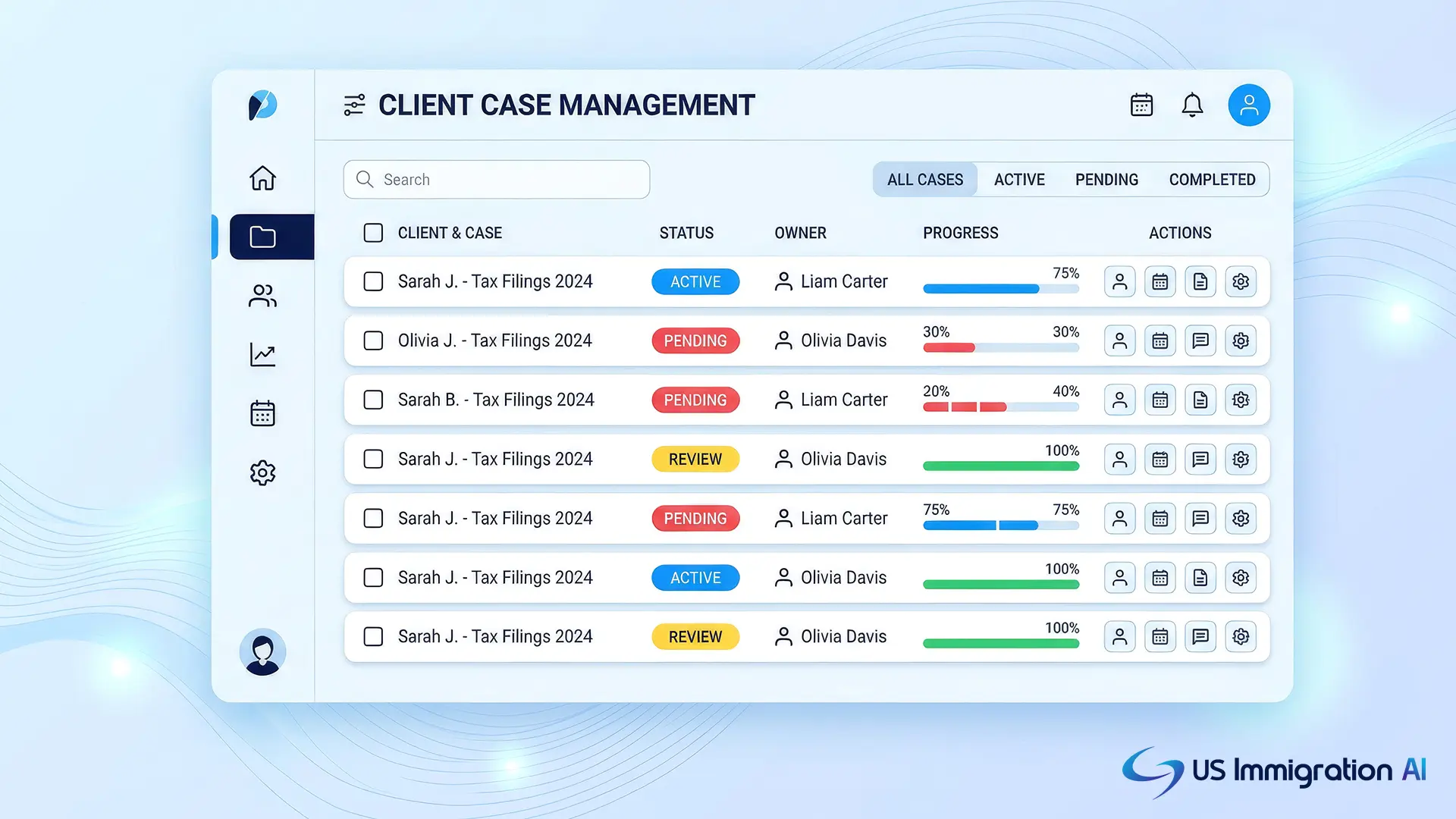
A workflow only holds up if it names three things: who owns it, how often it runs, and what triggers escalation. A structure that works for most firms:
- Assign an owner per case type. Put one paralegal in charge of I-485 status checks and another in charge of consular processing cases, with a named backup for coverage during time off. Splitting by system, not by attorney, keeps the USCIS-versus-NVC distinction from getting lost between staff.
- Set a fixed weekly cadence. Run status checks on the same day each week for every open case, rather than only when a client calls. A Monday-morning batch check catches a "Request for Evidence" or "Card Was Mailed" update days before a client would otherwise report it.
- Define a clear escalation threshold. Route a case to the supervising attorney once its status has not moved for 30 days past the form's published processing-time ceiling. A fixed threshold, rather than a judgment call, keeps quiet-but-normal cases off the attorney's desk while surfacing the ones that actually need a decision.
- Log every check with a timestamp. A simple record of who checked, when, and what the status showed protects the firm if a client later disputes how quickly a delay was caught, and it shows a pattern if a specific service center is consistently running slow.
Even with an owner, a cadence, and a threshold, dozens of open cases still mean dozens of manual logins each week. A secure client portal can absorb the routine part of this by giving clients a place to see their own status, which cuts down on the calls reaching whoever owns the check that week.
Turning Status Checks Into a Repeatable Process
Checking green card status for a client comes down to using the right tool for the case type, USCIS Case Status Online for I-485 cases and CEAC for consular processing, then backing it with a workflow that does not depend on any one person remembering to look. An owner, a weekly cadence, and a firm escalation threshold turn status monitoring from a source of client-call fire drills into routine case management.
Grow Your Caseload With US Immigration AI
Firms that handle a high volume of green card cases can spend less time on manual status checks and client updates with US Immigration AI's automation platform. From intake through case assembly, client data and case activity stay connected in one system, under attorney review at every step. Book a consultation to see it on your own caseload.
Frequently Asked Questions