
Kier checked the AI claims of Docketwise and INSZoom against each vendor's public pages and announcements in November 2026. The pages were read between November 3 and 6, and the details can change without notice.
Docketwise vs INSZoom AI features comes down to which documents each product's AI reads and which tools are built in. Docketwise describes two AI tools, a writing assistant and a reader that fills forms from client IDs, and lists Docketwise IQ on Pro. INSZoom has one native AI tool, for USCIS notices, plus partner AI for research, email and case tracking.
US Immigration AI sells software in this category, so every claim about the two products below comes from a vendor page or a named source. Where a statement comes only from a vendor, the text names that vendor.
Key Takeaways
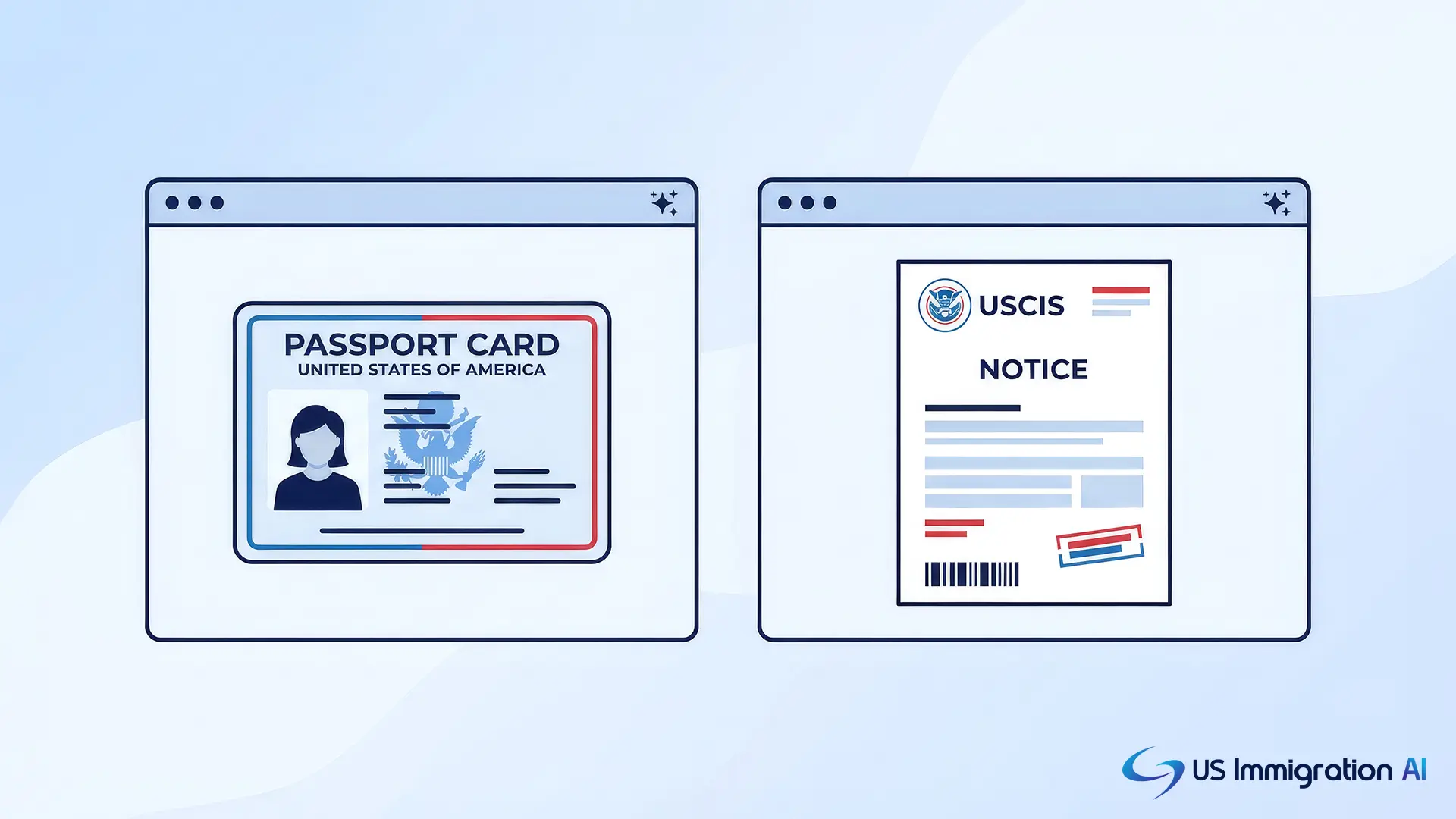
- Docketwise IQ has two tools: a writing assistant with English and Spanish translation, and AI Data Capture, which reads passports, green cards, I-94s and EAD cards into forms.
- INSZoom's native AI is GovNoticeIDP, which reads USCIS receipts and approvals into case records. Mitratech announced it on January 22, 2025.
- INSZoom's research, email and case-tracking AI comes through three partner products, and its AI client portal was shown only as a preview in June 2026.
- Docketwise's pricing page lists Docketwise IQ on Pro and above. Mitratech states no price or plan for any INSZoom AI tool.
- Neither vendor says whether client data trains its AI models, so ask both before you upload client files.
How I Compared the AI Features
Every comparison here starts from one scenario, a marriage-based green card case with Forms I-130 and I-485. Walking that case through immigration software raises four AI questions, and each one became a row in the comparison:
- Can the software read a client's passport and green card and fill in the forms?
- Can it read a USCIS receipt notice and attach it to the right case?
- Can it write or translate a message to a Spanish-speaking client?
- Can it help research and draft a cover letter?
The evidence is each vendor's public material: AI feature pages, press releases, help articles and the pricing page, all read in early November 2026. I did not run either product, so every statement describes what a vendor publishes and not what I observed. When a vendor is silent on a point, the table says "Not described."
I checked each feature on six points:
- Which task the AI does, and on which documents.
- Whether you get it today, through a partner, or only as a preview.
- Which plan carries it, and at what price.
- Whether the vendor says a person reviews the output.
- What the vendor says happens to your client data.
- What proof the vendor offers, such as dates, customers or measured results.
What AI Does in Immigration Software
AI in immigration software does three jobs. It reads documents and enters the data into forms or case records. It writes or translates text. It also connects the case file to research, email or tracking tools.
Each job carries its own risk. A reading error puts a wrong date on a form, and a writing error puts a wrong word in a client letter. A vendor's page that names the job tells you more than one that says "AI-powered."
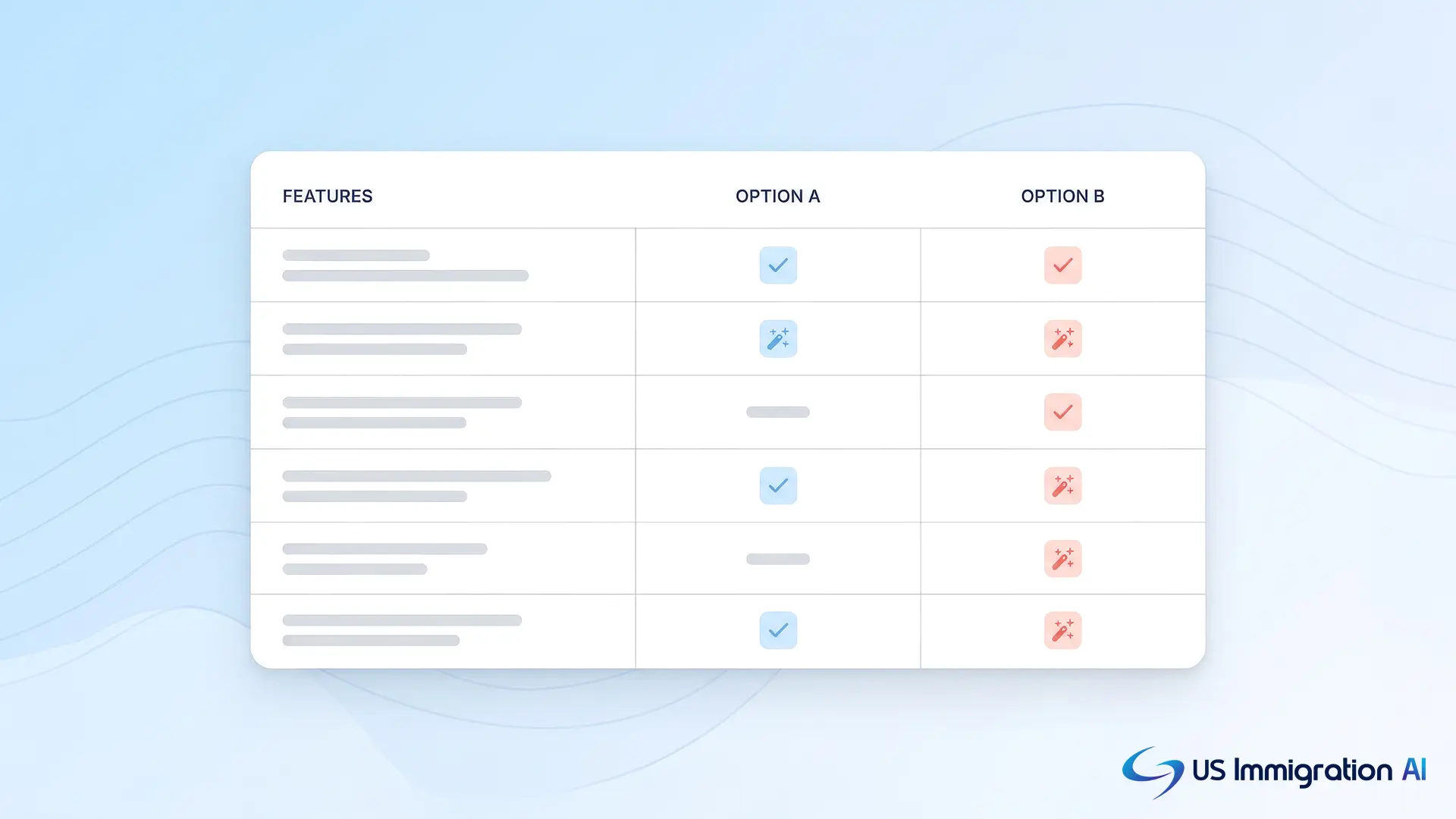
Docketwise vs INSZoom AI Features Side by Side
The table below follows those three jobs. A cell reading "Not described" means the published pages say nothing about the feature, and a demo should settle it.
Docketwise IQ: What It Includes
Docketwise IQ is the name Docketwise uses for its AI tools, and some pages call it 8am IQ. Its AI feature page says it currently has two core tools. A Docketwise blog post introducing them is dated June 12, 2025.
- The writing assistant rewrites text for clarity and tone, drafts emails, case summaries and responses, and summarizes notes. It translates between English and Spanish only, and it works inside notes, email messages, Smart Form invitations, comments and invoice sharing.
- AI Data Capture reads scanned documents and PDFs and fills Smart Forms and client profiles with names, dates of birth and document numbers. The pages name passports, green cards, I-94s and EAD cards as examples.
Docketwise's LLM info page says it launched new 8am IQ capabilities in June 2026, including an updated AI legal assistant. No page I read describes what that assistant does.
INSZoom and Mitratech: Built-In and Partner AI
INSZoom's built-in AI is GovNoticeIDP. Mitratech's January 22, 2025 release says users upload notices in batches. The tool splits the files, extracts data with AI and imports receipt data into the platform. Users then manage exceptions in an interface. It processes USCIS receipts and approvals, so it does not read a client's passport.
On June 16, 2026, at AILA 2026, Mitratech announced that INSZoom connects to three partner products:
- Visalaw AI, a research and drafting platform built for immigration law.
- Lawfully, which tracks cases across USCIS, NVC, DOL and EOIR, and Lawfully Intelligence, which benchmarks approval rates, RFE rates and processing times.
- Candle AI, which connects Outlook and Gmail with INSZoom and can apply firm-approved templates.
The same announcement previewed a new client portal that extracts data from uploaded documents, with no release date. Mitratech's March 2025 article on AI in immigration describes AI features in general and does not say which ones INSZoom has.
Review and Data Handling
Docketwise's AI page says outputs are optional, reviewed by users and managed within the platform. It also cites encryption, role-based access and compliance monitoring. The writing assistant page adds only that the product uses industry-standard encryption.
The Mitratech release says files upload securely and describes no review step beyond exception handling. Neither vendor's pages say whether client data trains AI models or which company hosts the model.
Those gaps matter because ABA Formal Opinion 512 (July 29, 2024) is the ABA's first ethics guidance on generative AI. According to the ABA's announcement, lawyers should understand the benefits and risks of the technology they use and protect client confidentiality. Our guide to attorney oversight of AI in immigration covers the duties in detail.
Plans and Pricing for AI
Docketwise lists Docketwise IQ on its Pro plan, and its writing assistant page says it is included with Pro at no additional cost. With the Yearly toggle selected, Pro is $100 per user per month and Advanced is $120. The Monthly toggle shows $120 and $140. Basic, at $80 or $90, does not list AI.
Mitratech publishes no INSZoom prices, and its AI announcements state no price or plan. Ask whether GovNoticeIDP and each partner product are included, sold as add-ons, or contracted separately.
Questions to Ask in an AI Demo
Run the same reference case in both demos with sample files, never a client's. Then ask each vendor:
- Which AI features are in my plan, and which cost extra?
- Is each feature built in today, sold by a partner, or still in preview?
- Does my client's data train any model, and who hosts it?
- Where does a person check the output before it reaches a form or a client?
- Which documents does it read, and what happens when it cannot read one?
- Can I turn each AI feature off for a client file?
Where US Immigration AI Fits
US Immigration AI is AI-powered immigration case management software that applies AI across the case, from intake to the filing-ready packet. AI Legal Document Drafting fills USCIS forms from intake data, and the Immigration Client Portal collects client documents, flags missing files and sends reminders.
AI Case Assembly builds an indexed, paginated packet, and a licensed attorney reviews every file before submission. The data security and compliance page explains how client files are protected, and how it works shows how the pieces connect.
Grow Your Caseload With US Immigration AI
Bring one of your own case types to a short demo and see AI intake, form drafting and case assembly run on it. Schedule a demo to get started.
Frequently Asked Questions
About This Comparison
Last updated November 7, 2026.
Vendors revise their pages without notice. Send corrections through the contact page.