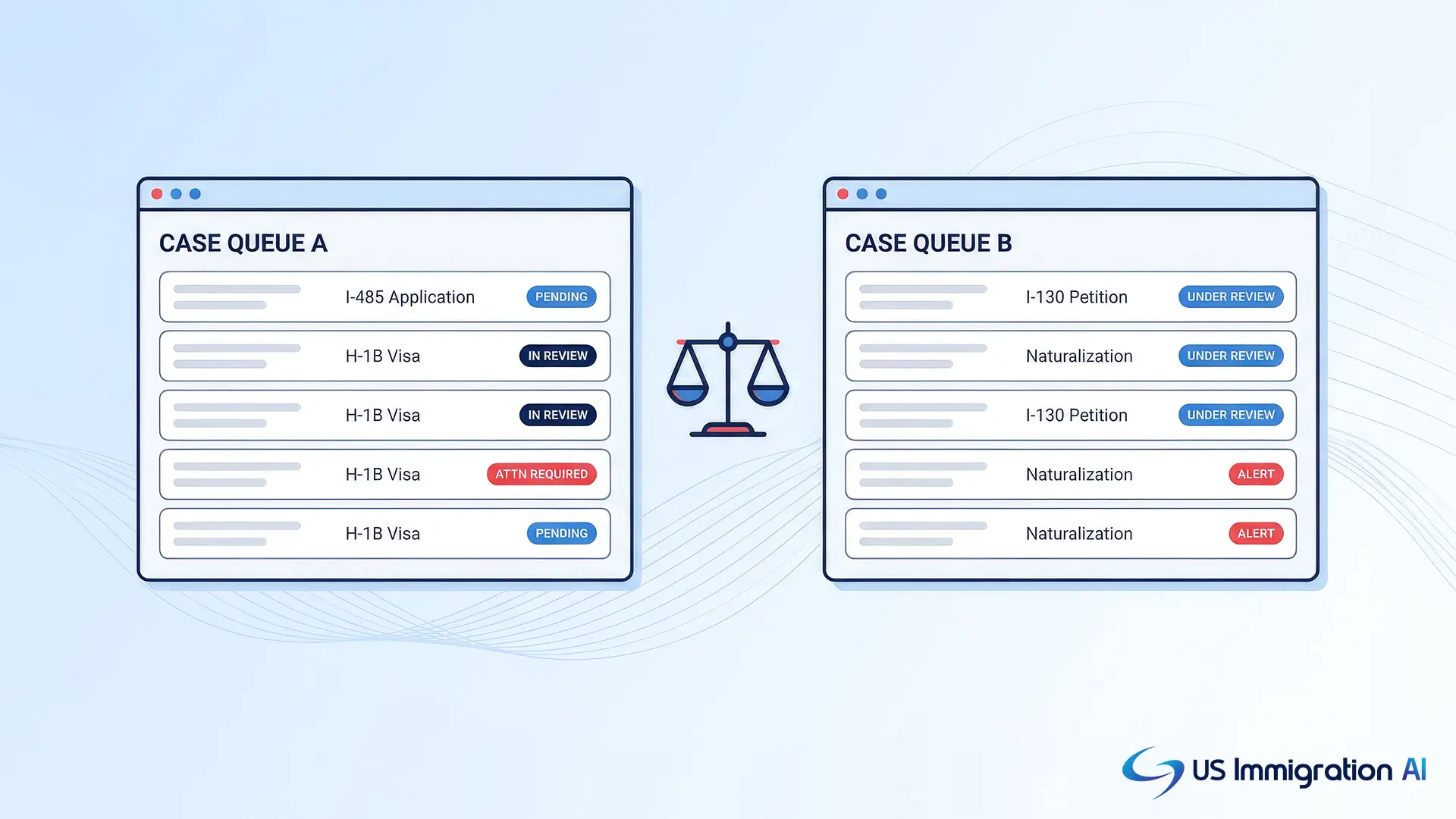

Docketwise vs LollyLaw on immigration case tracking comes down to what each product does after you file a USCIS case. The questions that matter are who gets alerted, how often the product checks, and what your client sees.
On Docketwise, the help center documents automatic USCIS receipt checks, weekly on the Pro plan and daily on Advanced. Alerts go to the staff assigned to the matter. LollyLaw's published pages describe case statuses, workflows with deadlines, milestone reminders and a client portal. They do not describe an automatic USCIS status lookup.
This post draws on each vendor's own pages, USCIS and the American Immigration Lawyers Association, as of November 2026. It reflects published materials and not a hands-on trial, and where a vendor's pages are silent, the post says so.
Key Takeaways
- Docketwise's help center says automatic USCIS checks run weekly on Pro and daily on Advanced, with email and in-app alerts to the staff assigned to the matter. Basic has manual updates only.
- LollyLaw's pages describe case statuses, workflows with deadlines, milestone reminders, calendar sync and a client portal. LollyLaw's H-1B article sends firms to the USCIS portal for status, and none of its pages describes an automatic USCIS lookup, so ask to see one run on a receipt number.
- Docketwise priority date alerts cover both Visa Bulletin charts and arrive in-app and in a monthly email. LollyLaw's pages do not describe priority date tracking.
- Docketwise publishes per-user prices, while LollyLaw lists none and offers a 7-day free trial.
- A receipt number from a closed matter is enough to test both products with the eight-step script near the end of this post.
What Case Tracking Means in Immigration Software
Case tracking means following a filed case through USCIS by its receipt number. USCIS says the receipt number consists of three letters followed by 10 numbers, and it appears on the notices USCIS sends.
Anyone can enter that number in the USCIS Case Status Online tool without an account. A free my.uscis.gov account adds your most recent case updates, including up to the last five actions on the case.
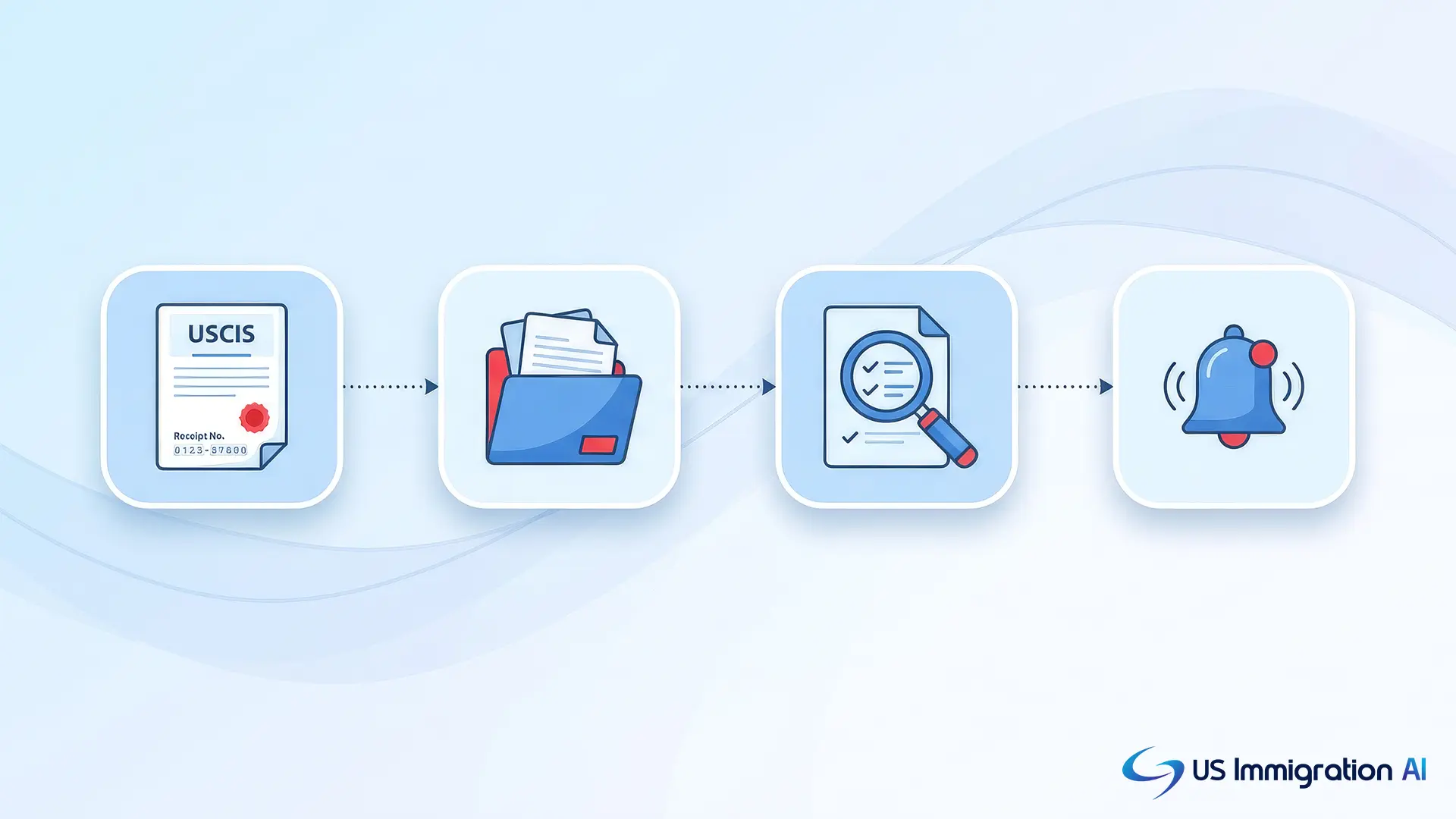
Immigration software adds three things on top of that public status, and the rest of this post checks each one in both products:
- It stores the receipt number on the matter, the firm's record of a client's case.
- It checks for changes, so staff do not look up each case by hand.
- It tells the right person when a status moves.
A second kind of tracking follows a priority date through the State Department's monthly Visa Bulletin, which the priority date section below explains.
What Manual Case Checking Costs a Firm
Consider a firm with 150 open receipts that checks each one once a week. That is 7,800 lookups a year, and at two minutes each it adds up to 260 hours of staff time.
Those figures are an illustration, so replace them with your own case count and lookup time. An alert-based tracker replaces most of those lookups with a notification when a status changes. That is why check frequency and alert recipients matter in the comparison below.
Docketwise and LollyLaw in Brief
With that baseline set, here is who each product is. Docketwise is immigration case management software founded in 2016 and operated by 8am, and its own materials describe it as built only for immigration practices.
LollyLaw is immigration-specific practice management software. LawNext's 2022 profile of LollyLaw says Paradigm, a law practice management company, acquired it.
Both products cover more than tracking. Each includes a client portal, task management and billing, so tracking is one part of a larger purchase.
Case Tracking Features Side by Side
The table below puts the tracking features next to each other, and the sections after it give the source for each cell. "Not described" means the pages reviewed do not mention the feature, so LollyLaw may offer it without documenting it publicly. Confirm those rows in a demo.
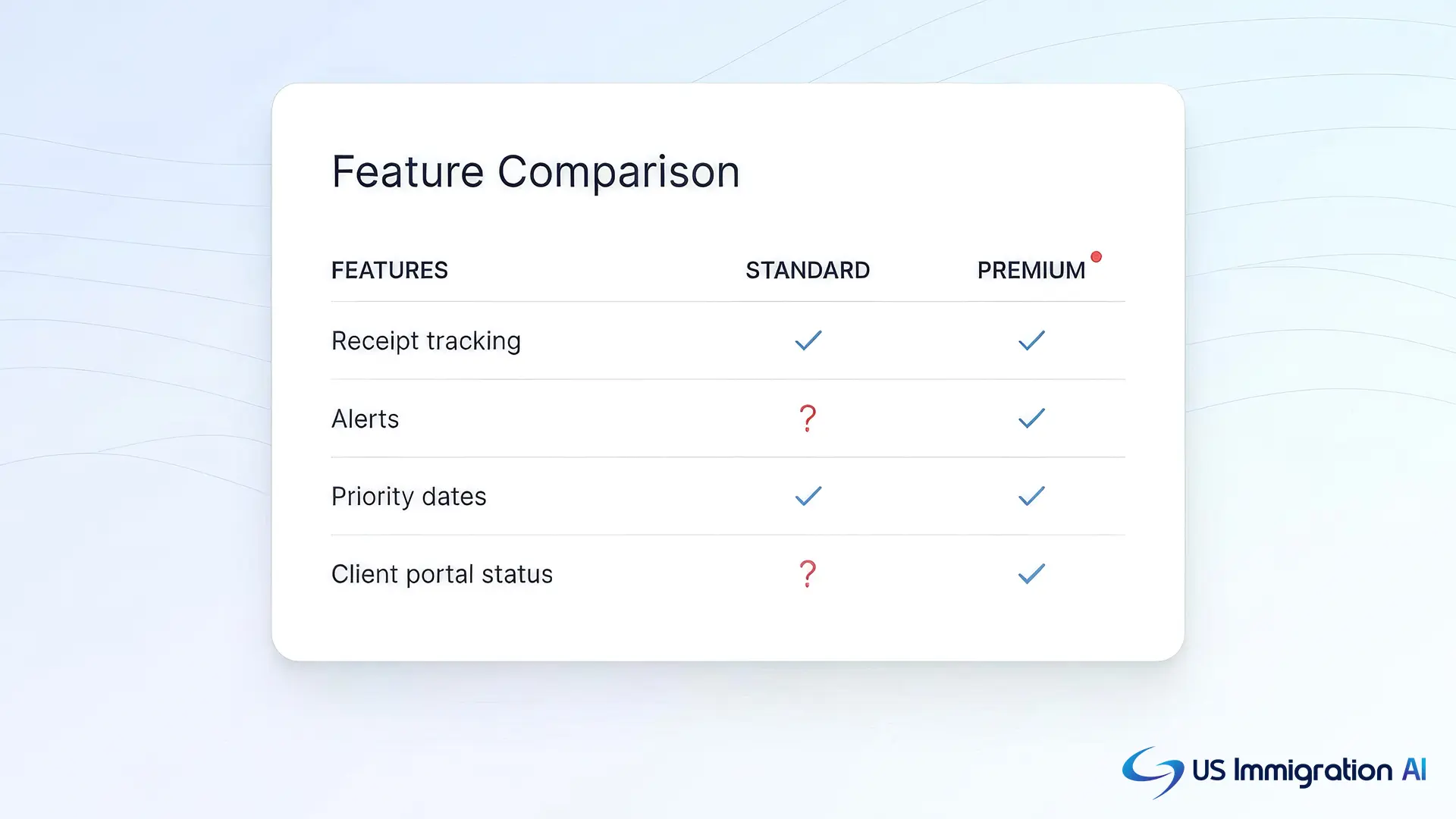
Checked November 3, 2026 against each vendor's published pages.
How Docketwise Handles USCIS Receipt Tracking
Setup in Docketwise takes four steps, according to its help center article on USCIS receipt number tracking:
- Open the matter and select the Case Tracking tab.
- Choose Add Receipt and enter the receipt number as it appears on the notice.
- Optionally note which form the receipt belongs to.
- Save the receipt, and Docketwise shows the current status on the matter.
How often Docketwise checks depends on the plan. The help article says Basic has no automatic checks, Pro checks once a week on Saturdays, and Advanced checks once a day. Any user can press Update on a receipt to check on demand.
When an automatic check finds a change, Docketwise sends an email and an in-app notification to the matter's assignees. A person who is not assigned to the matter does not receive it. Firms can also add a USCIS Receipts column to the matters list and to reports, which puts every receipt's status in one view.
How LollyLaw Tracks Case Status
LollyLaw's own pages describe tracking at the case and task level. Its case management page says firms can track case statuses, manage tasks and organize immigration documents. Its workflows page says the platform ships with 40+ immigration workflows that include forms, deadlines, milestones and tasks.
Four more details come from its other pages:
- Its immigration software page says one dashboard shows what is due, what is filed and what is next.
- Its features overview says alerts tell you when tasks are complete.
- A reminders page says milestone reminders can be shared with staff and schedules can sync to Outlook or Google Calendar.
- Its H-1B status check article, last modified March 27, 2026, says the software can pull lists of cases by H-1B status or deadline.
Across those pages, none says LollyLaw retrieves USCIS status from a receipt number. The H-1B article sends firms to the USCIS Case Status Online tool and recommends turning on USCIS notifications there. Because a vendor's pages can trail its product, ask LollyLaw to add a receipt number during a demo, then show the alert that follows and who receives it.
What Clients See in the Client Portal
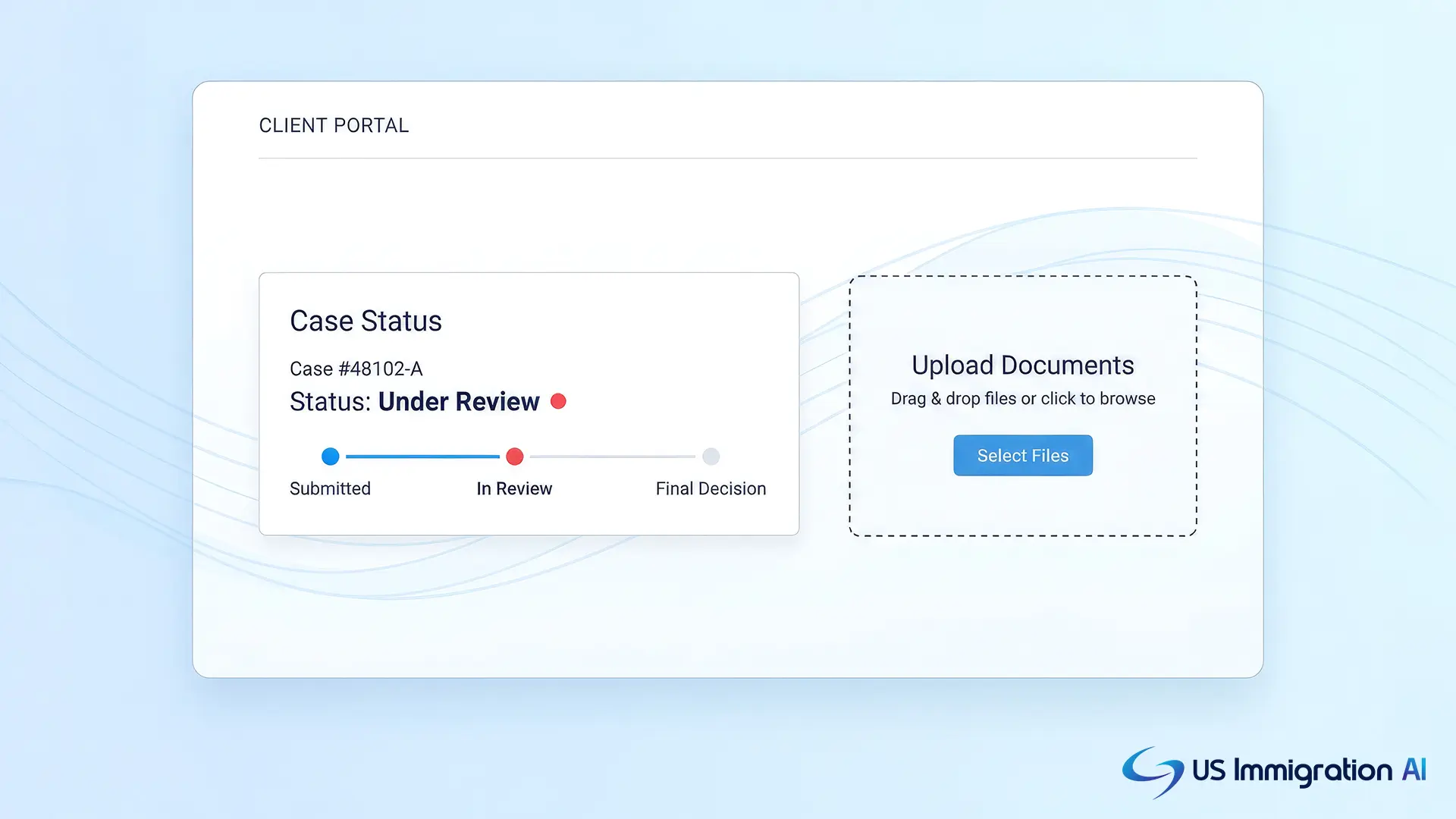
Clients see the result of tracking through the portal, so the last piece to compare is what each one shows. Docketwise lets staff share a receipt's tracking status to the client portal with the Share icon beside the receipt number. Its features page says clients can follow their case at any hour.
LollyLaw's case management page says clients can review and upload documents, make payments and message staff from one place. Its remote collaboration page adds notifications to clients about new portal information, a live chat, and a firm text number. The H-1B article says its Client Bridge shares updates and notifications securely. None of these pages says a USCIS receipt status appears in the portal.
Priority Date Tracking, Deadlines, and Alerts
Priority dates add a second kind of tracking, because they follow a monthly chart instead of a receipt number.
How the Visa Bulletin Charts Work
Each month, the Department of State publishes the Visa Bulletin, and many family and employment cases wait on the dates it lists. It carries two charts, Dates for Filing and Final Action Dates.
According to the American Immigration Lawyers Association, a priority date generally is the filing date of the family or employment immigrant petition, or of the PERM application when one is required. In some months USCIS tells adjustment applicants to file by the Dates for Filing chart, and in others by the Final Action Dates chart. USCIS announces its choice on its website.
How Each Product Handles Priority Date Alerts
In Docketwise, staff enter a priority date and a preference category on the matter. Docketwise updates Visa Bulletin cutoff dates around the start of each month, according to its help center. Alerts cover changes in both Status for Filing and Status for Final Action.
Those alerts appear under the in-app bell and in a monthly email summary, and the firm sets the recipients in Notification Settings. No alert goes out in a month when the bulletin shows no change.
The LollyLaw pages reviewed do not describe priority date tracking or Visa Bulletin alerts. Because USCIS can switch charts from month to month, ask LollyLaw how a firm tracks a priority date and which chart any alert follows.
Pricing and Plan Limits
Cost comes next, and only Docketwise publishes it. Prices below were checked on November 3, 2026. Its pricing page shows two price sets per plan, with a yearly and monthly toggle. For five users, Basic comes to $400 or $450 a month, depending on the billing option.
The pricing page does not say which plan holds automatic checks. The help center article does, as described above, so the plan you buy sets how often Docketwise checks.
LollyLaw lists no prices on its site. It offers a 7-day free trial with no credit card and a custom demo. Third-party listings quote different figures, so ask for a written quote. Docketwise also offers a free trial, and its pricing page does not state the length.
What Reviewers Say
Beyond cost, both products show a 4.5 out of 5 rating on G2, as of its August 15, 2026 update. Docketwise has 40 reviews and LollyLaw has 119, so LollyLaw's score rests on about three times as many ratings.
G2 sub-scores put ease of use at 9.0 for both products. Ease of setup is 9.0 for Docketwise and 8.8 for LollyLaw, and quality of support is 8.5 for Docketwise and 8.9 for LollyLaw. None of these scores measures case tracking on its own.
What Reviewers Say
Beyond cost, both products show a 4.5 out of 5 rating on G2, as of its August 15, 2026 update. Docketwise has 40 reviews and LollyLaw has 119, so LollyLaw's score rests on about three times as many ratings.
G2 sub-scores put ease of use at 9.0 for both products. Ease of setup is 9.0 for Docketwise and 8.8 for LollyLaw, and quality of support is 8.5 for Docketwise and 8.9 for LollyLaw. None of these scores measures case tracking on its own.
An Eight-Step Test Script for Both Trials
Vendor pages only go so far, so a trial is the way to see tracking work on your own cases. Run the same steps in each trial and write down what you see. Use a receipt number from a closed matter, which keeps live client data out of the test.
Step 1: Add a Receipt Number
Record the clicks and minutes it takes to reach the first status. This shows the setup effort in each product.
Step 2: Wait for the Next Check
Record whether the status refreshes without a click, and how long it takes. This separates automatic from manual tracking and shows the effect of the plan.
Step 3: Trigger a Status Change
Trigger a status change, or ask the vendor to simulate one, and record who is alerted and by which channel. This shows whether alerts reach the assigned staff.
Step 4: Open the Case List
Record whether all receipts appear in one view or report. This sets the daily workload.
Step 5: Share the Status With a Client
Record what the portal displays. This predicts fewer status calls.
Step 6: Add a Priority Date
Record which Visa Bulletin chart the alert follows. This avoids alerts tied to the wrong chart.
Step 7: Check the Plan
Record which plan includes each feature. This prevents a surprise upgrade.
Step 8: Look for an Export
Record whether receipts and statuses can leave the product in a report. This supports firm reporting.
Trial accounts may not include every plan's features, so ask each vendor which plan the trial runs on before you judge automatic checks.
Where US Immigration AI Fits
Tracking begins after filing, so the work before filing is where a different kind of software helps. US Immigration AI is AI-powered immigration case management software that covers that earlier stretch:
- AI Intake screens new leads and checks whether they qualify for a visa.
- AI Retainer drafts the attorney contract and tracks digital signatures.
- The Immigration Client Portal collects client documents and reminds clients about missing files.
- AI Legal Document Drafting fills USCIS forms from intake data.
- AI Case Assembly packages the file for filing.
You can see how the pieces connect on the how it works page.
Grow Your Caseload With US Immigration AI
If the work before filing is where your team loses time, a short demo shows intake, document collection and case assembly working together. Schedule a demo to see it on your own case types.
Frequently Asked Questions
About This Comparison
US Immigration AI has no business relationship with Docketwise or LollyLaw. To report an error or an out-of-date figure, use the contact page.